Sharing photos and updates with families
Post a photo and a line at the end of a class, and choose who sees it before you post rather than after.
3 min read
Parents never see the session
Most parents see a door, a bag and a tired child. The hour in between is invisible to them, and when renewal comes round they are deciding on very little.
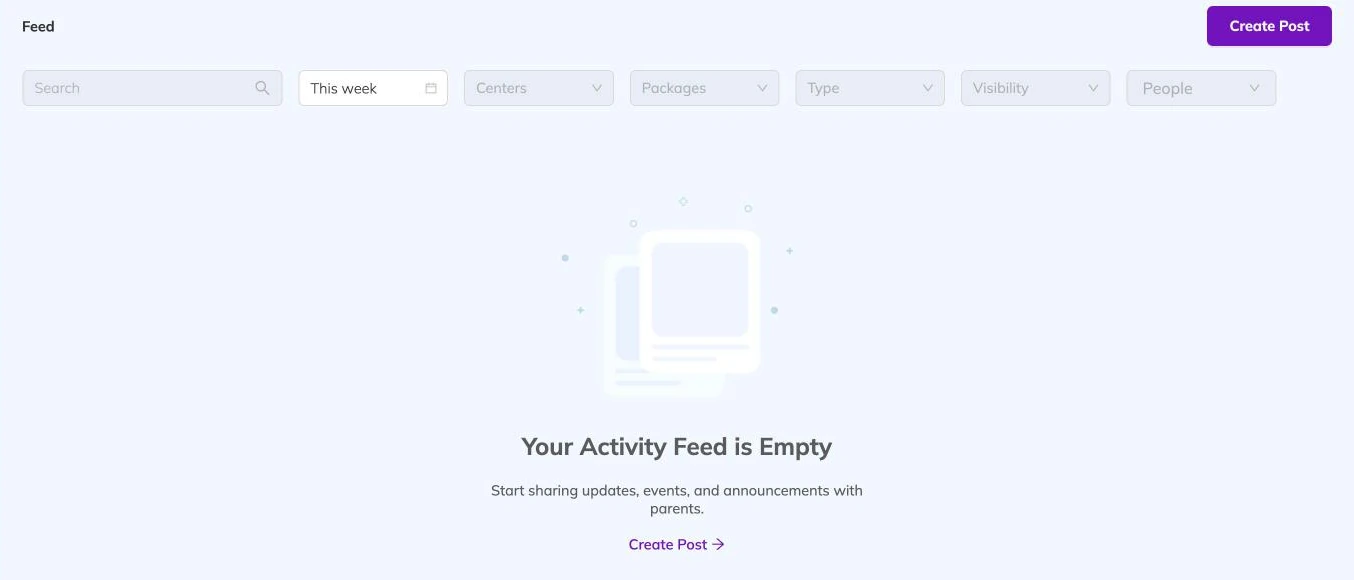
Two photos and a line about what the group worked on closes that gap, and it costs a minute at the end of the class. Posts land in the family's feed, where parents can like a post and comment on it, and staff can reply.
Deciding who sees it
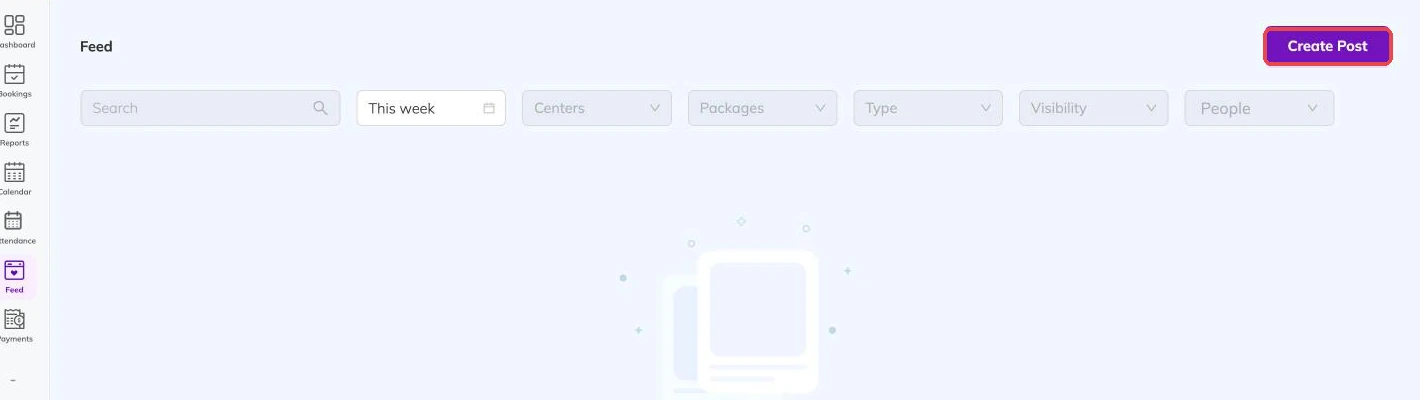
Every post carries an audience, chosen as you write it.
- Public — not limited to the families booked with you.
- A centre — every family at that location.
- A package — the families booked onto that programme.
- Specific people — chosen families, chosen children or chosen staff.
Photos with other people's children in them
Getting the pictures up from a sports hall
Photos and video upload after the post itself is created, so the words can be saved while the media is still on its way. On a weak signal the upload fails, and you are told when it does.
When that happens, post the words at the time and add the pictures later by editing the post, from somewhere with a usable connection. Trying the same upload again in the same corridor rarely goes differently.
Comments
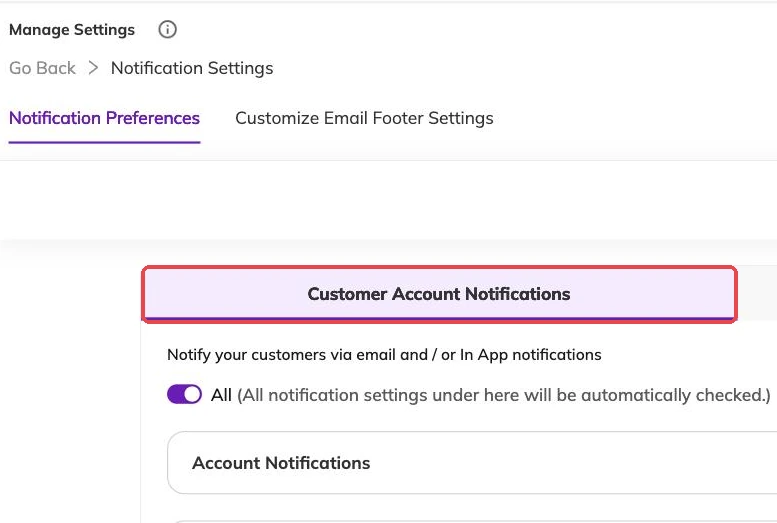
Comments are on unless you turn them off, and that is a decision you make per post.
Leave them on for the ordinary week-to-week posts. A parent saying thank you is most of the value. Turn them off when you are posting something that will draw replies nobody can handle mid-session — a fee change, a disrupted timetable, anything that went wrong.
Comments and replies can be edited or removed afterwards if one needs dealing with.
Taking a post down
Unpublishing hides a post from families and keeps it. That is what you want when you are unsure and would like a colleague to look first.
Deleting removes it, and that one is permanent. Unpublish while you decide.
Making it a habit rather than a project
One post per batch per week, taken on a phone during the session, does more than a termly gallery nobody scrolls to the end of.
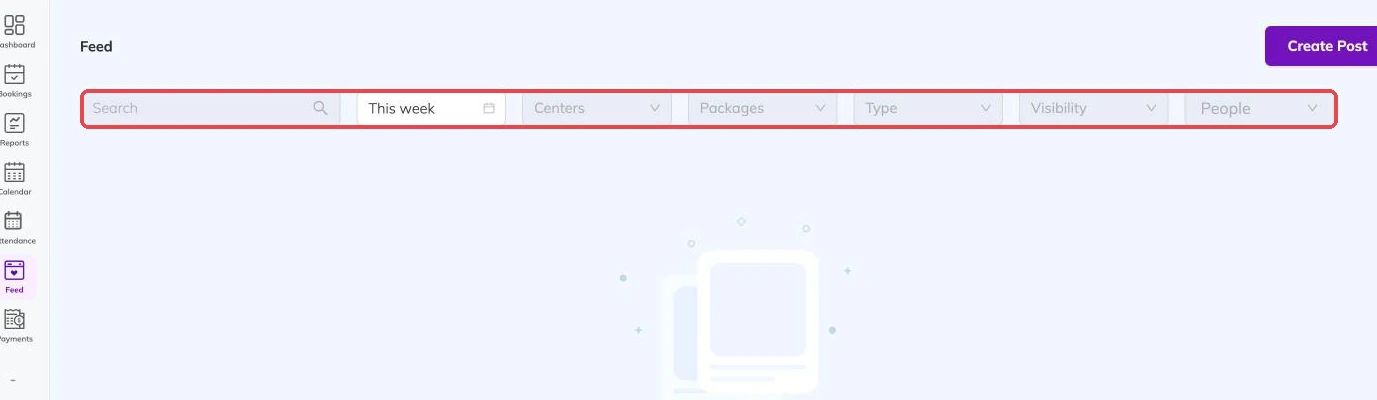
Tagging the children who were there is how their families find the post, so tag rather than leaving it general.
More on running your day
Taking attendance
Mark a register from your phone mid-session, and know what an absence does to the place, the invoice and the parent's inbox.
What your dashboard numbers actually count
Why your revenue figure is not money in the bank, why bookings look quiet mid-term, and why your screen does not match a colleague's.
Reminders and automatic messages
Set how long before a session families get reminded, and keep instructors' notifications down to the things that change their day.