Adding a family without creating a duplicate
What to put on a family record when you add one yourself, and what Bookingo does when the email address or phone number already belongs to someone.
4 min read
Most families never need typing in
You are usually adding a family for one of two reasons. You are moving over from another system and want people in place before you go live, or a parent has rung up and you are booking for them while they wait on the phone.
Everything else arrives on its own. When a parent books, the family and the children on it are created as part of that booking — Taking bookings covers that end of it. A centre that has been live a few weeks already holds most of its families without anyone having typed one in. Importing your programmes from a spreadsheet is about programmes, not people, so the families you do add by hand are added one at a time.
What goes on a family record
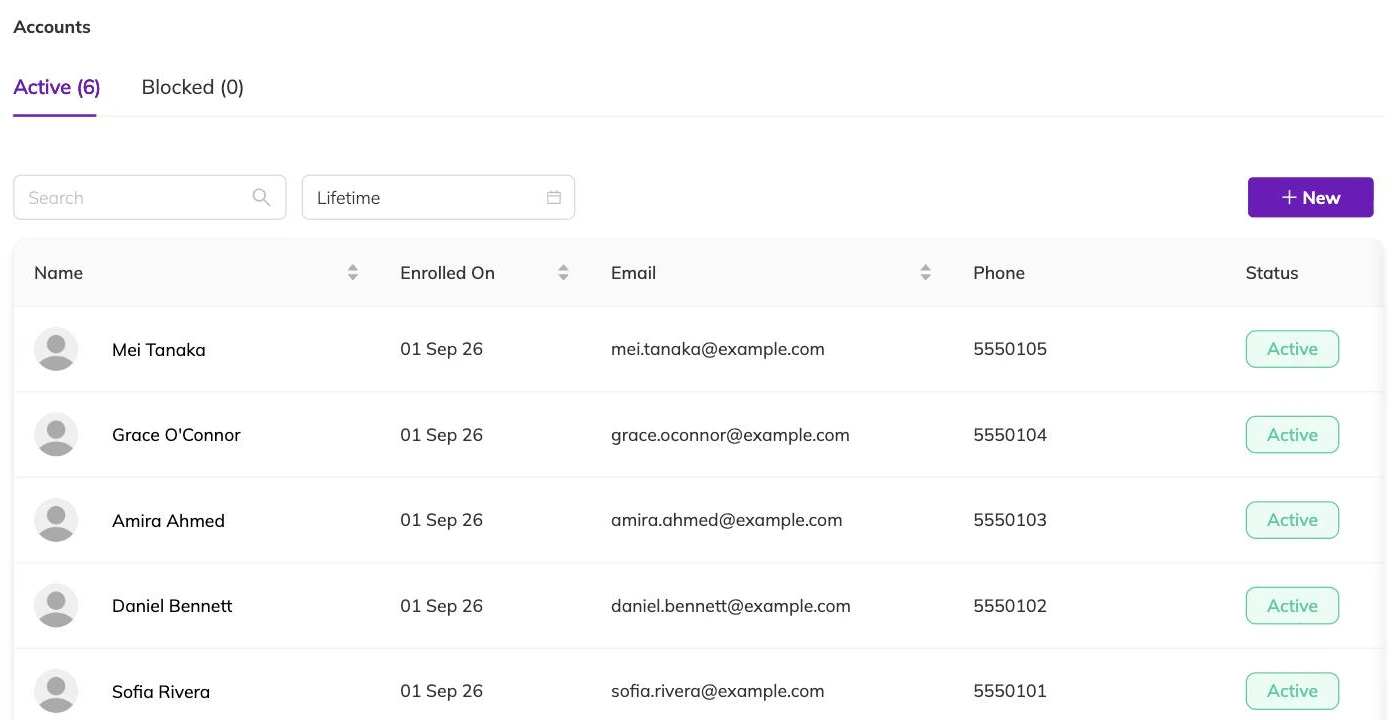
A family record is the contact adult plus the children underneath them. The email address and phone number do more work than they look like they do: they are what the parent signs in with, and what Bookingo matches on when the same details turn up again.
- A name for the adult you will be dealing with.
- An email address, a phone number, or both. Give both where you have both.
- At least one child, with a name. A date of birth is not required.
- Anything extra your centre has added to a child's record, such as allergies or a school name.
The children sit under the family
Your centre chooses what to call them, so what you see may say Students, Members or Children. What does not change is where they sit: underneath the family, never on their own.
That is what lets one parent book for two siblings without you entering the household twice. It is also what keeps one child's bookings and attendance together rather than split across two names.
When the details already belong to someone
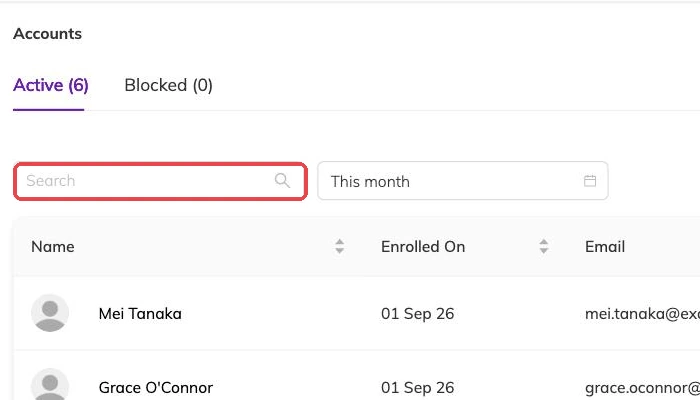
Type in an email address or phone number that already belongs to a family here and Bookingo does not make a second record. It tells you the family exists, hands you that family, and saves the details you typed onto it.
So the duplicate you were worried about mostly cannot happen. The case worth understanding is the one where the two details disagree with each other.
When a change is refused
Editing an existing family is stricter than creating one. Change a family's email address or phone number to one that another family already uses and Bookingo refuses it outright rather than moving the sign-in across. Work out which household keeps the contact, clear it from the other, then make the change.
The other refusal is a blocked contact. A blocked email address or phone number cannot be used to create a family or to edit one, and that applies to your own staff as much as to parents. Blocking a contact so they can't book covers what a block does.
Adding a child to a household you already have
Add the child to the family that exists rather than starting a second family for the same household. They then share that family's contact details, appear in the parent's own view, and can be booked alongside their siblings.
Two adults in different households needing to book for the same child is a different problem, and entering the child twice is the wrong answer to it — two records mean two places taken in a session that needs one. Giving two households access to the same child explains what to do instead.
Removing someone, and the safer alternative
Deleting a family is permanent, and Bookingo will not let you do it while any booking still refers to them, cancelled ones included. Their bookings, invoices and registers would be left pointing at a record that no longer exists.
Marking a family inactive is the reversible choice and usually the right one, including for families you expect back next term. An inactive family cannot be booked in, so it also stops anyone re-booking them by accident. For a child who has left, change their status rather than deleting the record: the history stays attached to them.
Families do not need a sign-in for you to book them in, though most centres want them to have one. Send an invitation to the email address on the record and the parent sets up their own access. Participants and family accounts covers what they can see once they are in.
More on families and children
Blocking a contact so they can't book
Stop an email address or phone number being used to book with you, and know exactly what a block leaves running.
Giving two households access to the same child
Link two family records so both adults can book for the same child, without the child existing twice and taking two places.
Participants and family accounts
How children and families are structured, what parents can do themselves, and how to avoid duplicate records.