Taking attendance
Mark a register from your phone mid-session, and know what an absence does to the place, the invoice and the parent's inbox.
3 min read
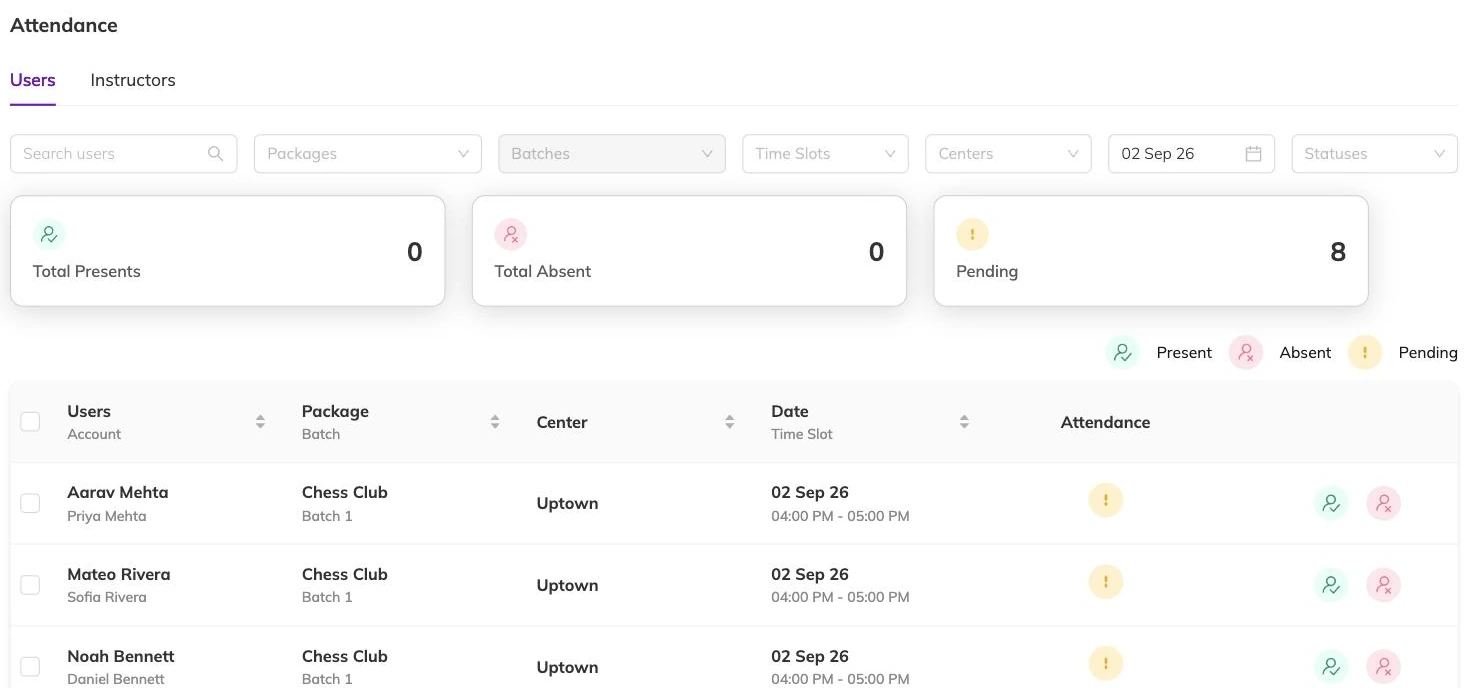
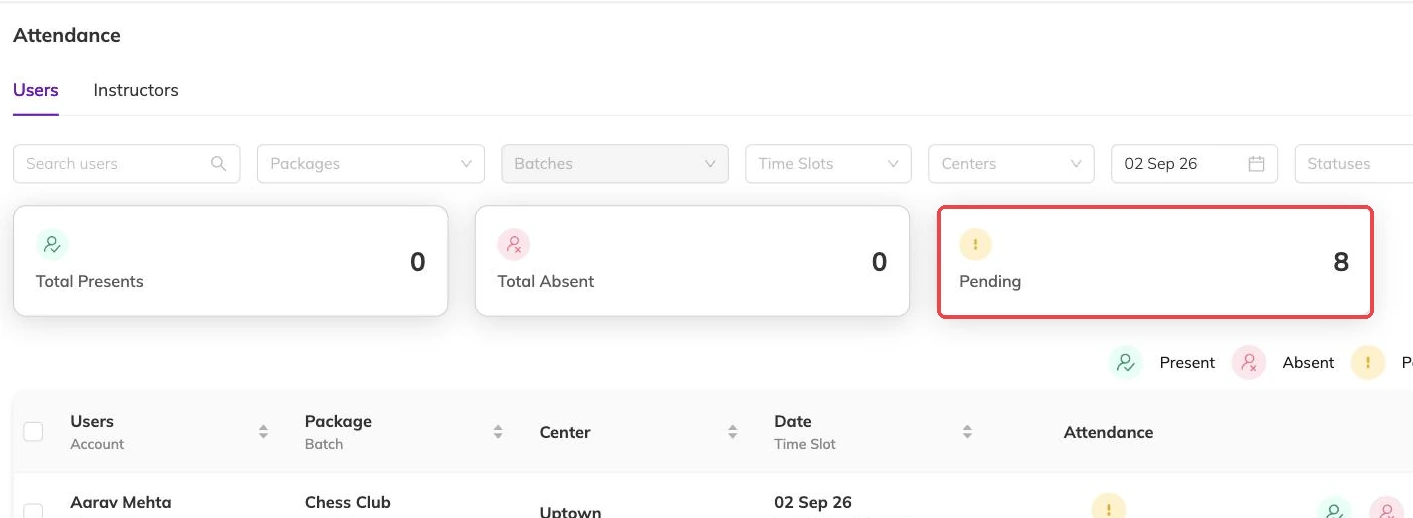
Each session has its own register
A family books eight Tuesdays. That booking holds a place in all eight, and every one of those Tuesdays is marked separately. There is no single attended tick sitting on the booking itself.
So the register you open is always one date in one batch. If the same programme runs twice on a Saturday morning, those are two batches with two registers, and it is easy to mark the wrong one. Packages and batches explained covers how that structure is built.
What a mark can say
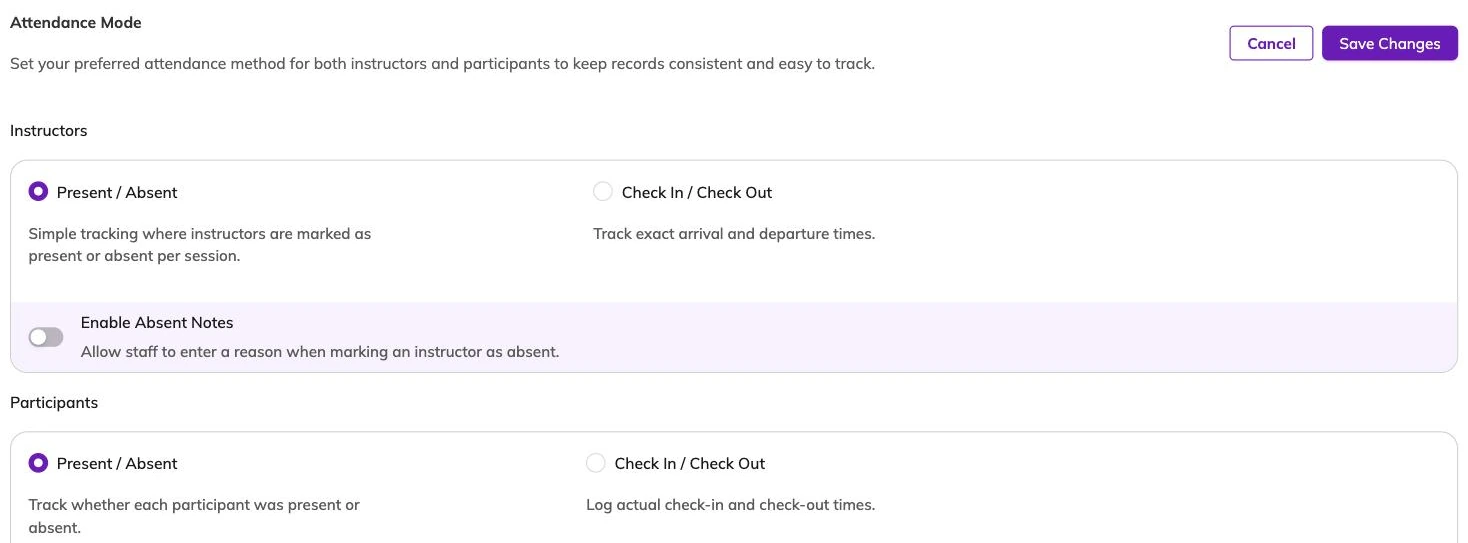
Present and absent are not the only options. What you use depends on how your centre runs the day.
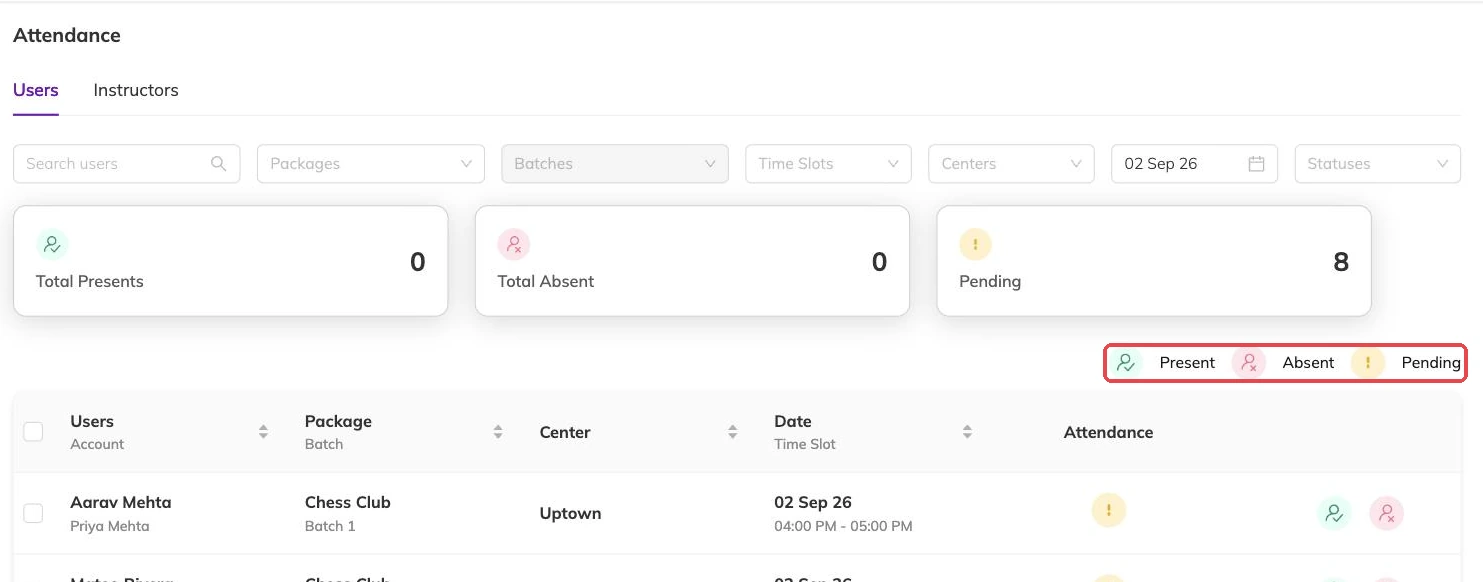
- Present — the child was in the session.
- Absent — the child held a place and did not come.
- Checked in and checked out — arrival and collection, when you need the time as well as the fact.
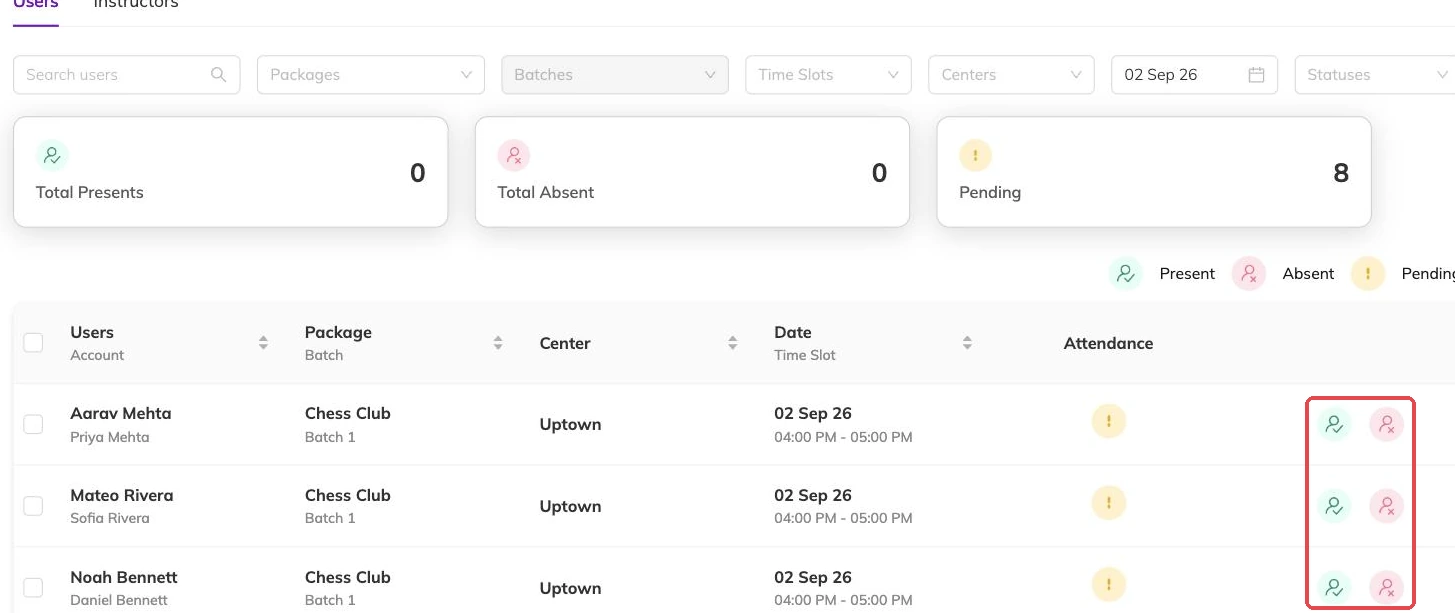
- Clearing a mark — takes the child back to unmarked, for when you tapped the wrong row.
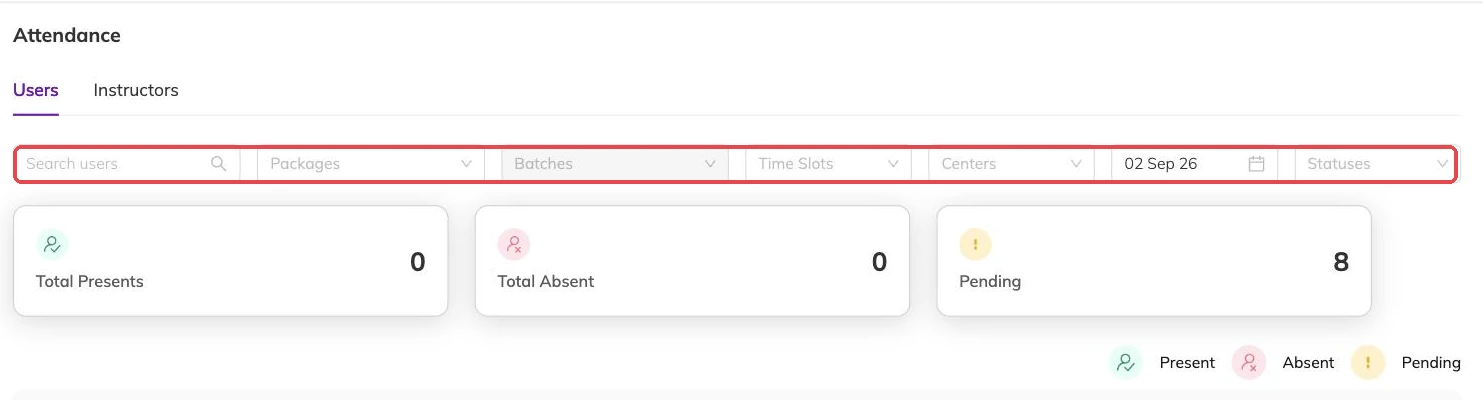
Marking a whole class in one go
You do not have to open each child in turn. A register can be marked in one action, and where you teach back-to-back sessions you can cover more than one register at a time. That is the difference between attendance done on the floor and attendance done at nine that evening from memory.
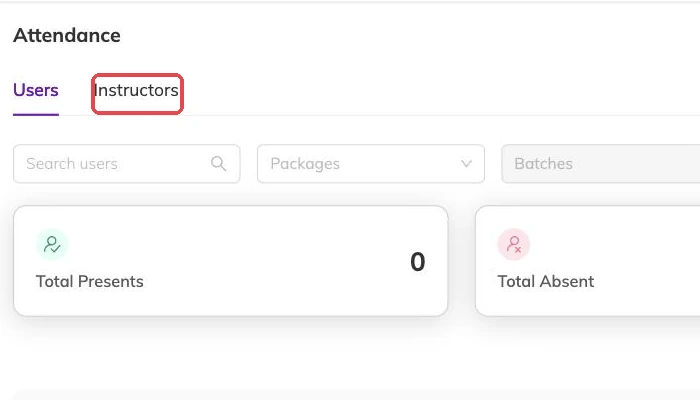
Staff attendance sits alongside the children's, so a session can show who taught it as well as who came.
An absent mark can reach the parent before you have finished looking
Attendance is one of the things Bookingo can message families about, depending on what your centre has switched on.
Absent is not the same as cancelled
Marking a child absent records what happened and nothing else. The booking stands, the place stays held, the invoice is unchanged. The family is still billed for the session they missed.
If a family has stopped coming, or is away for a fortnight, deal with the booking rather than marking absent week after week. Cancelling releases the places immediately, and the invoice is handled at the same time. Cancellations and refunds and Rescheduling a booking cover which of the two you want.
Correcting a mark later, and why it is worth going back
Marks can be changed after the session. A wrong one is worth returning to.
The register is what you get asked about weeks later. Whether a child was there the day something happened. Whether a family chasing a credit actually attended. Whether the batch that feels full really is. A register where everyone is present because that was quicker answers none of those.
When a child is not on the register
A child appears on a register only where they hold a place in that session. Working around a missing name — marking someone else, or leaving the session blank — leaves you with a wrong register as well as a wrong booking. Sort out the booking and the register follows.
Three things account for most missing names:
- The booking was requested but never confirmed. Taking bookings covers the states a booking moves through.
- The child is booked on a different batch running at a similar time.
- The family ended up on the waitlist rather than booked. Waitlists sets out what they were told.
More on running your day
Sharing photos and updates with families
Post a photo and a line at the end of a class, and choose who sees it before you post rather than after.
What your dashboard numbers actually count
Why your revenue figure is not money in the bank, why bookings look quiet mid-term, and why your screen does not match a colleague's.
Reminders and automatic messages
Set how long before a session families get reminded, and keep instructors' notifications down to the things that change their day.