Automatic recurring payments
Collect monthly and weekly fees from a card the family has already saved, and know what to check when a collection fails.
3 min read
Every cycle is another payment somebody has to collect
A monthly plan raises a new invoice every month, for every family on it, for as long as the booking runs. Each one is a payment that has to be asked for, taken and recorded. Across a term that becomes somebody's week.
Automatic payment collects those invoices from a card the family has already saved. The first you hear about it is the payment appearing in your ledger.
It changes nothing about how the invoice is built. Same price option, same fees, same tax, and the same settings deciding when it is raised and when it falls due — see Pricing, frequency and payment plans.
Three things have to line up
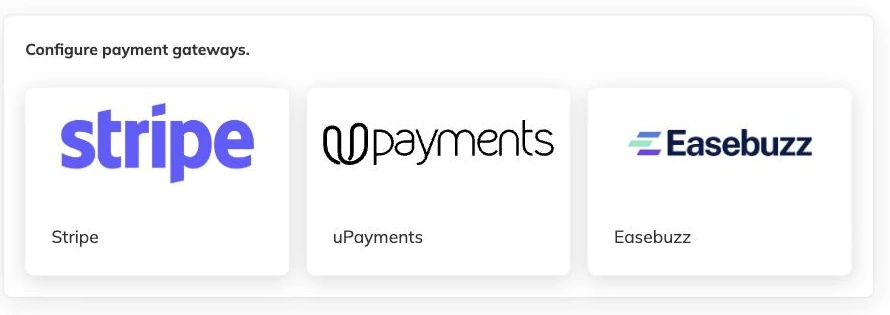
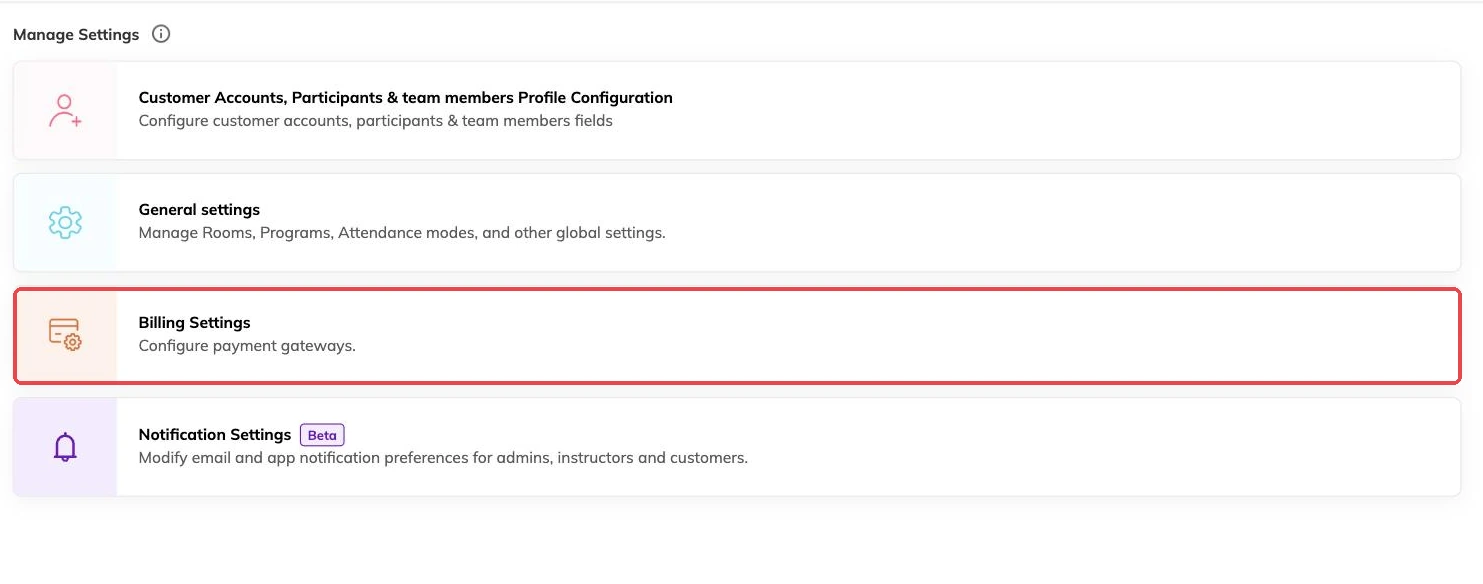
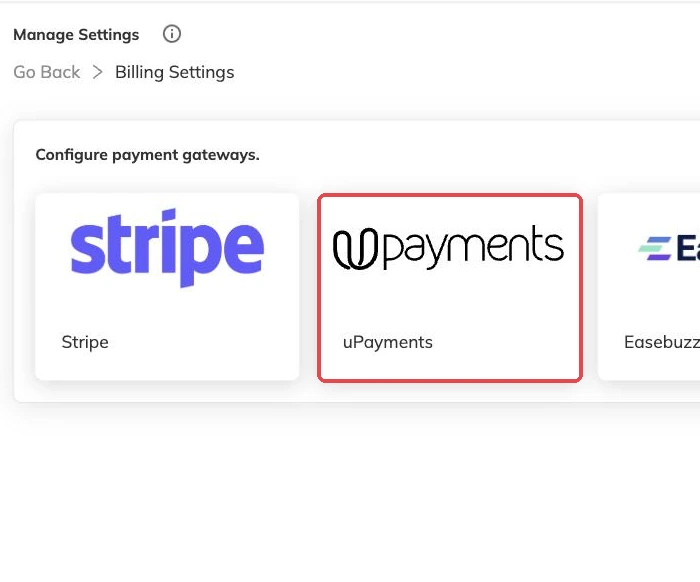
- Connect a payment provider for the centre. Nothing automatic happens without one — see Taking payment online.
- Allow automatic payment on the price option families are booking. It is a setting on the option, not on the programme as a whole, so monthly tuition can collect itself while a one-off course fee on the same programme does not.
- Have the family save a card, with their consent. A card is saved when a family pays online while signed in to their own account and agrees to it being kept for future payments.
Which options are worth switching it on for
Automatic payment earns its keep on anything that repeats: monthly tuition, weekly classes, a custom period that renews. On an option that raises a single invoice it gains you very little, because there is one payment to make and the family is usually making it as they book.
Where a programme carries several options you can allow it on some and not others. The monthly option collects automatically; the pay-for-the-whole-term option beside it does not.
Consent, and who controls it
A card is saved by the family, at their end, as they pay. You cannot add one on their behalf. That is deliberate — the permission has to come from the cardholder, not from whoever is on the desk.
Once a card is saved, automatic collection can be on or off for that individual family. There is also a centre-wide default that decides how newly created families start out. Turn the default on and each new family who saves a card is set up to be charged automatically. Leave it off and each one becomes a decision someone makes.
When a charge does not go through
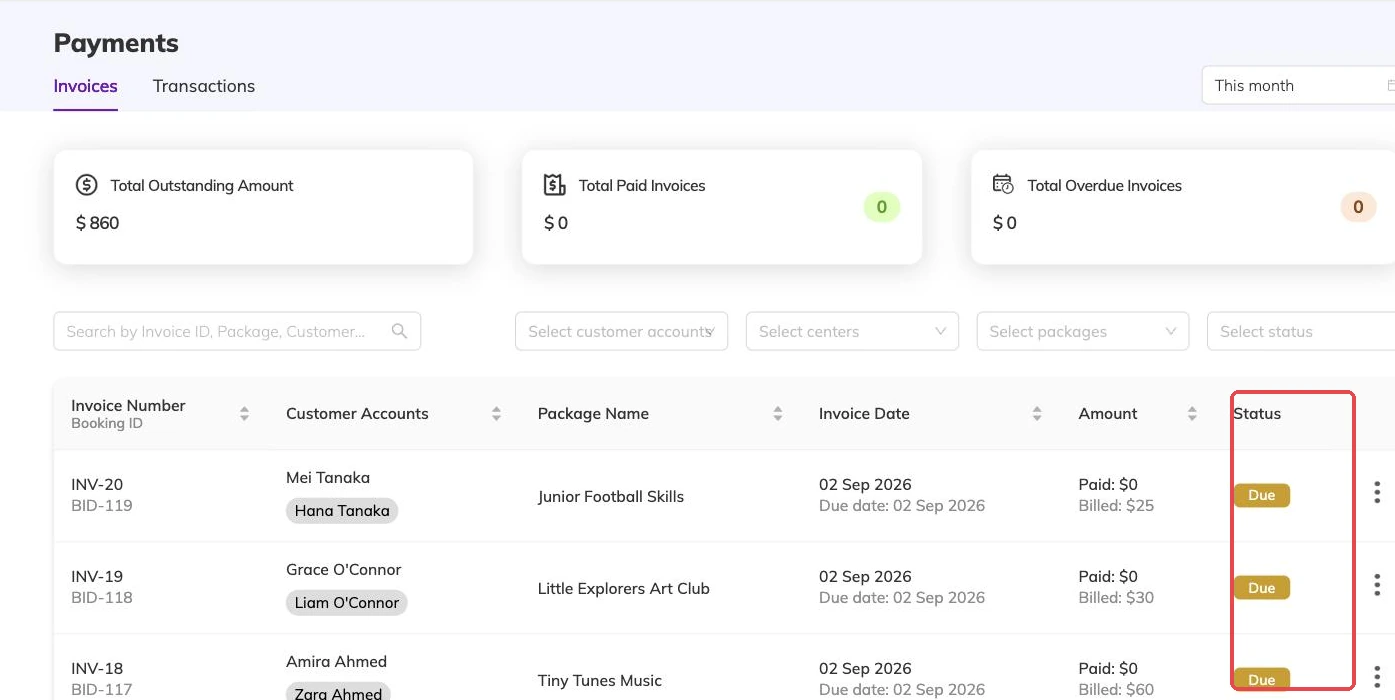
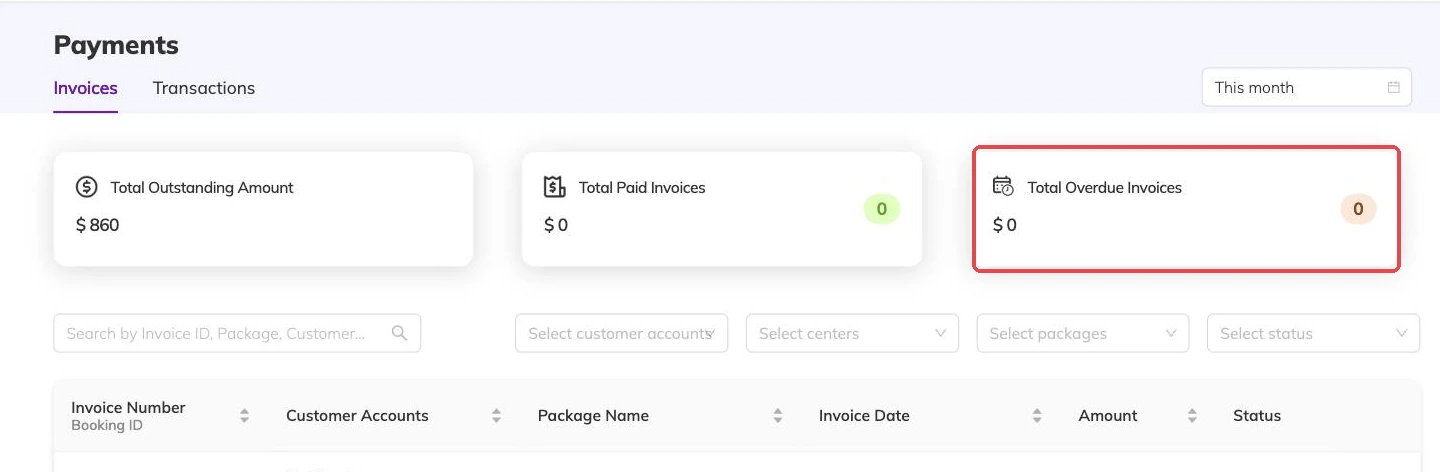
Cards expire, get replaced, get declined. A failed collection does not disappear quietly: the invoice stays outstanding and turns up in the same place as everything else owed to you. Outstanding balances and reminders covers picking those up.
Automatic payment reduces the chasing. It does not remove the need to look. A monthly plan that has been failing since a card expired is only obvious to somebody who reads the outstanding list.
Stopping it
Future collections stop when the invoices stop. Cancelling a booking ends the invoices it was generating, which ends the charges — Cancellations and refunds covers what happens to invoices already raised and to money already taken.
Turning automatic payment off on a price option stops future invoices from that option being collected automatically. It reverses nothing already taken.
More on money
Outstanding balances and reminders
See who owes what today, send a reminder that is logged against the invoice, and recognise the balances that should never be chased at all.
Discounts, codes and automatic offers
Flat and percentage discounts, codes versus automatic offers, new-customer and returning-customer pricing, and discounts that apply themselves based on answers families give.
Registration fees, extra charges and tax
Add joining fees, materials charges, tax and late fees to the programmes they belong to, and know what changing a rate later does to invoices already raised.