Booking confirmations and PDFs
What the family receives when they book, how to get hold of it again, and why it is not proof of what was agreed on the day.
3 min read
What goes out when a booking is made
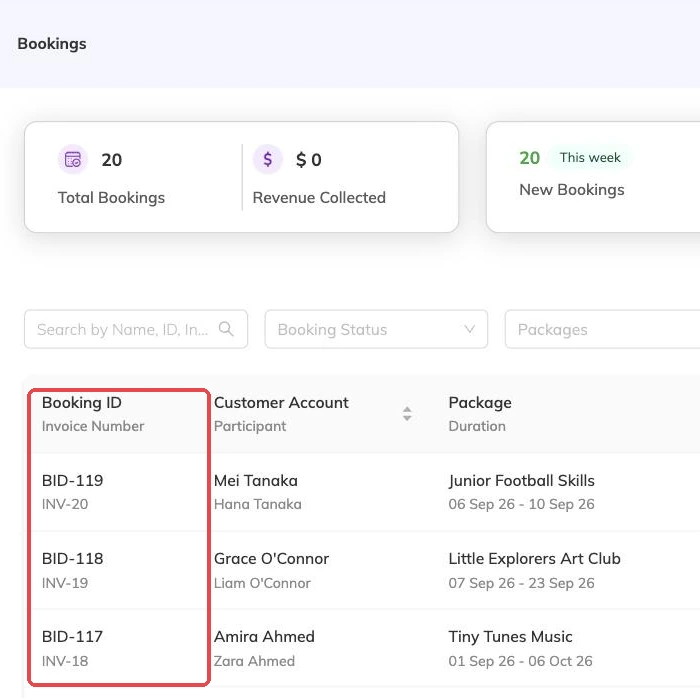
Book three children at once and the parent will expect one sheet. They get three. Each child's booking carries its own booking number and its own confirmation, and there is no single document covering the group — worth saying out loud at the desk.
All of it goes as soon as the booking saves: the family is notified and emailed the confirmation as a PDF, and your staff are emailed their own copy.

What's on it
- The programme and the batch it was booked onto
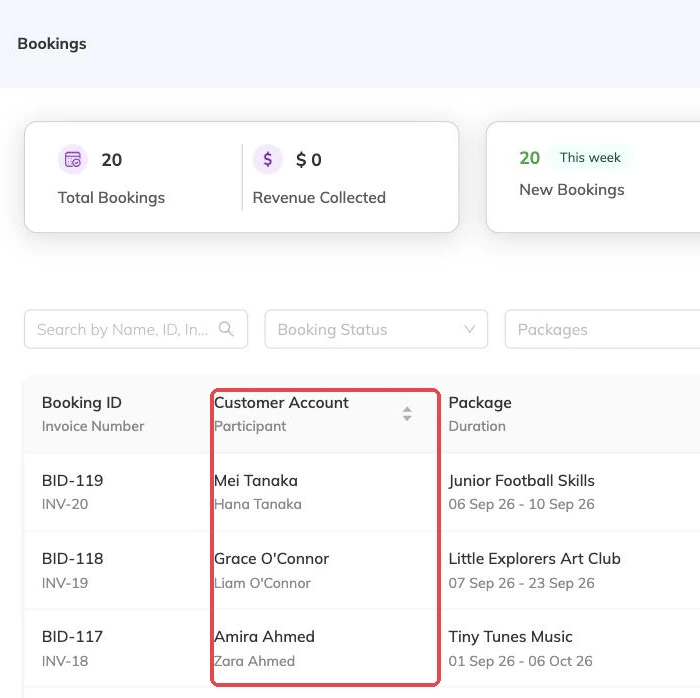
- The child's name and the family the booking sits under
- The centre name and its full address
- The dates covered and the times, or a note that the booking runs to several different timings
- How many days the booking runs for
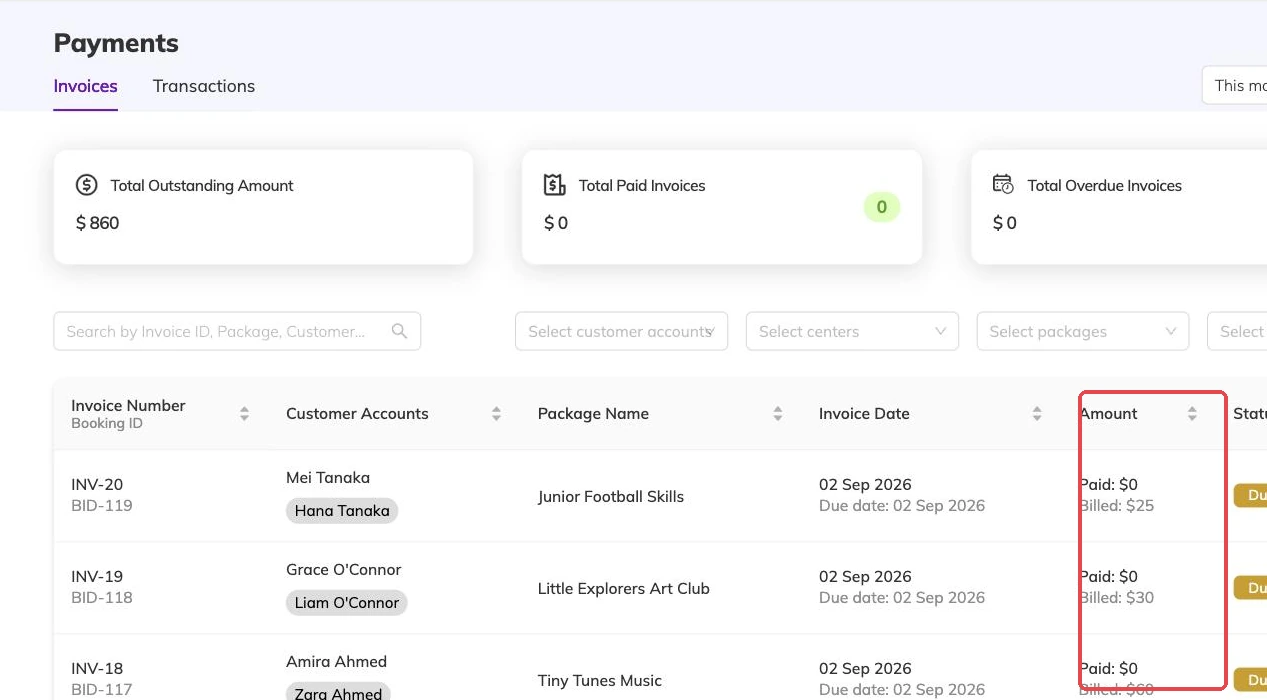
- The pricing option chosen, the breakdown, what has been paid and what is outstanding
- The booking number and where the booking currently stands
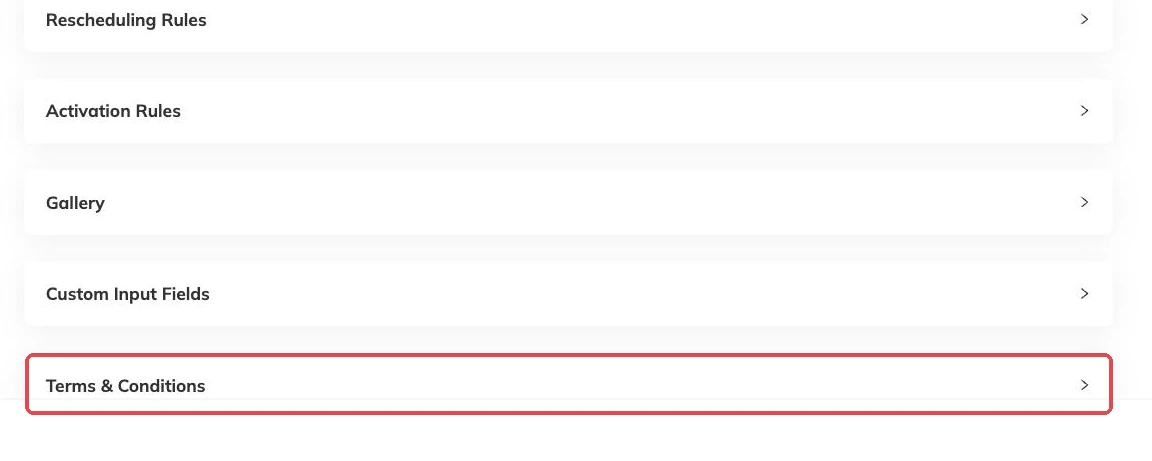
- Anything the family filled in on the booking form, and any terms they agreed to
- The cancellation and rescheduling rules that apply to it
The family copy and the staff copy
Two versions exist and they carry the same booking detail. What differs is where the link on them leads: the family copy opens the family's own view of the booking, the staff copy opens it in the admin console.
Emails to families carry the family copy and emails to staff carry the staff copy. Check which one is in your hand before forwarding it to a parent.
Getting hold of it again
Both copies are kept against the booking itself, so go to the booking and download it rather than hunting through email. It is the same file the family was sent.
If it is briefly not there straight after a change, it is being rebuilt.
It is rebuilt every time the booking changes
Confirm, cancel, reschedule or edit a booking, or record a payment against it, and the confirmation is regenerated. The new version replaces the old one.
Most days that is what you want. Whoever opens it sees the booking as it stands today, with the current dates and the current balance, rather than something that stopped being true a month ago.
If a family says nothing arrived
- Check the email address on the family record. The confirmation goes wherever that points, including to a typo left behind by an earlier booking
- Check the notification is switched on. New booking, confirmation, cancellation and reschedule can each be turned off, and turning one off stops the email as well as the in-app notice
- Ask them to look in their spam folder
- Point them at their own view of the booking in the meantime. The confirmation is a copy, not the record itself, so the booking is there whether the email landed or not
More on bookings
Booking on a family's behalf
Take a booking at the desk or over the phone: what you need in front of you, what saving sets off straight away, and why a booking gets refused.
Cancellations and refunds
What happens to the schedule, the place and the invoice when a booking is cancelled, and what a family sees.
Confirming and approving bookings
Turn on approval for a programme, work the queue of bookings waiting on you, and know why that queue is not the same as a waitlist. Why a queue left alone fills your batches without filling your bank account.