The page families book from
What families see on your booking page, what decides how a programme appears in the list, and the five reasons one is missing.
3 min read
Everything you set up lands here
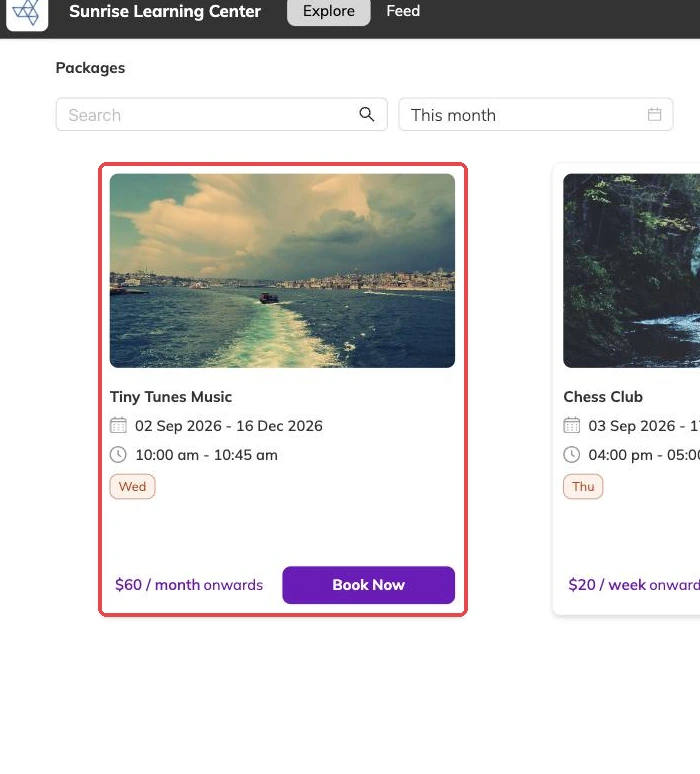
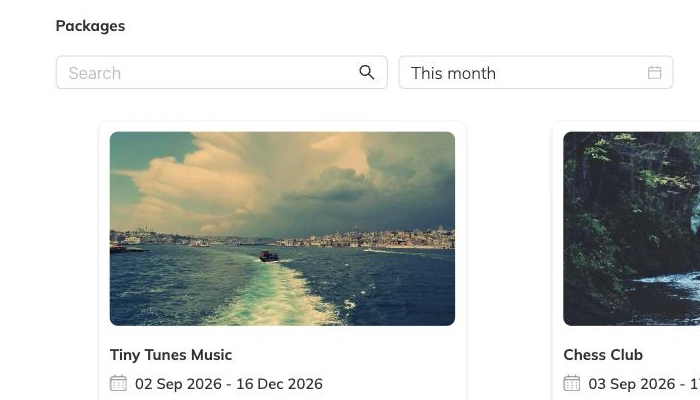
Your booking page is the screen your setup is judged on and the one you never look at. It lists the programmes that are live at a centre, with the names, descriptions and cover images you wrote, and takes the booking.
Families can look without an account, and are asked for their details when they decide to book.
There is no separate marketing layer over the top of this. What is on the programme is what a parent reads, which is why the description belongs to setup rather than to some later week.
One centre at a time
The page shows one centre's programmes. Families choose the centre, then see what runs there, and a programme appears at whichever centres its batches run at.
If you run several sites, that is usually what you want: a parent in one town is not scrolling past classes they would never drive to. Running multiple locations covers how a programme comes to appear at more than one.
What decides how a programme looks in the list
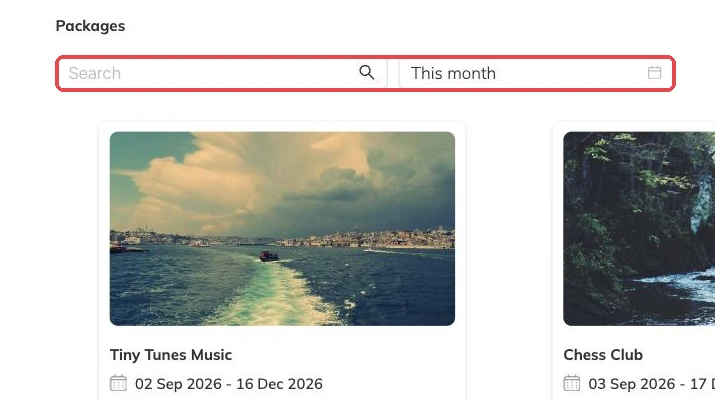
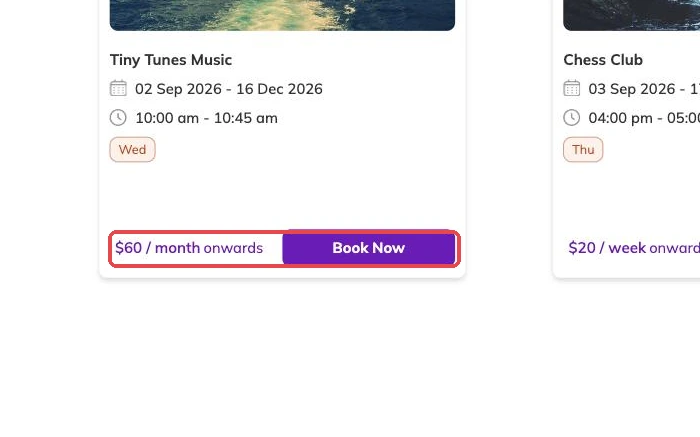
That last one catches people out. Offer a single-session or trial price alongside a term price and the low number is what families see first, with the term price waiting at checkout. Decide which impression you want before attaching both to the same programme.
- The name, which should say what it is and roughly who it is for.
- The cover image, which does more work than anything else on the page.
- The description, which is what a parent reads to decide.
- The price shown, which is the cheapest option on the programme.
Where the link goes
The page is a link, so it goes wherever your families already are: the newsletter, your website, a parents' group, the footer of the emails you send anyway.
Open it on a phone before a term opens for booking. Descriptions that read well while you are writing them read badly on a small screen, and the small screen is where most bookings come from.
Why a programme is not showing
Work down that list in order; it is roughly how often each one turns out to be the answer. The last case is the expensive one, because it costs you bookings without ever looking like a problem. Waitlists covers how to stop that happening quietly.
- It is still a draft.
- It is live but hidden, or the batch you are looking for is hidden.
- You are looking at a different centre from the one its batches run at.
- Its batches have no sessions left in the future, which is common on a duplicate whose dates were never moved forward.
- Every session is full and there is no waitlist, so there is nothing left to book.
What happens when someone books
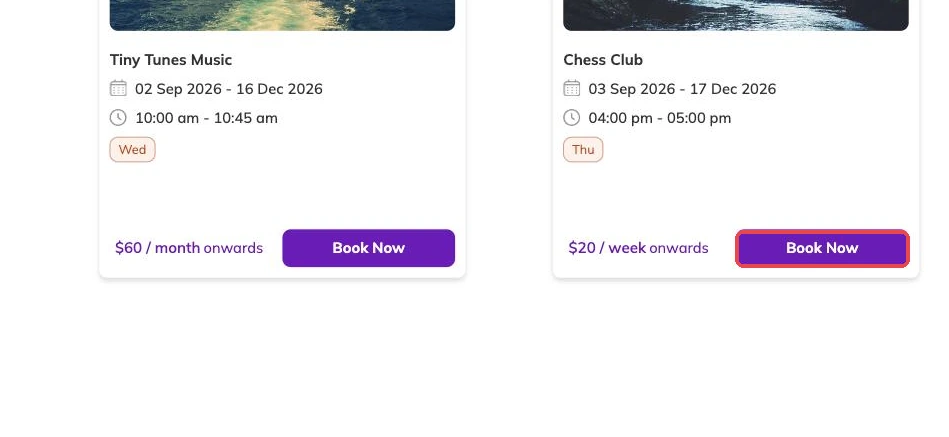
A booking creates or attaches to a family account with the children on it, takes a place in every session it covers, and raises an invoice. Participants and family accounts covers how families and children are held; Invoices and payments covers the money.
You can also book a family in yourself, which is what you do for a phone booking or a family who cannot pay online. Taking bookings covers that route.
More on programmes
Activities and how they attach to programmes
Group what you run — ballet, swimming, guitar — so a parent can tell what a programme is and a report can total a subject rather than eleven programme names.
Checking what is actually running
How to see every session your batches produce across programmes, instructors and centres, and the checks worth doing there before a term opens.
How places are counted, and who can book
Why a batch that looks half empty can still refuse a booking, where the number of places lives, and the controls that decide which children are eligible.