Checking what is actually running
How to see every session your batches produce across programmes, instructors and centres, and the checks worth doing there before a term opens.
3 min read
What the calendar answers
Nobody opens the calendar for pleasure. You open it because an instructor wants to know what their Thursday looks like, or because you have a feeling that the week you are closed still has classes sitting in it.
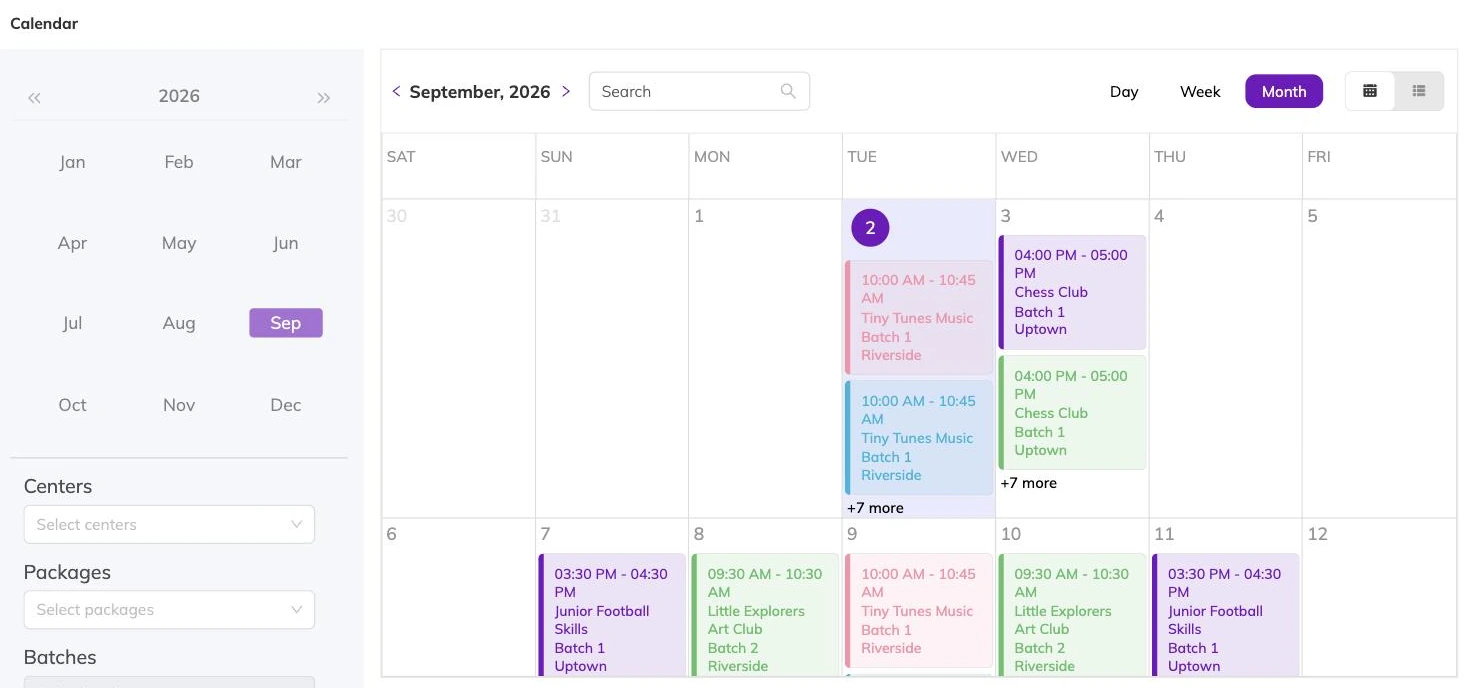
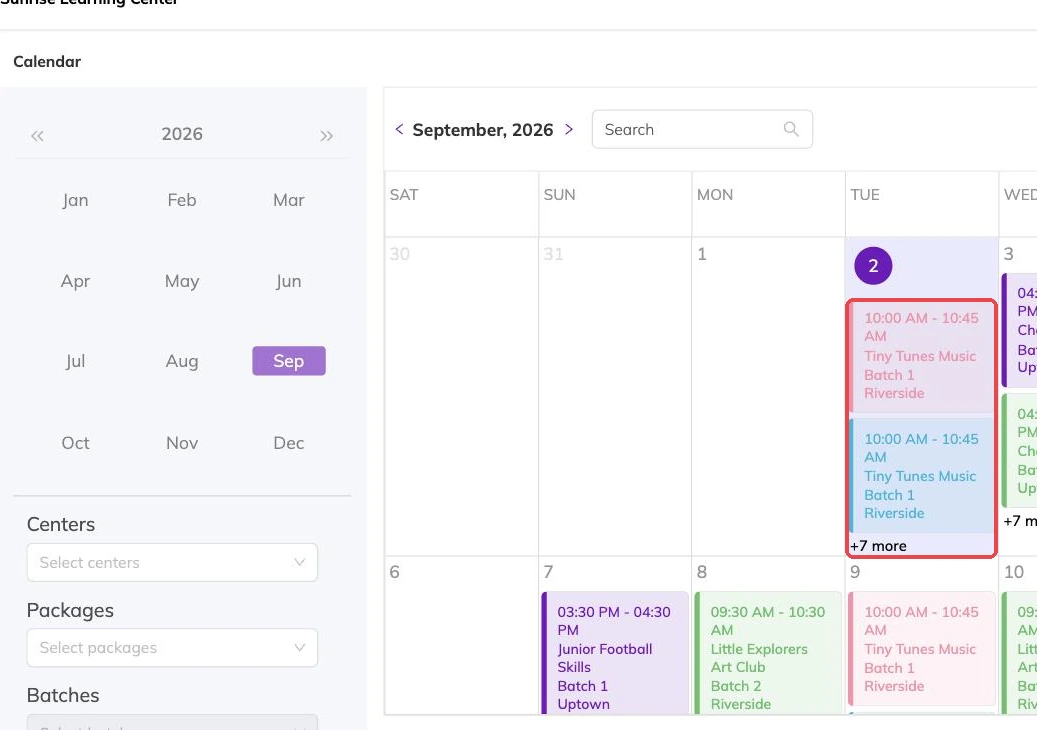
It shows every session your batches produce at one centre, across the dates you are looking at. Recurring and fixed-date batches land in it the same way, so a term class and a holiday camp sit side by side.
Sessions appear because a batch generated them. If something is missing here, the problem is in the batch — its dates, its centre or its status.
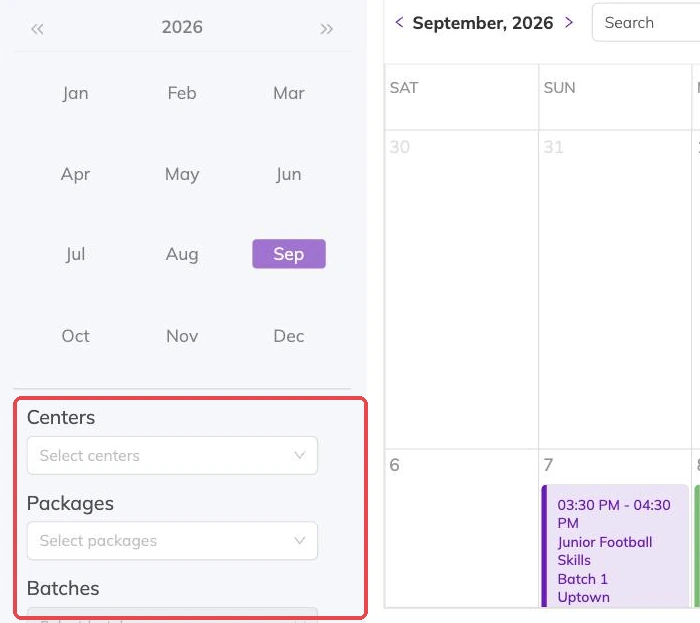
Narrowing it down
Staff restricted to particular centres see the calendar for those centres only, which is usually the point of restricting them. Running multiple locations covers how that is set up.
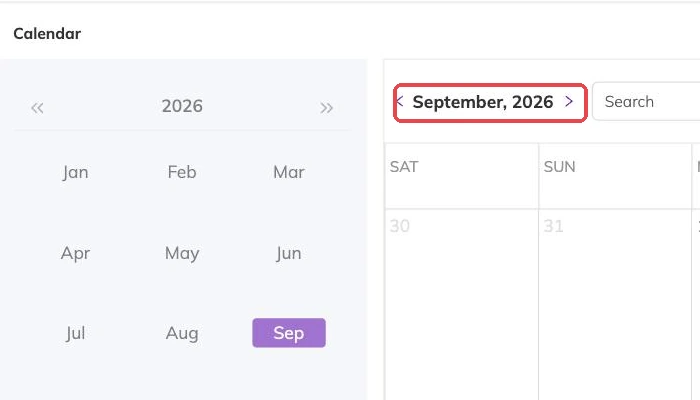
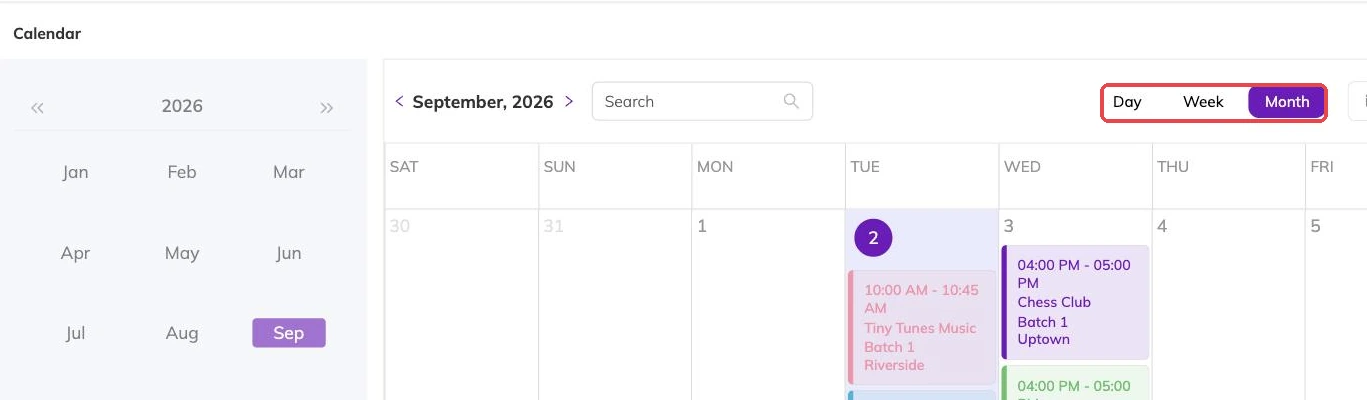
- The date range you are looking at.
- One instructor, when you are checking somebody's week.
- One programme, when you are checking a term's shape.
- The centre, which frames everything else on the page.
Inside a single session
Opening a session shows who is booked into it, who is waitlisted for it, and which instructors are on it.
That is the view to have open when a parent rings, and the one to check before you tell an instructor their Thursday is quiet. It is also where a waitlist stops being an abstraction: you can see the names of the families who wanted in.
The checks worth doing before a term opens
- A week you are closed that still has sessions in it.
- Two batches landing in the same room at the same time.
- An instructor rostered onto sessions that overlap.
- Sessions in the morning that were meant to be in the evening, from a typo in the times.
- A batch you thought you had published that produces nothing, because its dates are still last term's.
What it will not tell you
The calendar answers what is running and who is in it. It does not answer what has been paid — Invoices and payments is where the money lives.
It is also a poor judge of how a term is selling. A busy-looking week can be one large batch, and a thin-looking one can be a batch that has not opened for booking yet.
Changing something you find
Fixes belong in the programme the session came from. Edit the batch and the sessions change with it.
On a draft that is harmless. On a live programme with families in it, it is not. If one family needs to move rather than the whole group, Rescheduling a booking covers that instead.
More on programmes
Activities and how they attach to programmes
Group what you run — ballet, swimming, guitar — so a parent can tell what a programme is and a report can total a subject rather than eleven programme names.
The page families book from
What families see on your booking page, what decides how a programme appears in the list, and the five reasons one is missing.
How places are counted, and who can book
Why a batch that looks half empty can still refuse a booking, where the number of places lives, and the controls that decide which children are eligible.