Cancellations and refunds
What happens to the schedule, the place and the invoice when a booking is cancelled, and what a family sees.
5 min read
What cancelling does
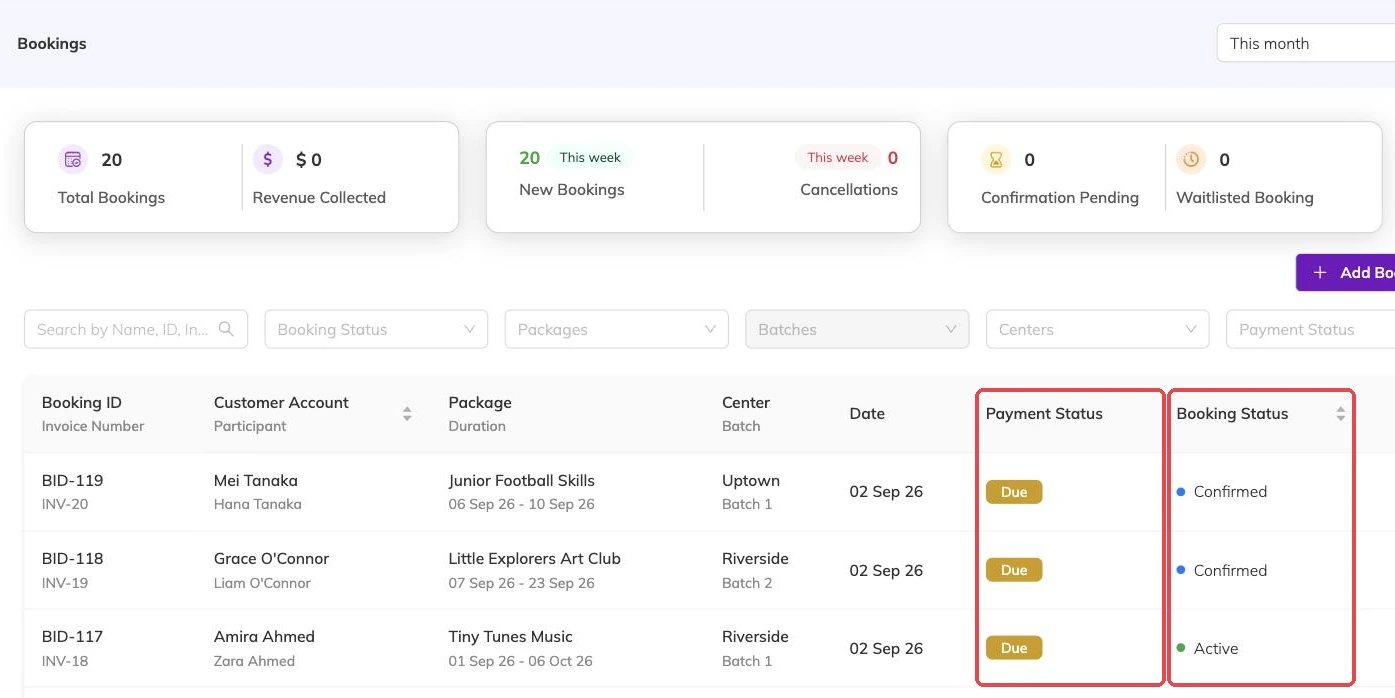
Cancelling a booking marks it cancelled and immediately releases the places it held. Those sessions become bookable again straight away, by that family or anyone else.
The booking stays visible in your records rather than disappearing, so you keep the history of who was enrolled and when they left.

What happens to the invoice
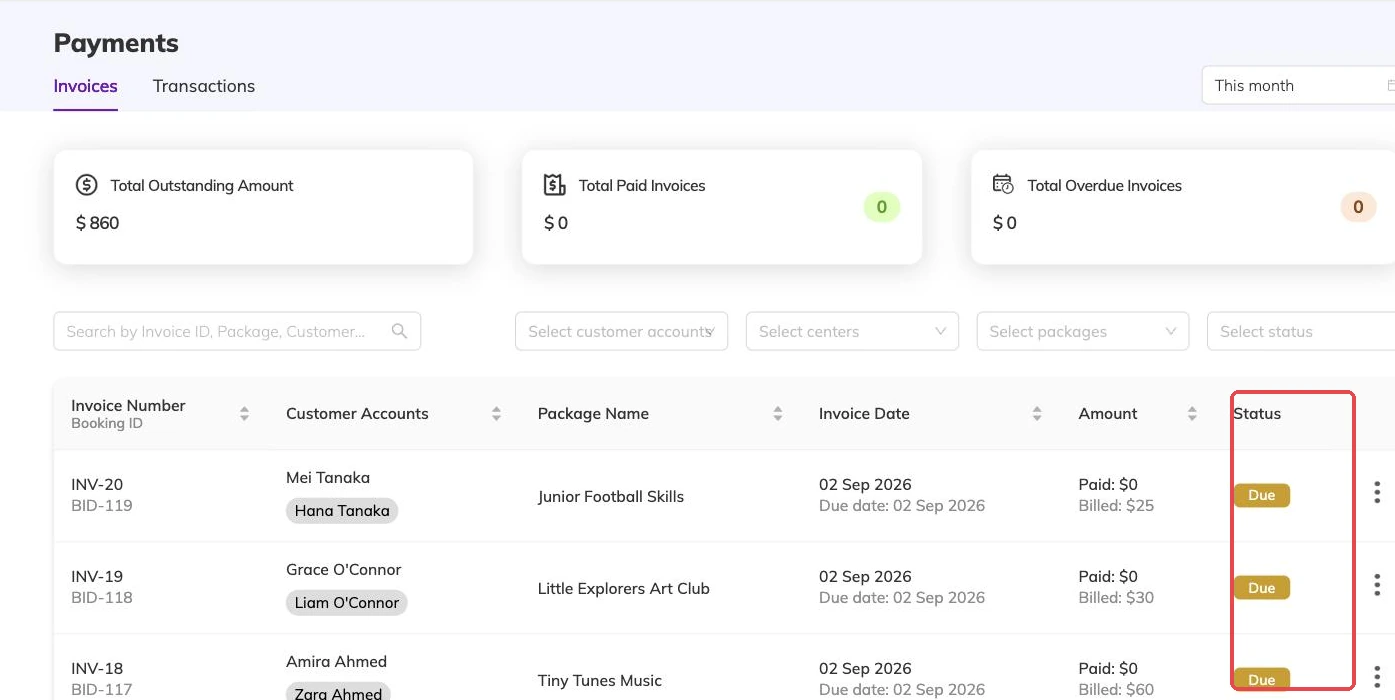
If the booking had an invoice that hadn't been part-paid, the invoice is cancelled alongside it. If a partial payment had already been taken, the invoice is removed from the outstanding list instead, so families aren't chased for money against a booking that no longer exists.
Any discounts the booking had consumed are returned to their allowance, so a limited-use discount code isn't burned by a cancelled booking.
Re-booking after a cancellation
A family can book the same dates again after cancelling. The places were freed at the moment of cancellation, so nothing needs to be cleaned up first.
Refunds
Cancelling a booking doesn't automatically move money. Refunds are handled through your payment provider according to your own policy — publish that policy where families can see it before they book, so expectations are set up front.
More on bookings
Booking confirmations and PDFs
What the family receives when they book, how to get hold of it again, and why it is not proof of what was agreed on the day.
Booking on a family's behalf
Take a booking at the desk or over the phone: what you need in front of you, what saving sets off straight away, and why a booking gets refused.
Confirming and approving bookings
Turn on approval for a programme, work the queue of bookings waiting on you, and know why that queue is not the same as a waitlist. Why a queue left alone fills your batches without filling your bank account.