Restricting staff to their own centre
Limit each staff member to the locations they actually work at, and avoid the blank setting that quietly gives them everything.
3 min read
What a restricted staff member sees
Someone restricted to a centre sees that centre's work and nothing else: its bookings, its sessions on the calendar, its registers, the families booked into it and the figures on their dashboard. The person covering reception at one site is not scrolling past another site's register to find today's.
It is a privacy measure as much as a tidiness one. The families at your other locations are somebody else's families, and there is rarely a reason for staff at one site to be reading their phone numbers or their children's records.
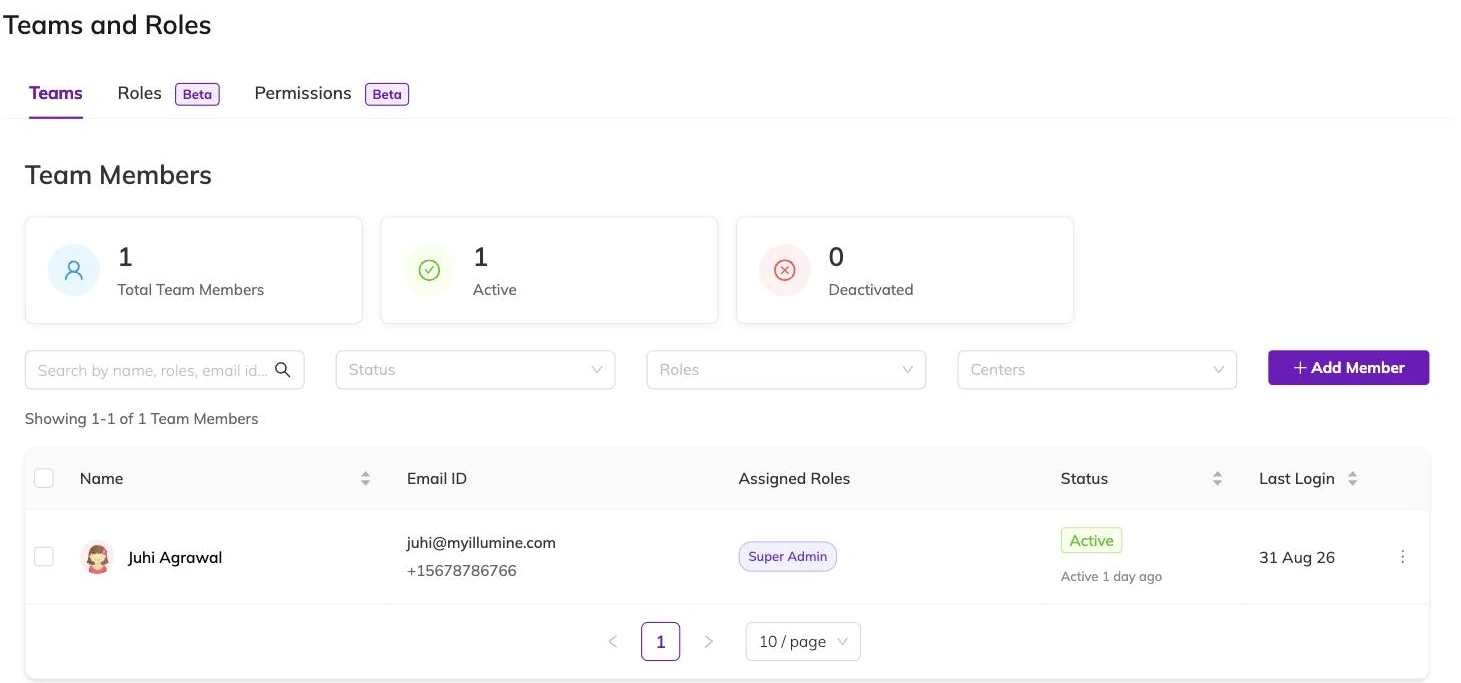
Restriction comes out of the role assignment
There is no separate centre switch. A staff member's centres are the centres named on their role assignments, so somebody who does Mondays at one site and Thursdays at another has two assignments, and can hold a different role at each.
Giving staff the access their job needs covers the role half of that pairing. This article is the centre half.
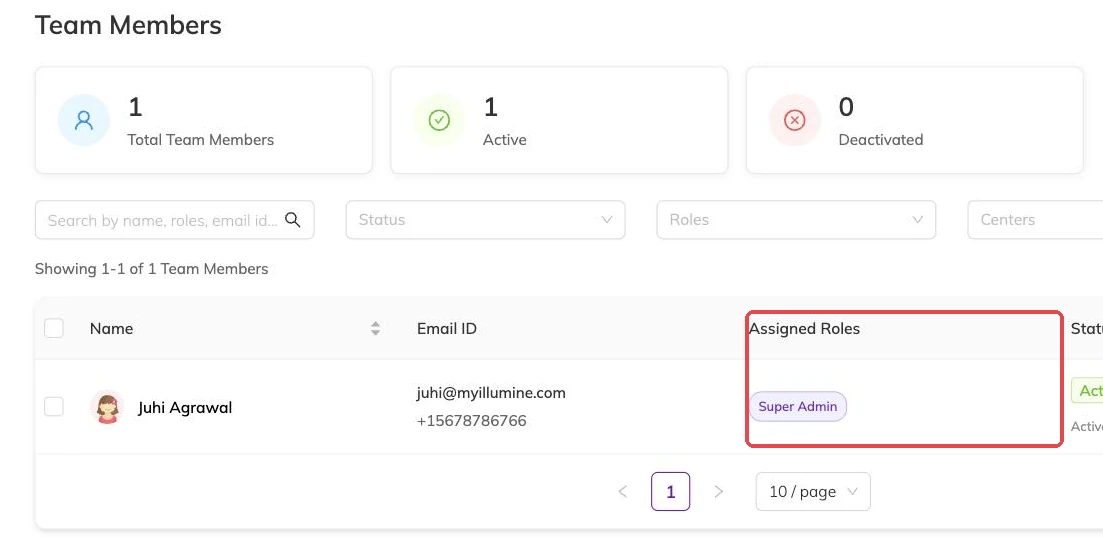
An empty centre list is not a restriction
This is the easiest mistake to make and the hardest to spot, because a record with nothing in the centre field looks tidier rather than more permissive. If you are working out who can see what, start by finding the people with no centres against their name.
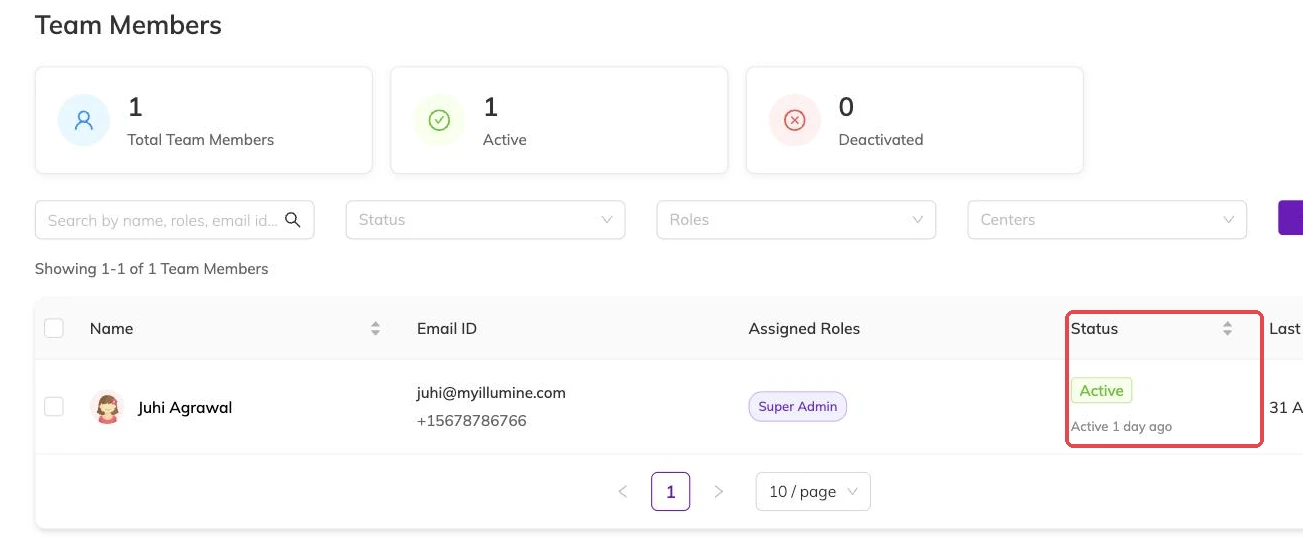
Super admins are never restricted
Centre restrictions do not apply to super admins, and a super admin cannot hold a role at all. Making a centre manager a super admin therefore undoes the restriction you set on them, quietly and completely.
If somebody needs to be kept to their site, give them a role at that site and leave super admin alone.
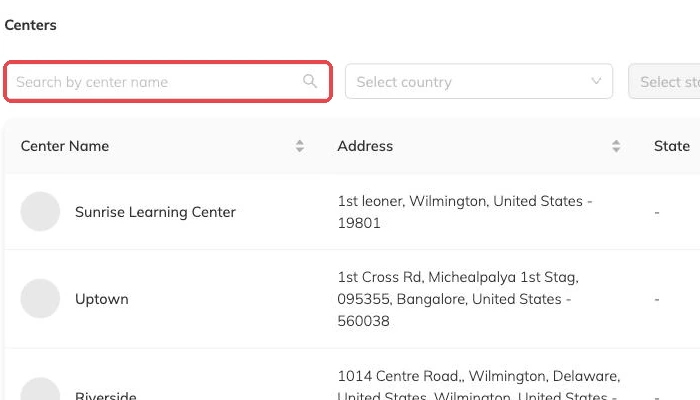
What the restriction does not reach
Anything carrying a location narrows to their centres. Things belonging to the whole business have no location to narrow by, so treat centre restriction as a way of scoping day-to-day work rather than a wall around your settings.
Where something should be out of a person's reach entirely, take the permission out of their role instead. The two settings do different jobs, and access complaints are often solved by adjusting one when the answer was the other.
Moving somebody between centres
Change the centre on their assignment. They see the new centre's work from then on and stop seeing the old one's. Nothing they did before is undone: the bookings they took stay recorded against them, and so do the registers they marked.
Running multiple locations covers how centres relate to programmes and batches, which is the thing to read if you are opening a second site rather than staffing one you already have.
Check it from their side
Where the boundary matters — because of what you have told families about who can see their details, for instance — confirm it rather than assume it.
Ask the staff member what they can see once they are signed in, or check with an account restricted the same way, before you tell anybody the restriction is in place.