Adding centres and locations
Set up each site you run from, so every batch, register and report knows where the session happens — even if you only ever use one hall.
3 min read
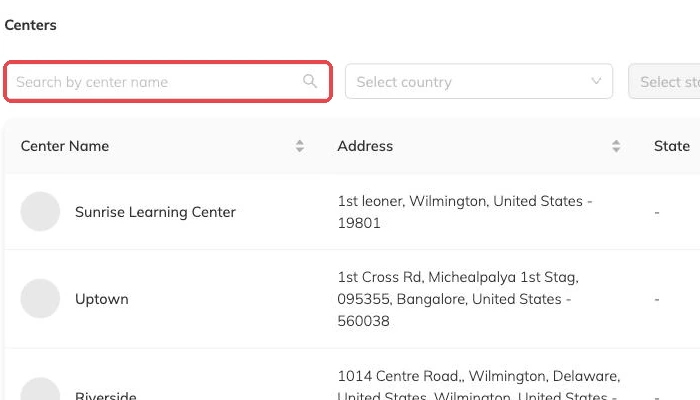
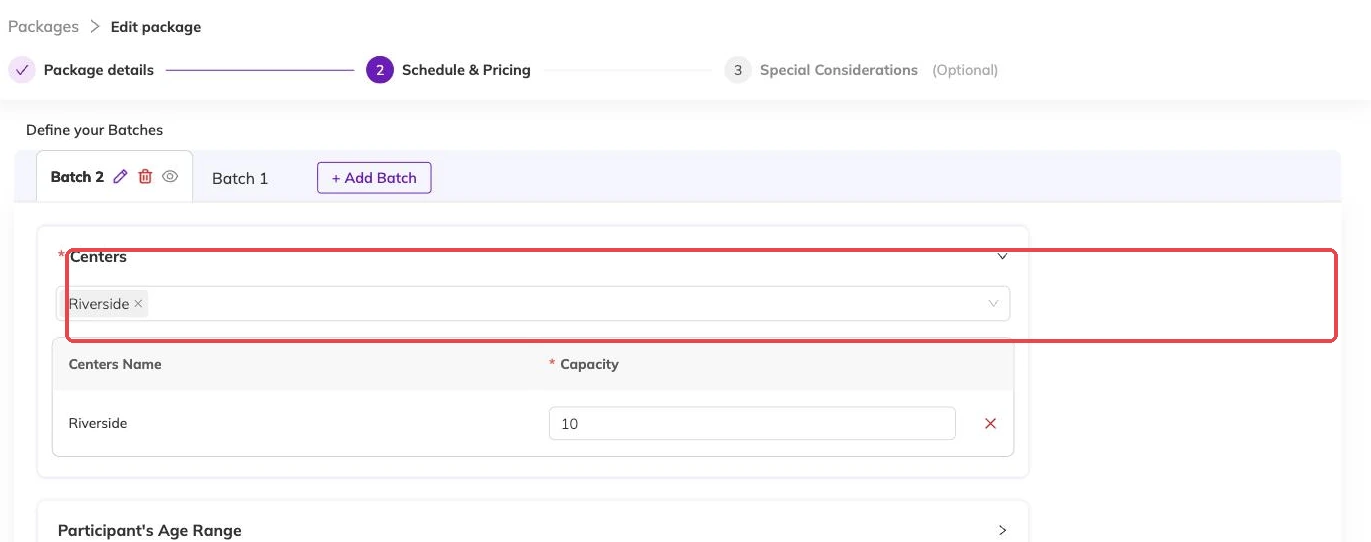
A batch will ask you where it runs
The first time you build a programme, Bookingo asks which centre the batch runs at. If you have not set one up, that is where the afternoon stops.
A centre is a physical location: a hall, a studio, the school you hire on Wednesdays. You need at least one record even if there has only ever been one address and everyone on your team knows the way. It is what tells a family which door to arrive at, and what a report reads when you ask which site is filling and which is not.
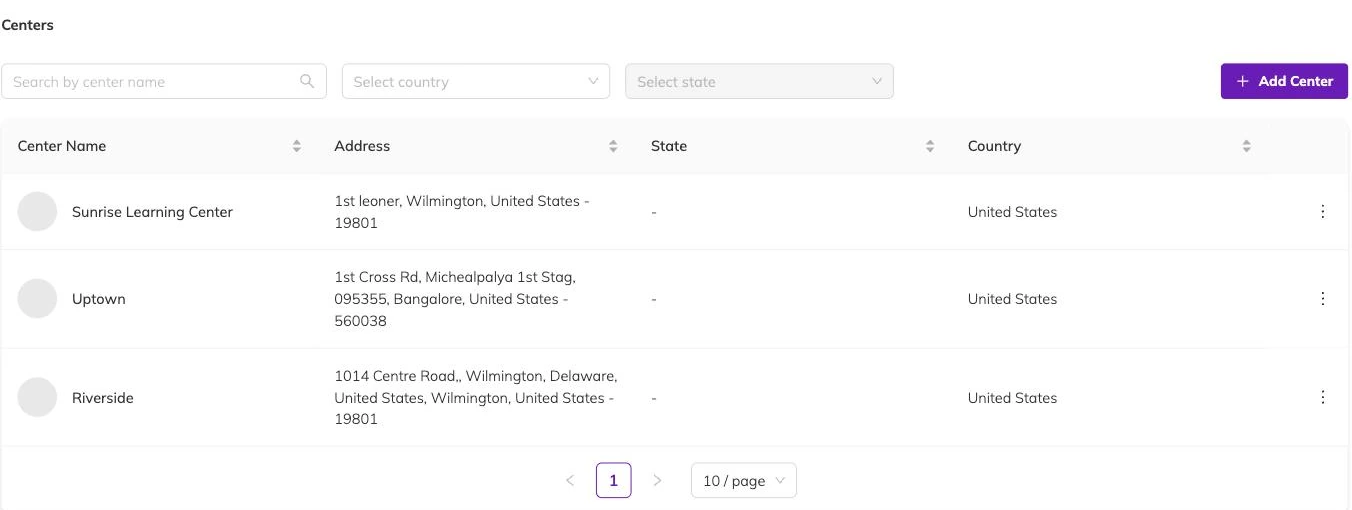
What to put on a centre record
Families read this. Write it the way you would write it on a flyer, not as internal shorthand.
- The name families already use for the site — the one on your website and in conversation, not a code.
- The full address, in enough detail for a map: street, town and country, plus state and postcode where you use them.
- A phone number and email address for that site, so an enquiry about one location reaches the people who are actually there.
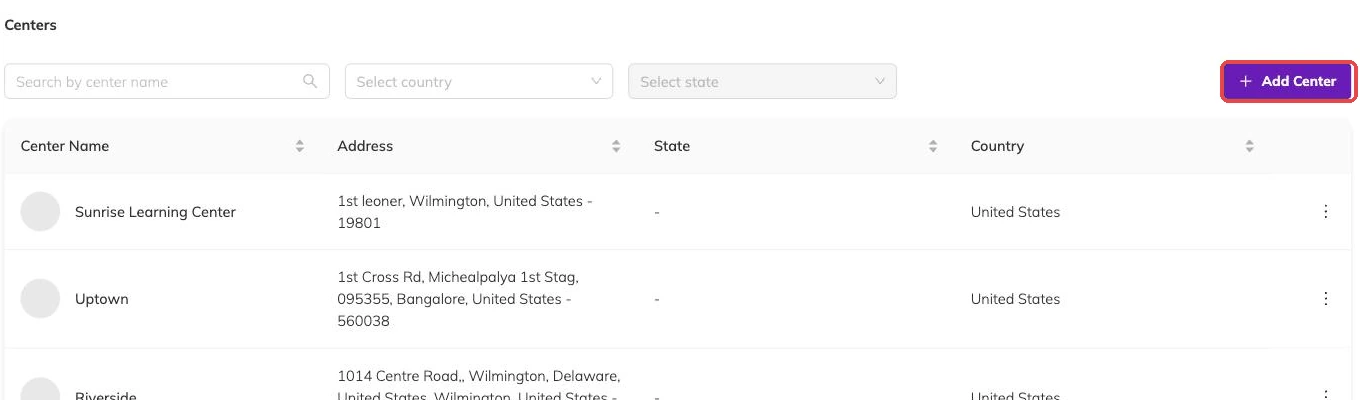
The same programme at two sites
Pricing belongs to the programme. Capacity belongs to the batch. That split is what lets the same thing run at two addresses without the two interfering: each batch names its own centre, so a beginners' course at both sites is one programme with two batches.
The places count separately, because capacity sits on the batch and is counted per session. A full Tuesday at one site has no effect on the Tuesday at the other. Packages and batches explained covers how programmes, batches, capacity and pricing fit together.
Who works where
Staff can be restricted to specific centres, so someone who teaches at one site is not reading another site's register.
If you run more than one address, Running multiple locations covers what that means day to day.
When you close a site
Sites change. You lose a hall, you move down the road, a school stops renting to you on Wednesdays.
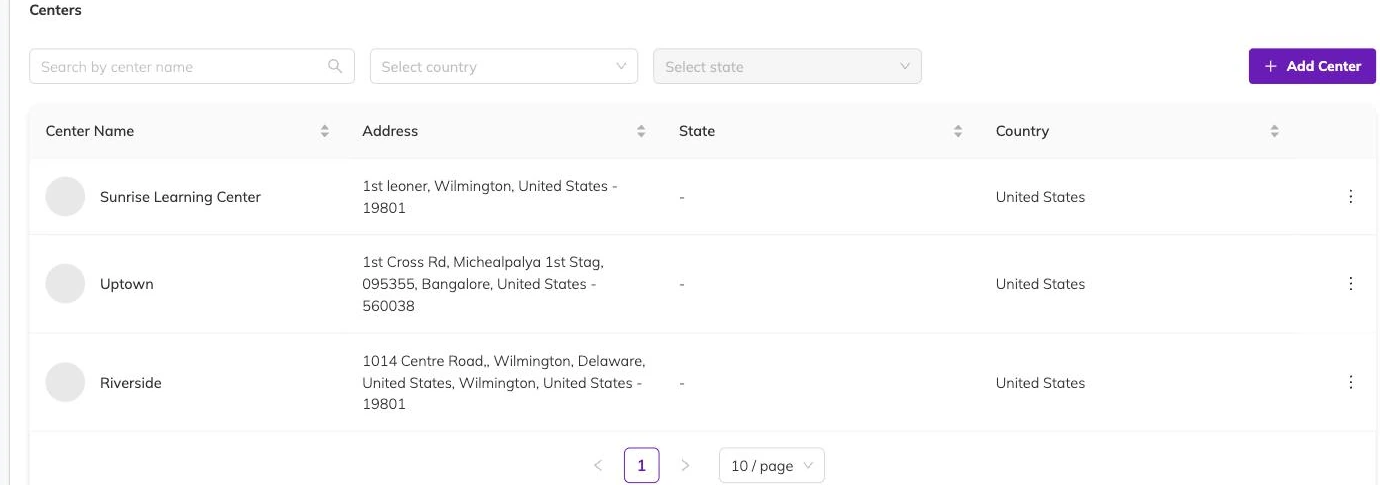
The record still has work to do after the last session there. Bookings, calendar entries and invoices from finished terms read the centre for its name and address, so the old record is what keeps last spring legible.
In practice: add the new centre, point new batches at it, and leave the old one where it is.
Before you build your first programme
One thing is worth settling in the same sitting. Currency, timezone and tax explains why those three are better fixed before your first invoice goes out than after.
If you are still working out the order of setup, Getting started with Bookingo puts this step in place alongside the rest.
More on setup
Your logo, colours and booking page
Set what a family sees when they open your booking link, and what carries through to the emails Bookingo sends afterwards.
Currency, timezone and tax
Fix these three before your first invoice goes out, because sessions and invoices keep the times and figures they were created with.
Custom fields on families, children and staff
Put each question on the record it belongs to — allergies on the child, emergency contacts on the family — so you get one answer per person who needs one.