Outstanding balances and reminders
See who owes what today, send a reminder that is logged against the invoice, and recognise the balances that should never be chased at all.
3 min read
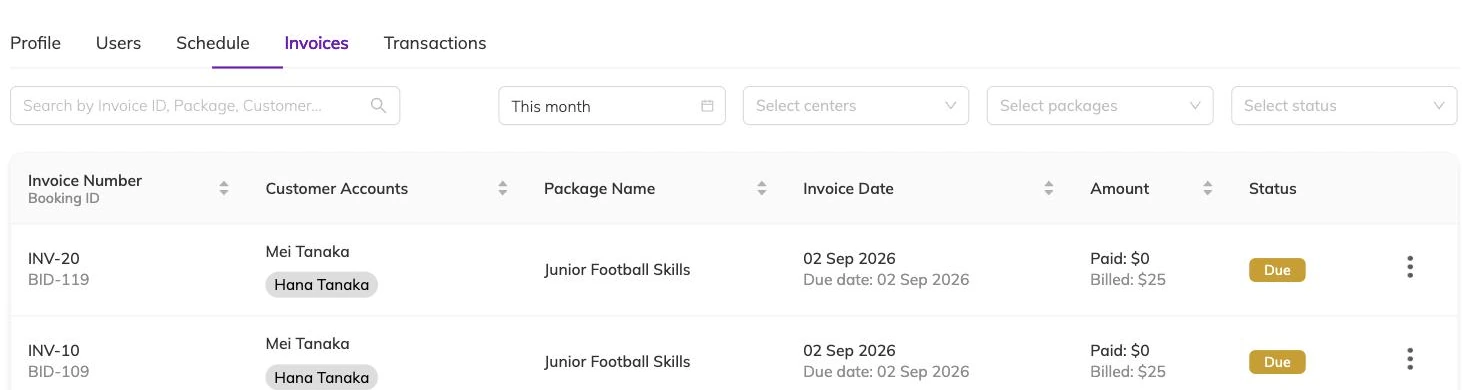
Who actually owes you money today
The awkward version of this question is a parent at the door insisting they paid last week. The useful version is the list you open on a Monday morning, and whether you trust it.
An invoice's status comes from two things: how much of it has been paid, and whether the due date has passed. Nobody sets it by hand.
- Due — raised, nothing paid, still inside its due date.
- Partially paid — some money in, still inside its due date.
- Overdue — due date passed, nothing paid.
- Partially overdue — due date passed, part paid.
- Paid — nothing left outstanding.
- Cancelled — no longer owed.
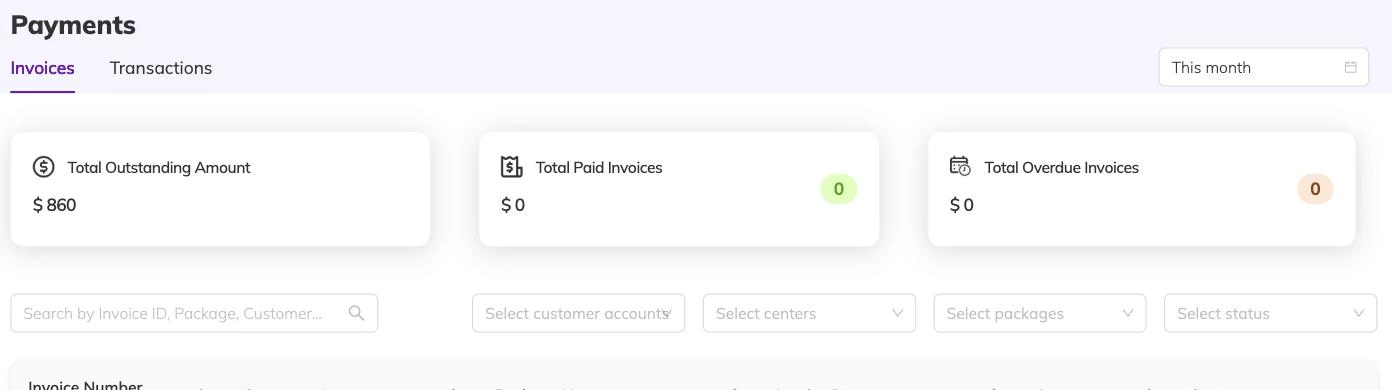
Narrowing the list to something you can act on
Look at what is owed across the centre over a date range, narrow it to a single programme, or open one family or one child and see everything standing against them.
Set the date range deliberately, because it changes the answer. A range reaching into the future pulls in invoices that are not due yet and makes the month look worse than it is. A range that stops today hides what is about to land. The split between overdue and partially overdue is worth using as well — a family who has paid half is a different conversation from one who has paid nothing.
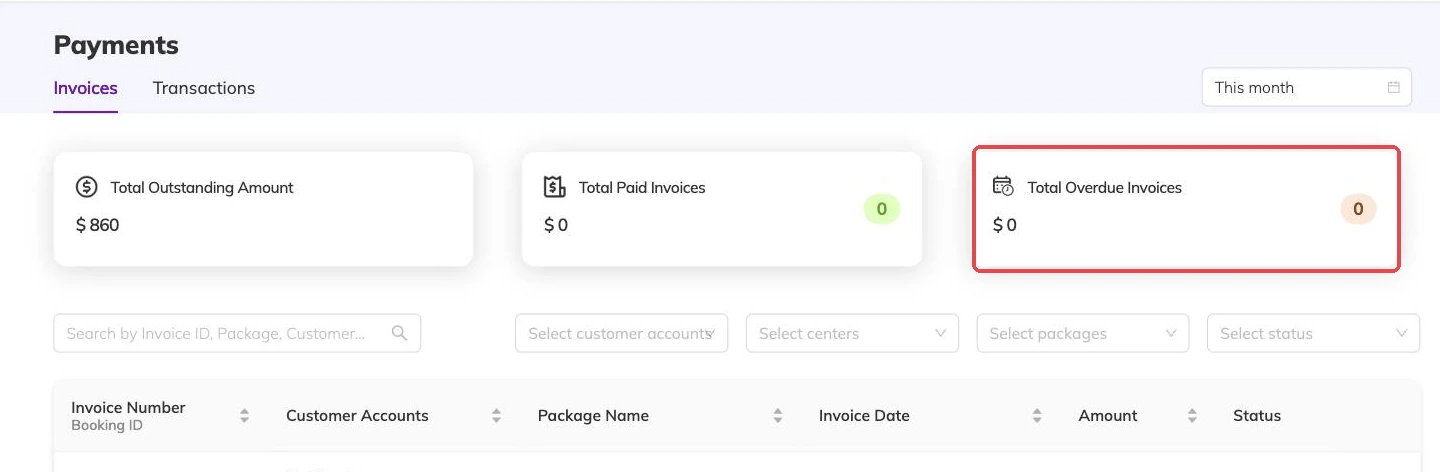
Sending a reminder
Select the invoices you want to chase and send. Several at once is fine, including several belonging to the same family, though each invoice gets its own reminder rather than one summary covering the lot.
What goes out is an email to the address on the family account, with a notification in the family's own view of Bookingo. Where you have set a billing email address, a copy goes there too, so the reminder is on your record as well as theirs.
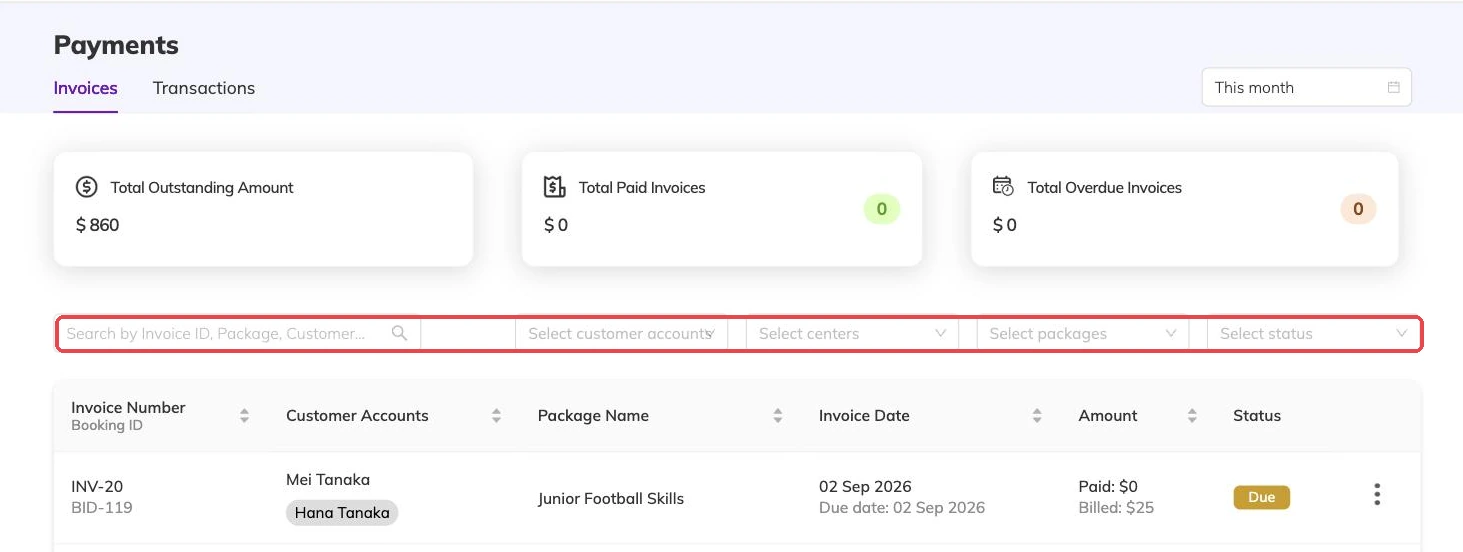
What a reminder does and does not do
It does not touch the invoice. Amounts, dates and status are unchanged, so sending one twice costs nothing and sending one in error costs an apology.
It is recorded. Each reminder is logged against the invoice, so before you chase you can see when that family was last asked. That is the detail that goes wrong when two people work the same list from opposite ends and a family gets three emails in a morning.
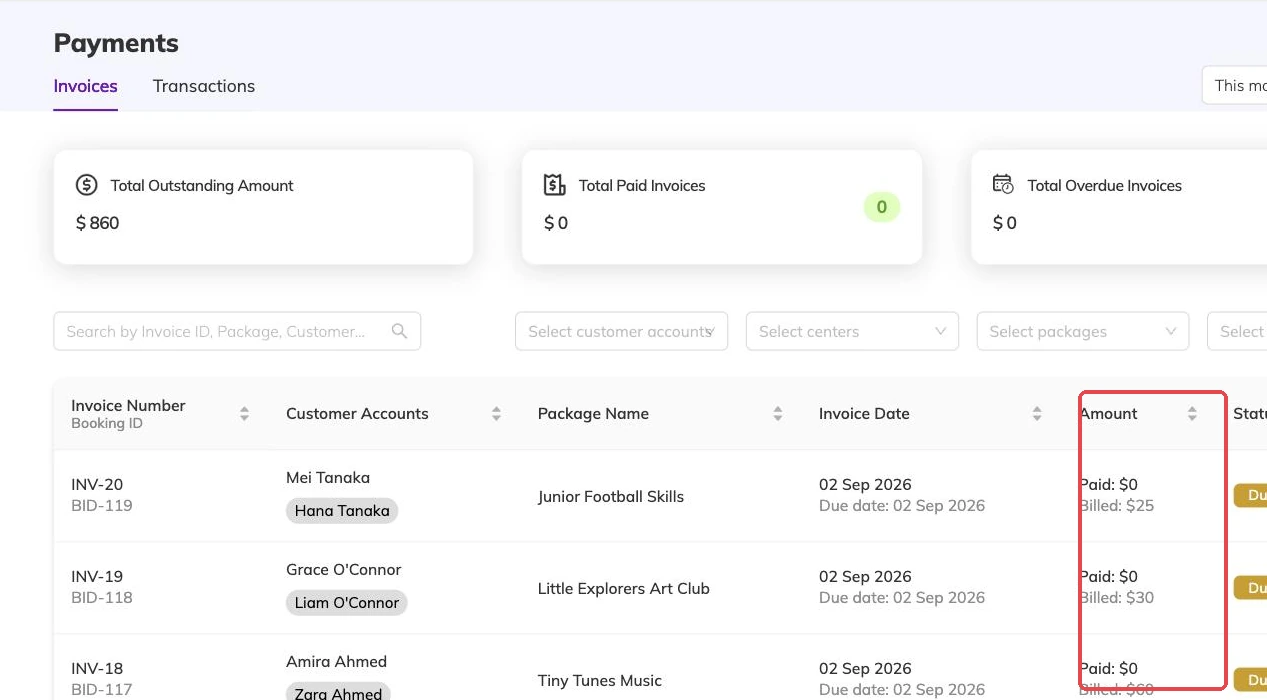
When chasing is the wrong answer
Some balances should never be pursued: a booking that should not have been taken, an invoice raised against the wrong child, a family who cancelled and were never going to owe it.
Where the booking itself is wrong, cancel it. That releases its places immediately, deals with the invoice, and returns any discount the family used so it can be used again — Cancellations and refunds covers exactly what happens. Where the booking is right and the amount is wrong, edit the invoice, within the limits set out in Creating an invoice by hand. Where a family wants to move rather than leave, Rescheduling a booking is usually the cheaper conversation.
Money already taken on a cancelled booking
Cancelling a booking cancels its invoice — unless part of it has already been paid. A partly paid invoice comes off your outstanding list instead. The balance stops being chased. The money the family already handed over stays where it is.
That is a decision left to you, not an oversight to work around. Make it in the same week, while somebody still remembers what was agreed at the door.
More on money
Automatic recurring payments
Collect monthly and weekly fees from a card the family has already saved, and know what to check when a collection fails.
Discounts, codes and automatic offers
Flat and percentage discounts, codes versus automatic offers, new-customer and returning-customer pricing, and discounts that apply themselves based on answers families give.
Registration fees, extra charges and tax
Add joining fees, materials charges, tax and late fees to the programmes they belong to, and know what changing a rate later does to invoices already raised.