Confirming and approving bookings
Turn on approval for a programme, work the queue of bookings waiting on you, and know why that queue is not the same as a waitlist. Why a queue left alone fills your batches without filling your bank account.
3 min read
Which bookings wait for you
Some bookings arrive confirmed and some arrive wanting your say-so. Which is which comes down to the programme and to who made the booking.
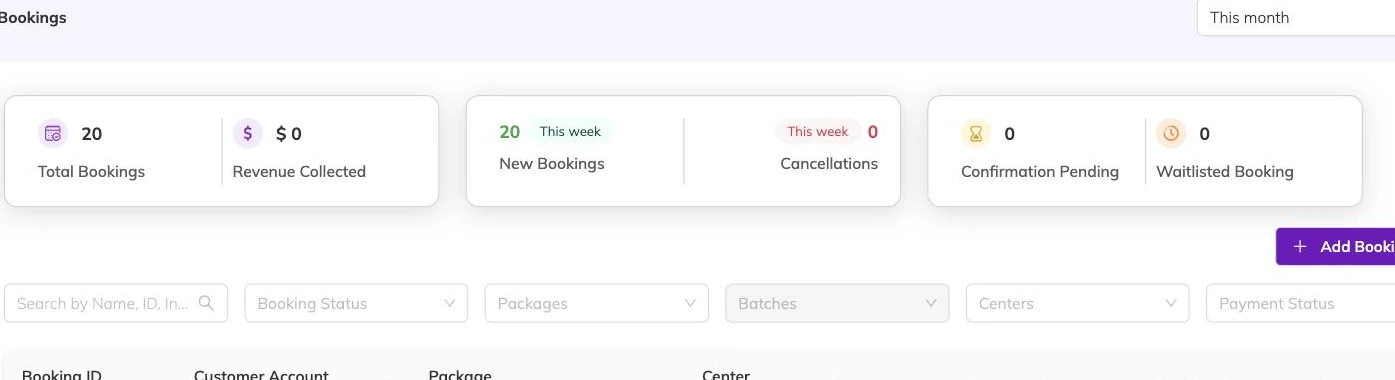
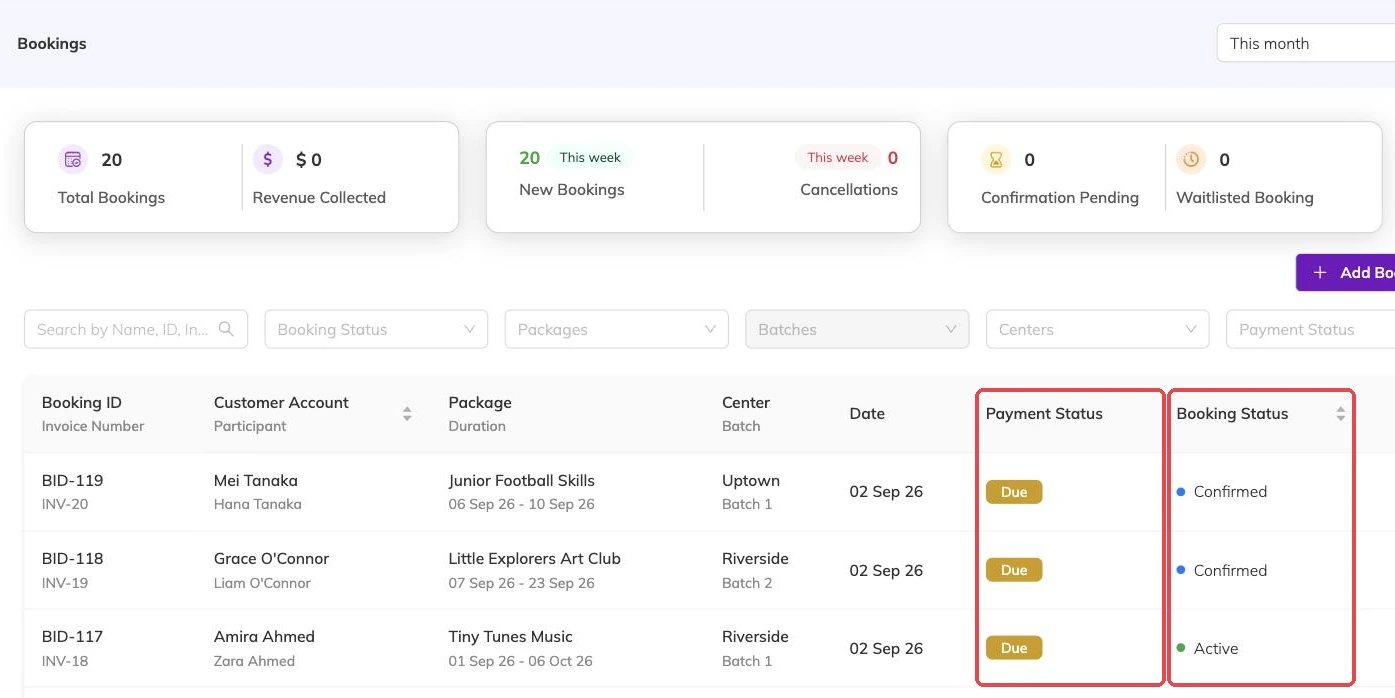
Approval is set per programme. With it switched on, a booking a family makes for itself arrives awaiting confirmation. Bookings your staff take at the desk skip that queue and are confirmed on the spot — see Booking on a family's behalf.
Waitlisted bookings wait too, whether or not the programme needs approval. They sit there until a place frees up and you confirm them. Waitlists covers how they get onto the list in the first place.
A booking waiting on you is already holding a place
This is the part that catches centres out. A booking awaiting confirmation takes its place in every session it covers from the moment the family makes it, exactly as a confirmed one does. A week of queue does not keep the batch open. It fills it quietly.
Cancelling releases those places immediately, and someone else can take them the same afternoon. Cancellations and refunds covers what happens to the invoice.
What confirming does
It does not change the places. Those were already held.
- The booking becomes confirmed, with the time you confirmed it recorded against it
- The family is notified and their confirmation is rebuilt — see Booking confirmations and PDFs
- The invoice becomes a proper one with an invoice number, ready to be paid
Confirming someone off the waitlist
A waitlisted booking usually has no invoice yet, because nothing is charged for a place that does not exist. Confirming raises the invoice at that point, priced as things stand now rather than as they stood when the family joined the list.
Their spot on the waitlist is given up at the same time, which matters where the waitlist has a capacity of its own: the next family can then join it.
Confirming into a full session
You can confirm a waitlisted booking into a session that is already full. That is deliberate — it is how you fit in the extra child when you know the room takes them.
Nothing stops you at the line, though, and the way back is cancelling a booking you have already promised. Check the session first when the batch is anywhere near its limit.
Keeping the queue short
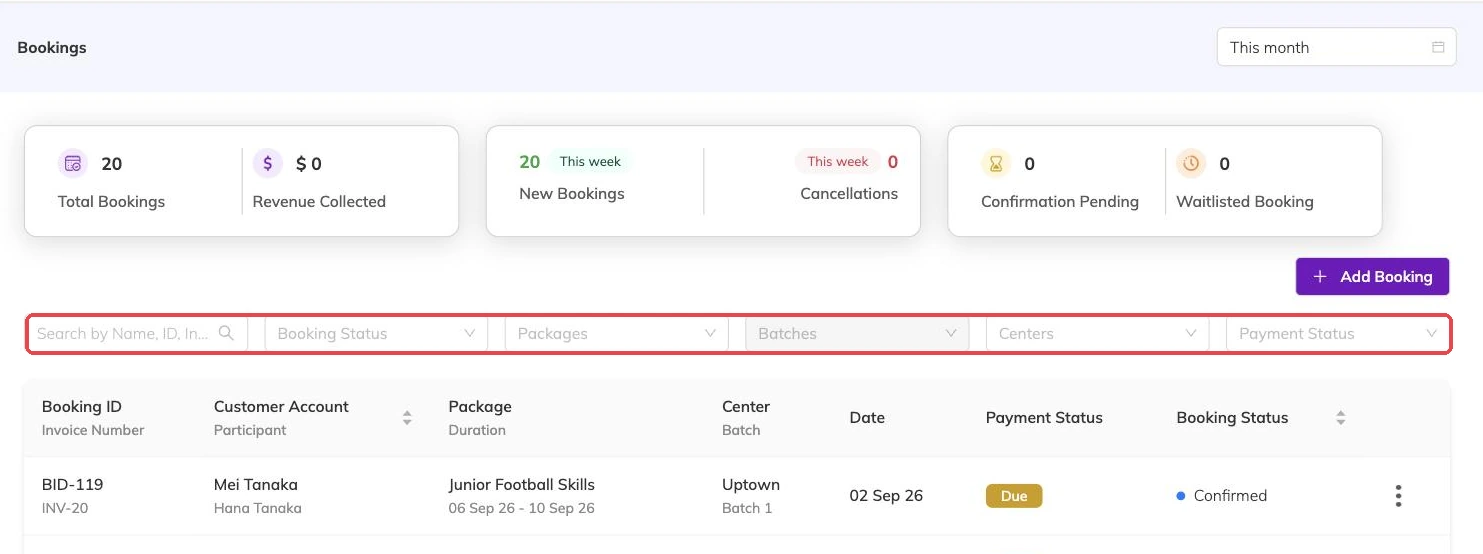
Every booking waiting on you is a place held and an invoice not yet raised, which is money you cannot collect. Working through the queue daily costs less than reopening places later.
If a programme does not really need vetting, turn approval off for it. Bookings then confirm themselves, and the only thing left for you to decide is what to do about genuinely full sessions.
Turning on approval for a programme
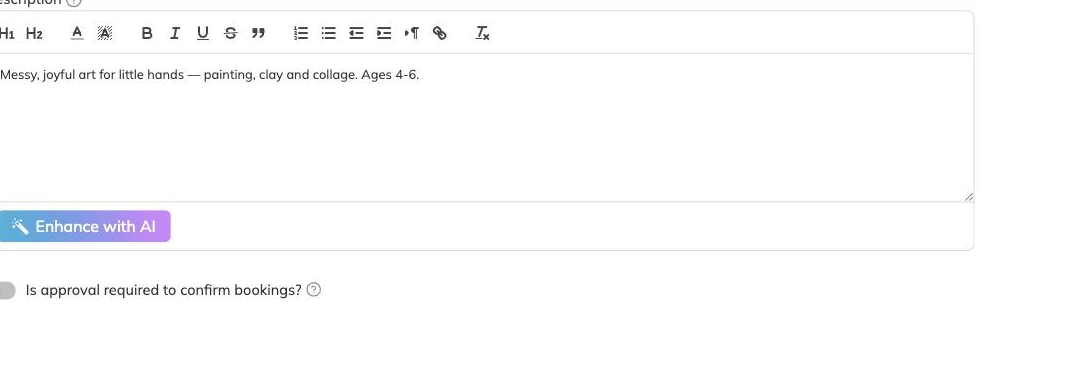
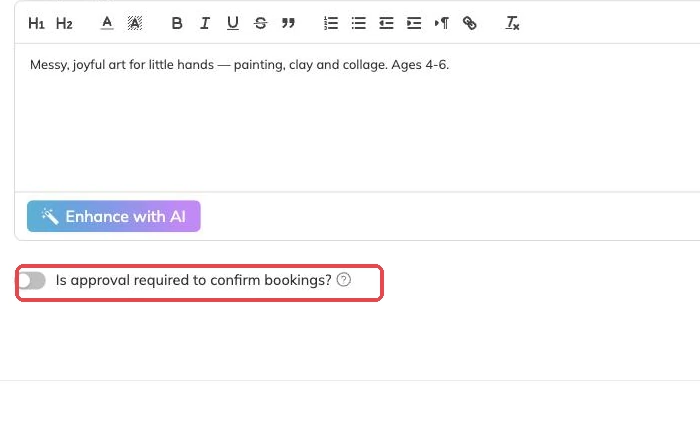
Approval is set per programme, on the first step of the programme setup, with a toggle asking whether approval is required to confirm bookings. Leave it off and bookings confirm themselves. Turn it on and every booking for that programme waits for a member of staff.
Use it where you need to check something a form cannot: a trial class where you want to talk to the family first, a level-based group where a child needs assessing, or a programme with limited spaces you would rather allocate yourself than hand to whoever books fastest.
More on bookings
Booking confirmations and PDFs
What the family receives when they book, how to get hold of it again, and why it is not proof of what was agreed on the day.
Booking on a family's behalf
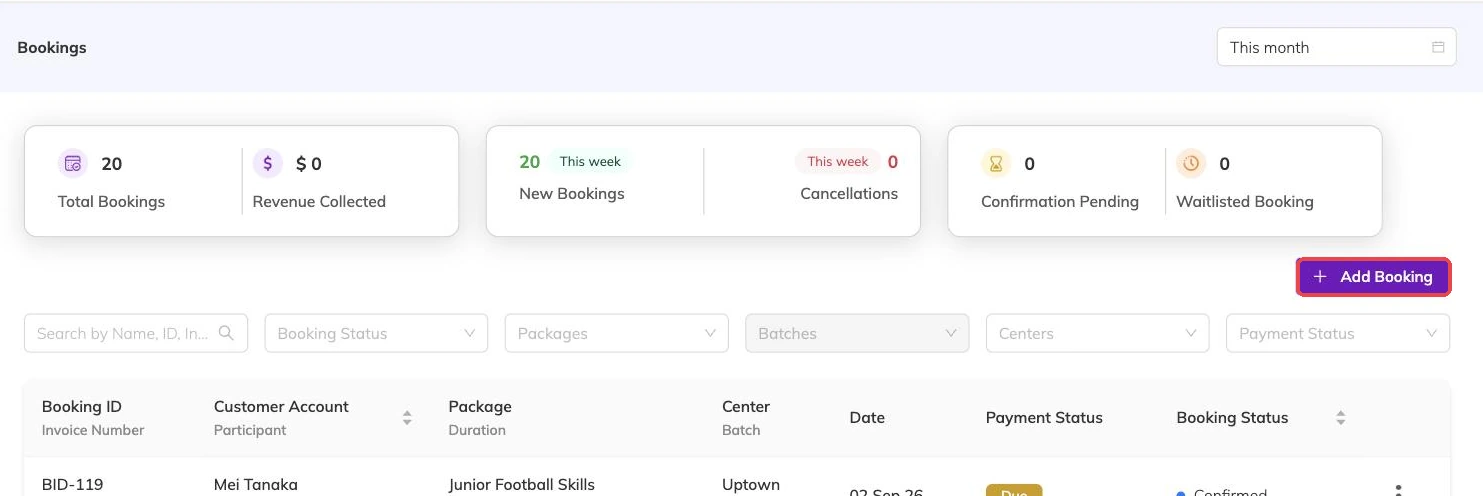
Take a booking at the desk or over the phone: what you need in front of you, what saving sets off straight away, and why a booking gets refused.
Cancellations and refunds
What happens to the schedule, the place and the invoice when a booking is cancelled, and what a family sees.