Building a programme you will not have to rebuild
The decisions to settle before you start, and the order to build a programme in, so nothing has to be unpicked after families have booked.
3 min read
Where a term of setup goes wrong
The expensive mistakes are made in the first ten minutes, before much is on screen. One programme built where there should have been two. A batch set up as the wrong type. Capacity taken from what you hope to sell rather than what the room holds. None of it hurts while nobody has booked, and all of it is free to fix until they have.
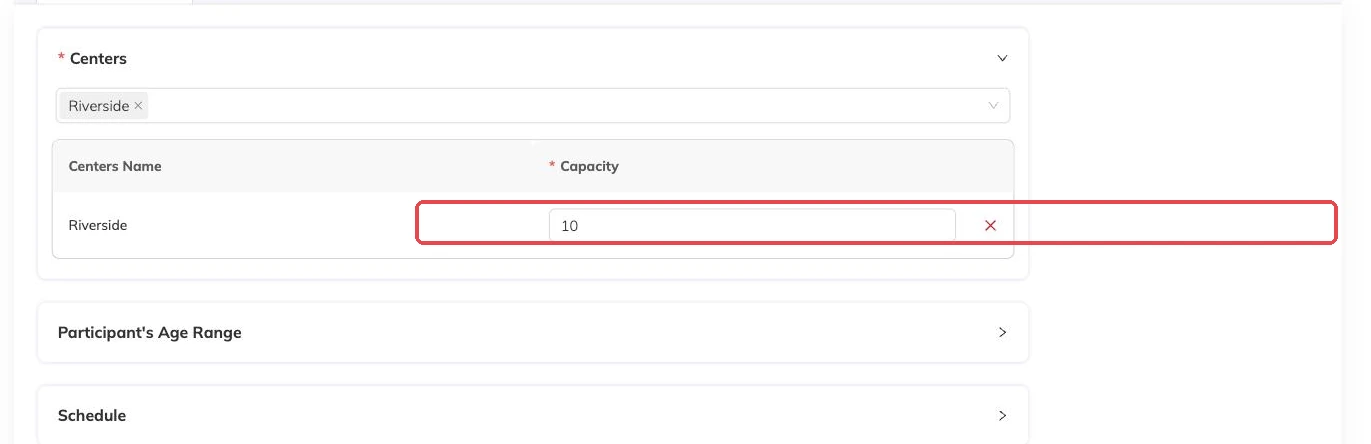
A programme has two layers. The programme carries what families read and pay for: the name, the description, the price options, the questions you ask at booking. Inside it sit batches, and a batch is one real schedule — its own days, times, dates, centre and number of places. Pricing belongs to the programme. Capacity belongs to the batch. The admin console calls a programme a package; families never see that word.
Where you draw the line between the two decides how much rebuilding you do later. Two groups on different days, at different sites, or with different numbers of places are two batches inside one programme. Two things a parent is choosing between — Beginner Gymnastics or Advanced Gymnastics — are two programmes. Packages and batches explained goes further if this is your first term.
Settle these before you start typing
While the programme is a draft, every one of these is free to change. After families have booked and paid, none of them are.
- Which centres each group runs at, and how many places each centre has.
- Whether each group repeats on chosen weekdays or runs on a list of specific dates.
- How families pay: the whole run, monthly, weekly, a single session, or a pack of sessions used when they like.
- Whether a full session takes a waitlist or turns the family away.
- Whether an age limit is a rule you want enforced, or guidance that belongs in the description.
- What you need from families at booking — medical notes, consent, photo permission.
Write the programme for the parent who is deciding
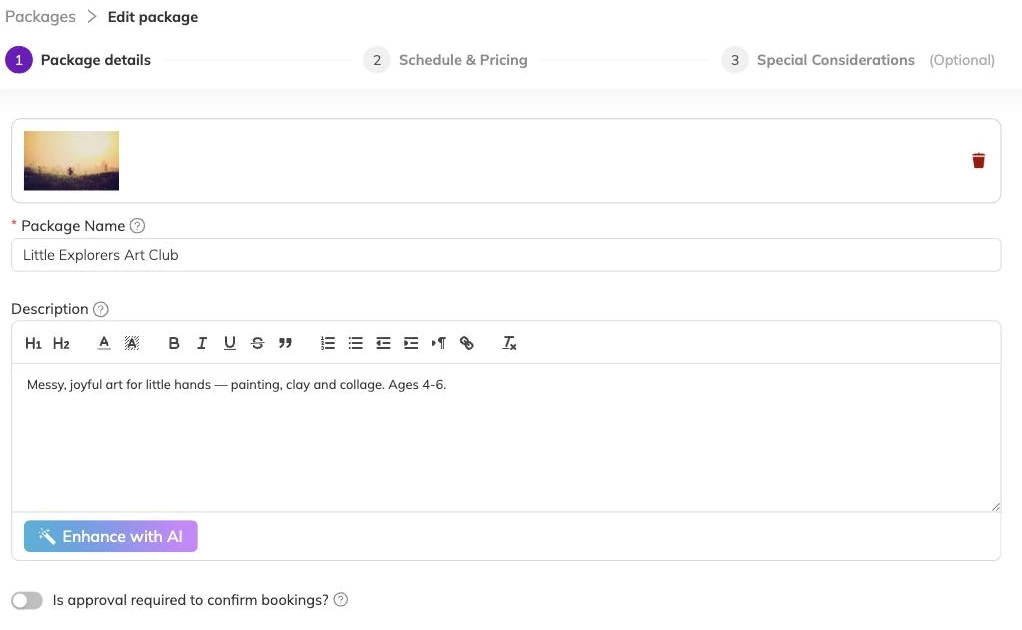
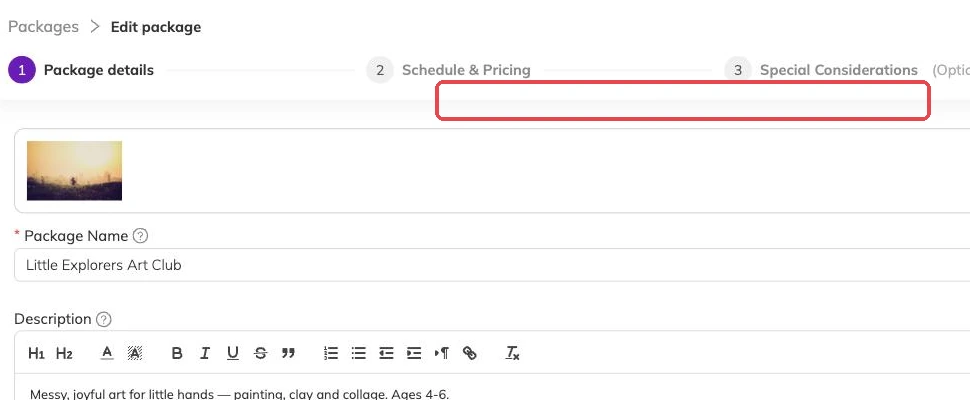
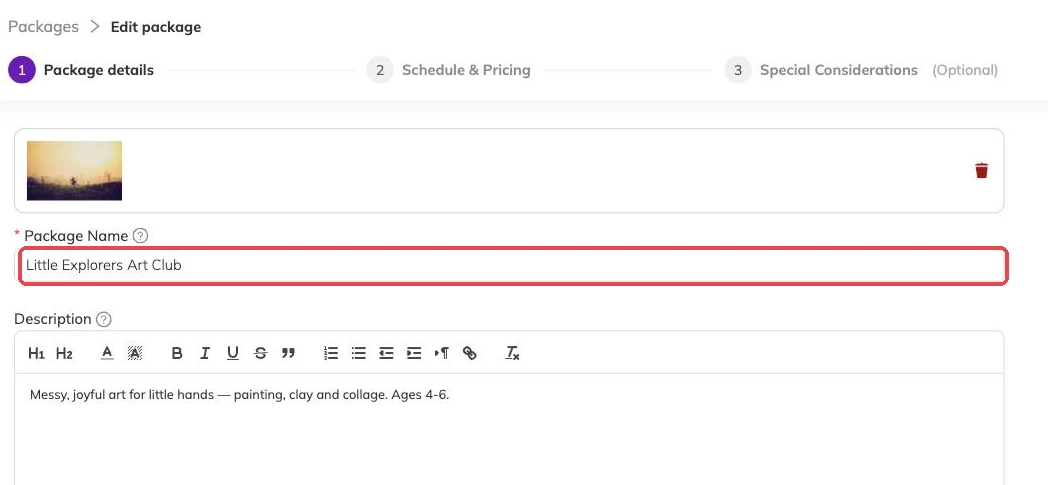
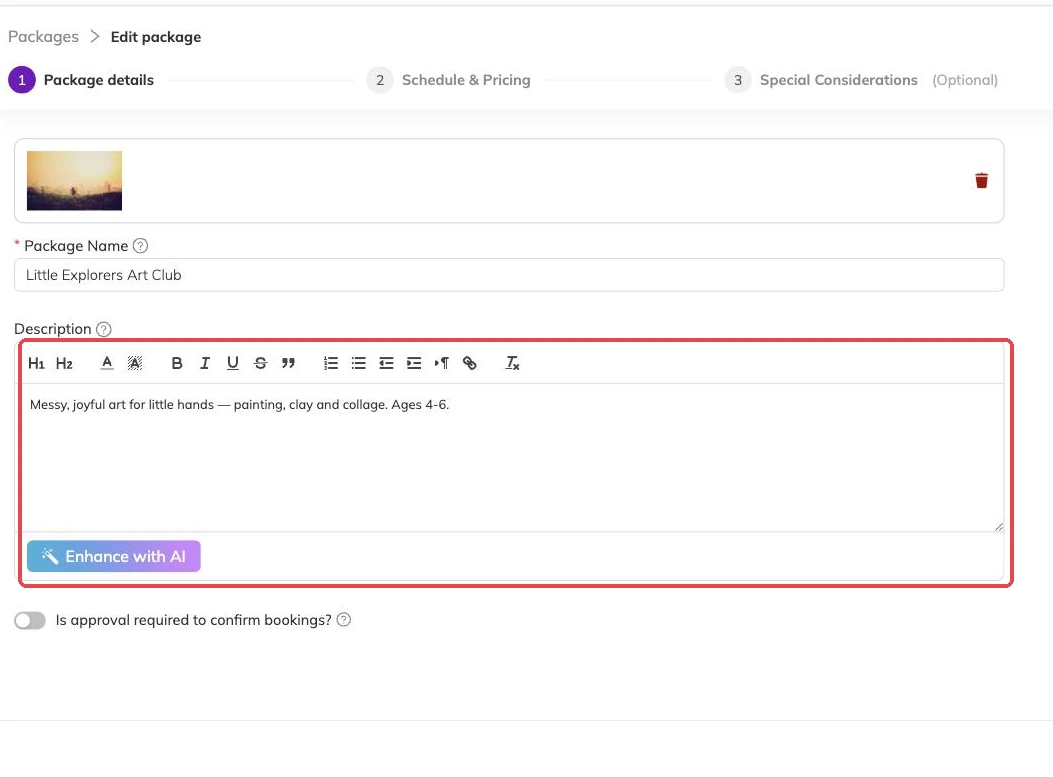
Start with what describes the thing: name, description, cover image, the staff attached to it. Two programmes cannot share a name, so if you run the same club every term, put the term in the name. Autumn Football, then Spring Football.
Then write the description for a parent rather than for your team. What the child will do, what to bring, what age it suits, what an hour actually looks like. This text is doing the selling on your booking page, and nothing else there compensates for it being thin.
Then build the batches, in this order
Order matters here, because the first choice changes every question after it.
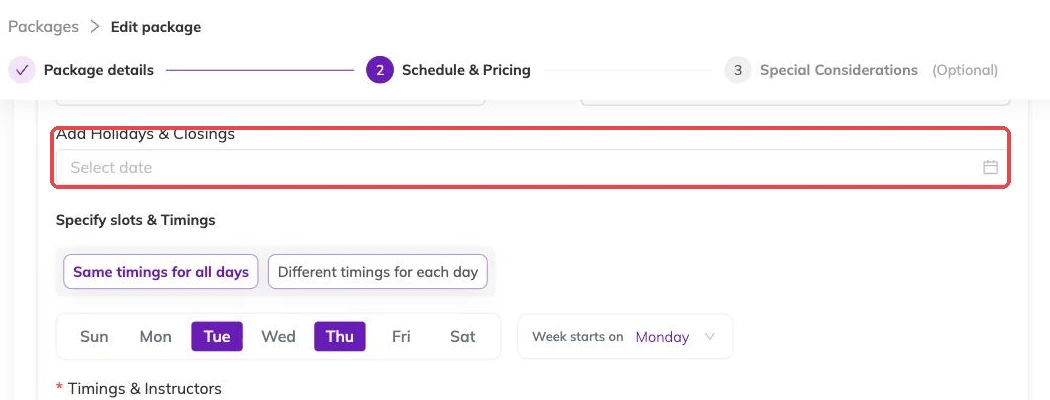
- Choose recurring or specific dates. Recurring repeats on the weekdays you pick between two dates; specific runs on the dates you list.
- Set the schedule: start and end dates plus weekdays, or the list of dates. Take out the days you already know you are closed.
- Attach the centre or centres it runs at, and set the number of places for each one.
- Attach the price options this batch offers.
- Set an age range, if this batch needs one enforced.
- Name the batch the way a parent would say it out loud — "Tuesdays 4pm, Beginners", not "Batch 2". That name follows the booking everywhere it goes.
Pricing, charges and what you ask families
Price options are built once and attached to the batches that offer them. That is how a Saturday group can be priced differently from a weekday one without becoming a separate programme.
Registration fees, extra charges, taxes and discounts are attached alongside the price option, batch by batch. A batch you add later starts without them, so check each one rather than assuming it inherited anything. Discounts, codes and automatic offers covers the discount side; Invoices and payments covers what families are billed.
The questions you ask at booking are set on the programme, and each can be made compulsory. Ask for the consent and the medical detail here. Chasing it by email in week one costs more than asking at the point of sale.
Check it as a parent, then publish
A draft is invisible to families, so there is no cost to leaving one half-built overnight and no way for anyone to book something unfinished. An incomplete programme will not go live at all.
Before you publish, look at what a parent meets first: the name, the image, the price shown, the dates, the description. Publishing takes effect immediately. From that moment the programme is on your booking page for the centres its batches run at, and it is bookable.
More on programmes
Activities and how they attach to programmes
Group what you run — ballet, swimming, guitar — so a parent can tell what a programme is and a report can total a subject rather than eleven programme names.
The page families book from
What families see on your booking page, what decides how a programme appears in the list, and the five reasons one is missing.
Checking what is actually running
How to see every session your batches produce across programmes, instructors and centres, and the checks worth doing there before a term opens.