Custom fields on families, children and staff
Put each question on the record it belongs to — allergies on the child, emergency contacts on the family — so you get one answer per person who needs one.
4 min read
One family, three children, three different answers
A family books three children into a holiday camp. The allergy question was set up on the family record rather than the child's, so there is one answer covering all three. You find this out at snack time.
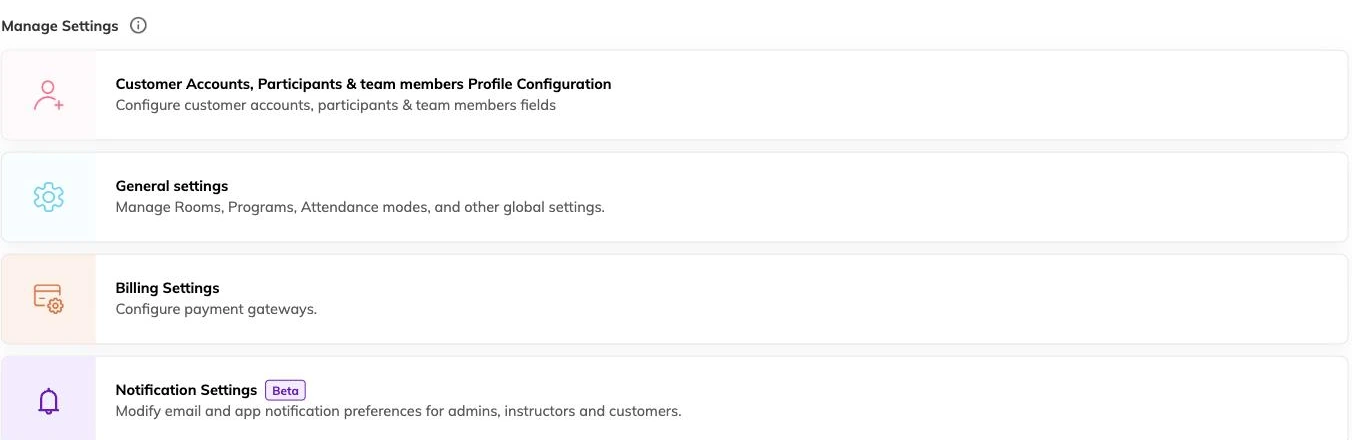
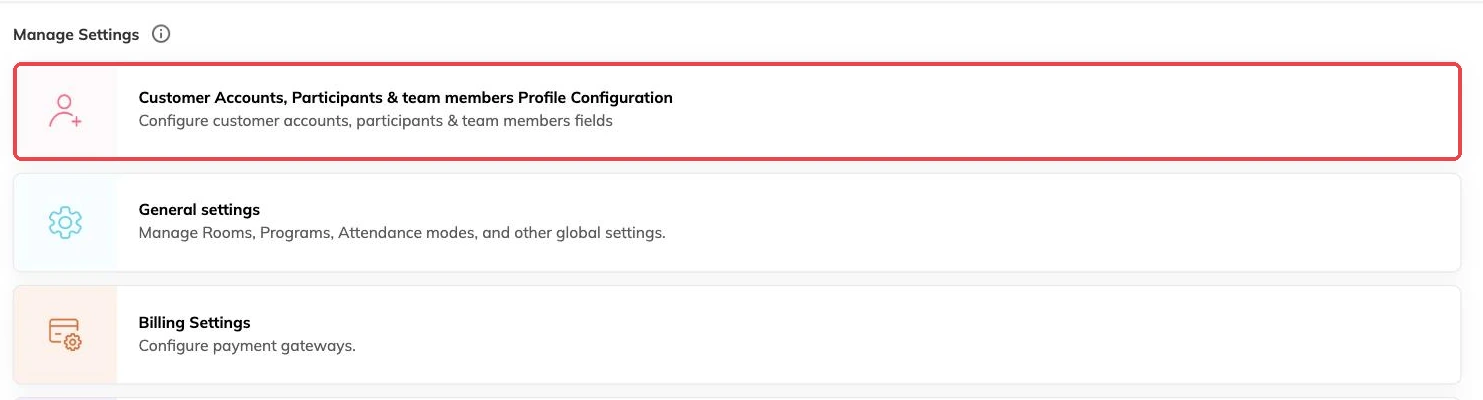
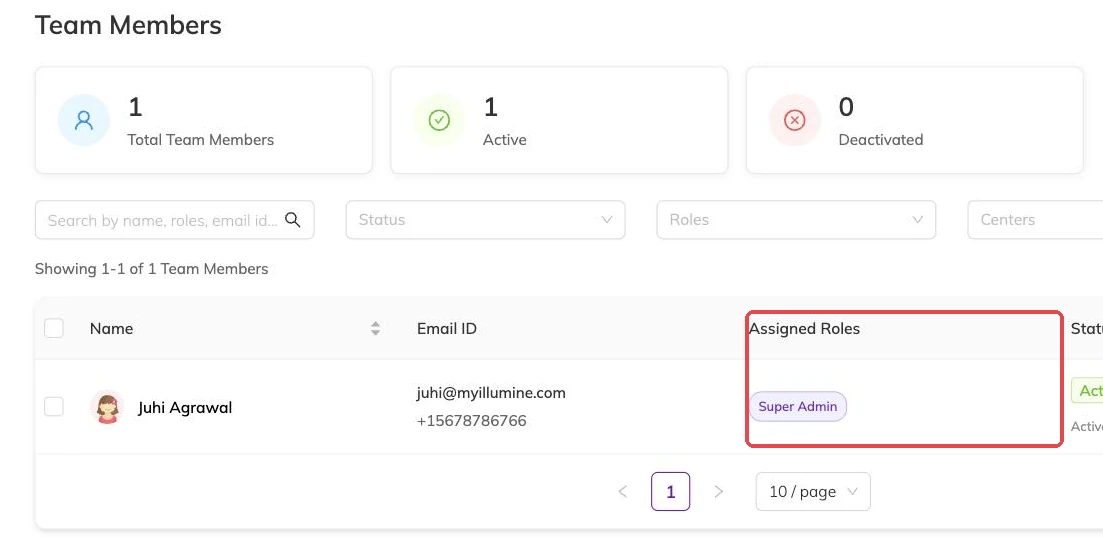
Bookingo keeps three separate sets of custom fields: one for the family account, one for the children on it (labelled with whatever your centre calls them), and one for staff. A field added to one does not appear on the others. That separation is the point, and it is the thing to get right before you type a single question.
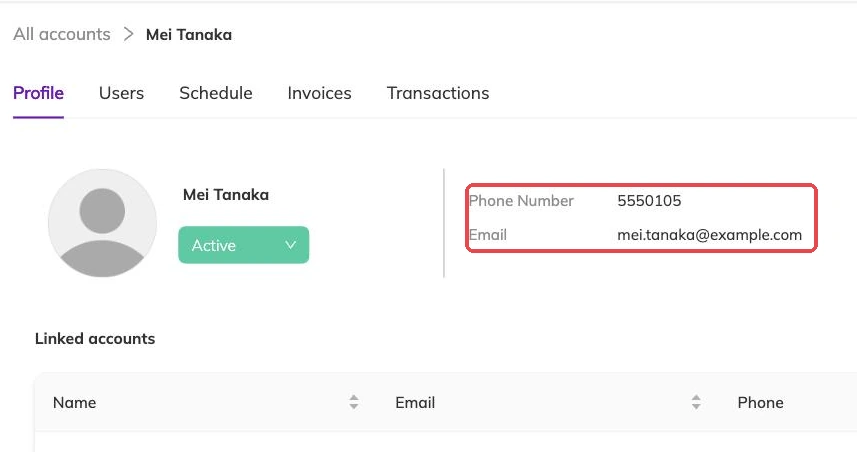
So ask who the fact belongs to. An allergy, a school, a swimming level belongs to a child. An emergency contact, a second phone number, how they heard about you: those belong to the family. A first aid expiry or a background check date belongs to the staff member. Participants and family accounts explains how families and children relate.
What a field can be
Each field has a name and a kind, and you decide whether an answer is required.
- Short text, for schools, notes and anything free-form.
- A number, for anything you might want to sort by or add up.
- A date, for expiries, reviews and anything that comes round again.
- A yes/no tick, for consent and confirmations.
- A dropdown of the answers you list, when you want the same wording back every time rather than free typing.
Names, order, and what you insist on
Names have to be unique within their set, and cannot repeat the name of a field Bookingo already provides. If a name is refused, something already has it.
Write the name as the question you would ask out loud. "Any allergies or dietary needs?" collects better answers than "Allergy info". Fields appear in the order you set, so the ones you always need go at the top and the occasional ones below.
Be sparing with required. Every required field is somewhere a booking can stall at nine o'clock on a Sunday night, with nobody in the office to ring. Make required the things you genuinely cannot run a session without, leave the rest optional, and chase them later.
A field on the record, or a question at booking
Custom fields hold facts that stay true across everything a child does with you: a medical note, a school, a consent that covers the year. Asked once, there next time.
Questions attached to a programme are a different thing. Those are asked during booking and stored with that booking — a T-shirt size for a summer camp, a pickup arrangement for one term, a consent that covers one trip. If the answer would be wrong by next term, it belongs on the programme rather than on the child's record. Taking bookings covers that side.
What your centre calls the children
Centres do not agree on a word. Some say Students, some Members, some Children, some something particular to what they teach. You can set the term your centre uses, and it then appears to families and to your staff in place of the default.
This changes labels, not data. Set it before you write your fields, and your questions will read as though they were written for your centre rather than adapted to it.
Removing a field you no longer need
Deleting a field does not only take the question away. It takes the answers stored against every family, child or staff record that had one.
Where those answers have any value — allergy history, a consent you might be asked to evidence — export them first. If you are unsure, making the field optional and leaving it in place costs you nothing.
More on setup
Your logo, colours and booking page
Set what a family sees when they open your booking link, and what carries through to the emails Bookingo sends afterwards.
Adding centres and locations
Set up each site you run from, so every batch, register and report knows where the session happens — even if you only ever use one hall.
Currency, timezone and tax
Fix these three before your first invoice goes out, because sessions and invoices keep the times and figures they were created with.