What your dashboard numbers actually count
Why your revenue figure is not money in the bank, why bookings look quiet mid-term, and why your screen does not match a colleague's.
4 min read
Two settings change every figure on the screen
You and a colleague can open the dashboard on the same morning and read different numbers off it. Before anything else, check the date range and which centres are included.
Staff can be restricted to specific centres, and the dashboard follows that restriction. You see the programmes, bookings and money for the locations you work at rather than for the whole organisation. Running multiple locations covers how access is set.
Bookings count when the booking was made, not when the session runs
A booking taken in March for a course that starts in June belongs to March. That is why the dashboard looks dead in the first week of term: everybody booked weeks ago and nothing new is coming in.
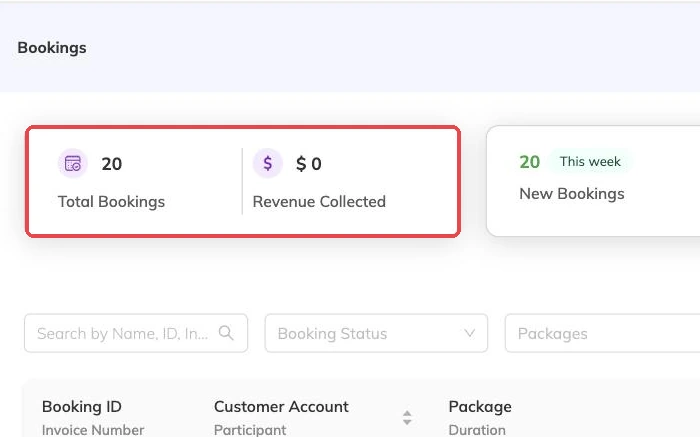
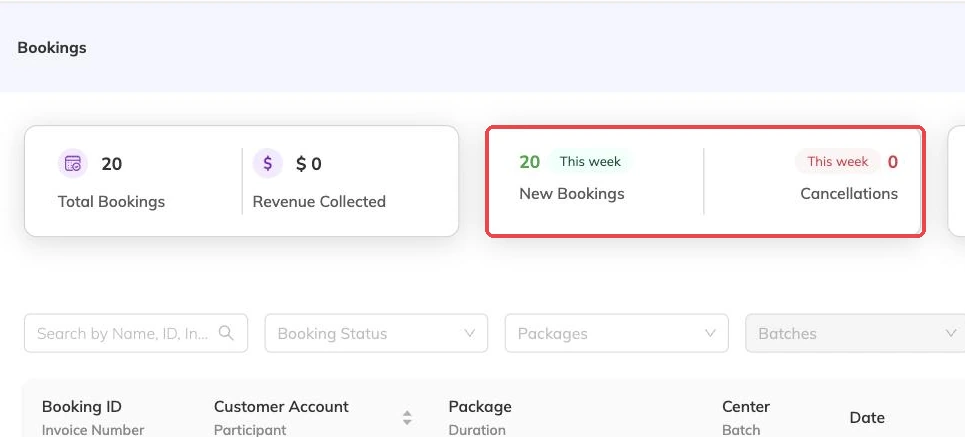
- Total bookings — bookings created inside the range.
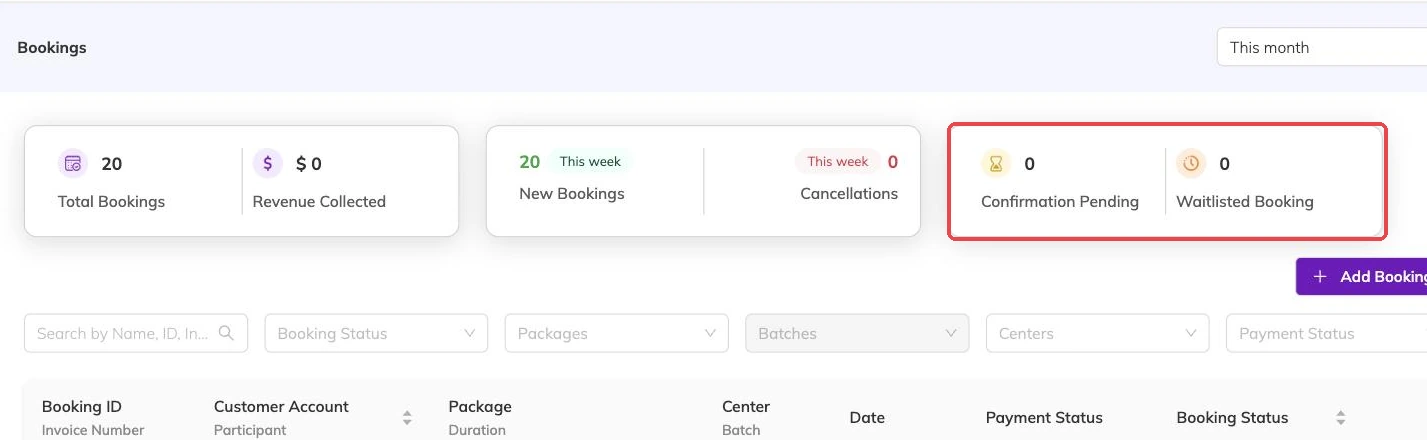
- Requests — bookings still waiting to be confirmed.
- Signed up — children currently holding places.
- Waitlisted — children waiting for a place to free up. Waitlists covers how they got there.
- Cancelled — bookings that were cancelled.
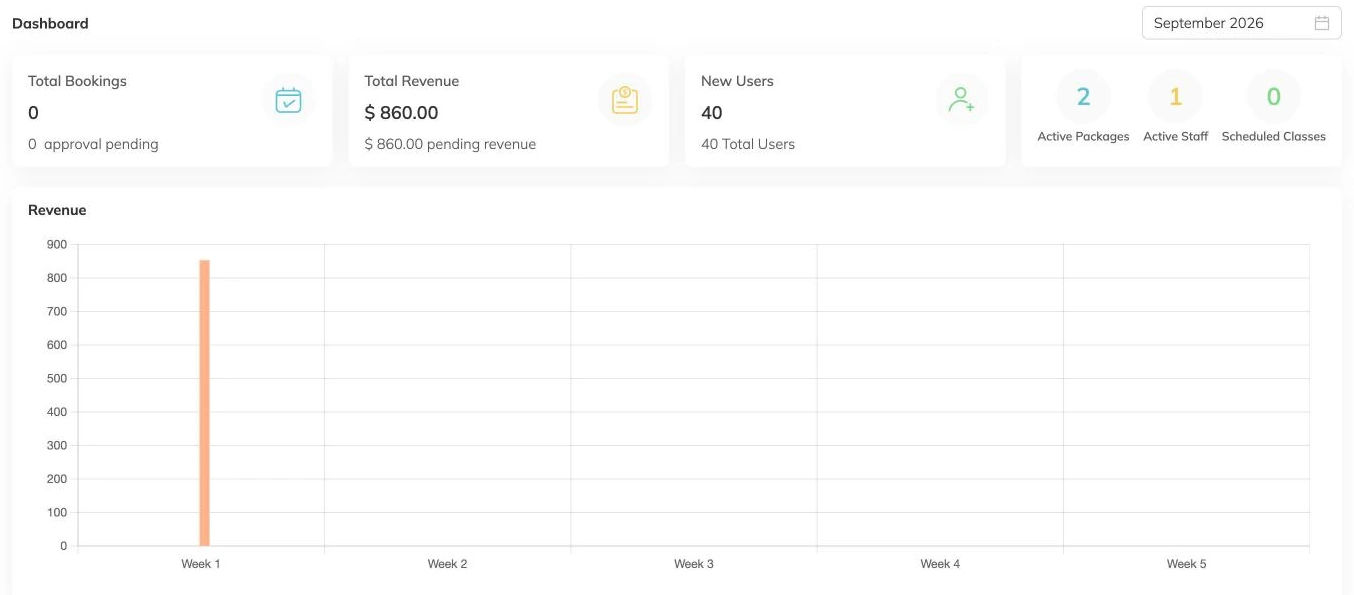
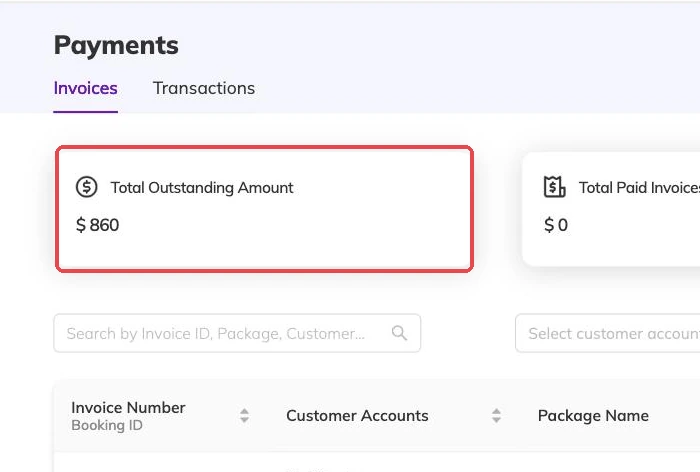
Revenue is what you have invoiced, not what you have been paid
What the total leaves out
Cancelled invoices are excluded, so a cancelled booking does not leave a phantom sale behind in the total. Where a booking was part paid before it ended, the money needs looking at on its own — Cancellations and refunds covers what happens to it.
The weekly breakdown splits the same total across the weeks in your range. Use it when you are trying to tell the difference between bookings genuinely slowing down and a date range that happened to start on a Wednesday.
Two counts of children, easily confused
One is how many children are active on your books right now. The other is how many joined inside the date range you chose. The first barely moves from week to week. The second is the one that tells you whether anything you did last month worked.
The staff figure counts active people, not hours taught, and respects centre access like the rest of the screen.
A class missing from upcoming classes
The upcoming list is drawn from active packages only. A programme still in draft does not appear, however carefully its batches have been built, and that is usually the answer when an instructor says their class has vanished.
Drafts are invisible to families as well, so a class missing here is also missing from everything a parent can see. Packages and batches explained covers moving a package from draft to active.
When to stop reading the dashboard
The dashboard gives you a shape, not a ledger. The moment the question becomes which family, which invoice or which session, export the underlying rows instead.
Anything going in front of a landlord, an accountant or a board should come out of an export rather than off a screen whose filters nobody else can see.
More on running your day
Sharing photos and updates with families
Post a photo and a line at the end of a class, and choose who sees it before you post rather than after.
Taking attendance
Mark a register from your phone mid-session, and know what an absence does to the place, the invoice and the parent's inbox.
Reminders and automatic messages
Set how long before a session families get reminded, and keep instructors' notifications down to the things that change their day.