Discounts, codes and automatic offers
Flat and percentage discounts, codes versus automatic offers, new-customer and returning-customer pricing, and discounts that apply themselves based on answers families give.
7 min read
Where discounts live
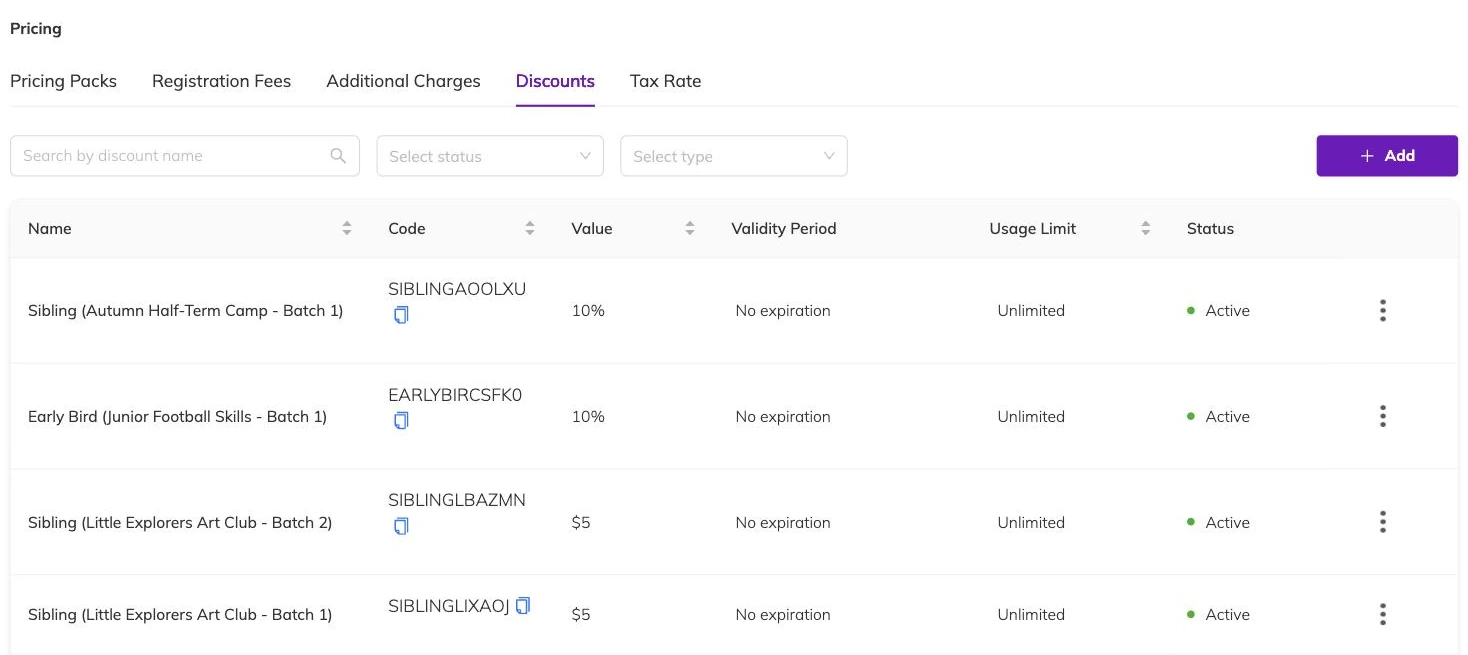
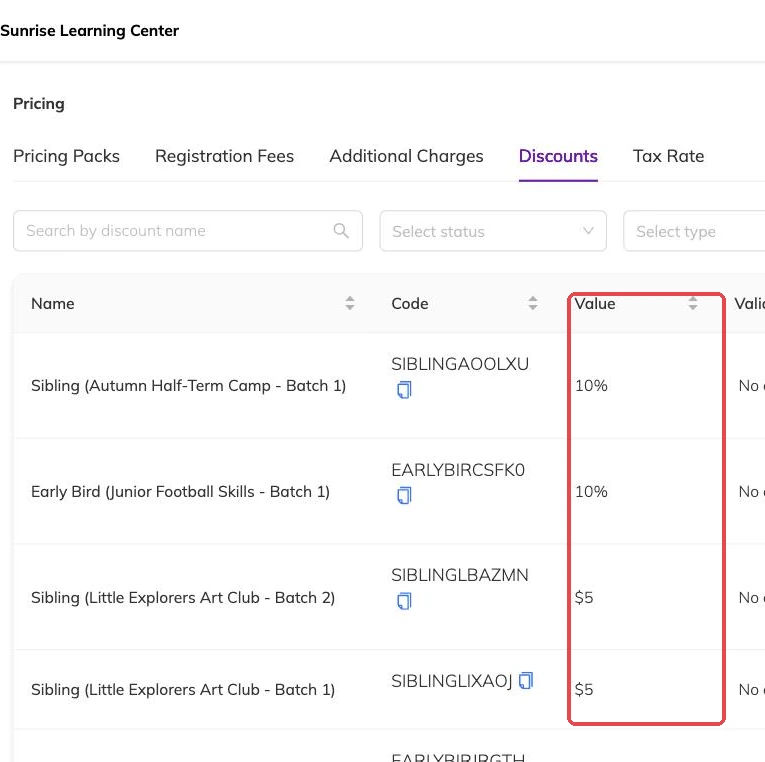
Discounts don't have a menu of their own. You create them where you use them: on a programme's pricing while you're setting it up, and on an invoice while you're building it. That means a discount belongs to the thing it was created on rather than sitting in a shared library.
The practical consequence is that the same offer used on three programmes is three separate discounts. They report separately, which is usually what you want — you can see which programme an offer actually shifted.
Flat amount or percentage
A discount takes a fixed amount off, or a percentage. Percentage discounts can carry a cap, so "20% off, up to 50" behaves sensibly on your most expensive programme instead of giving away more than you intended.
Codes, or automatic
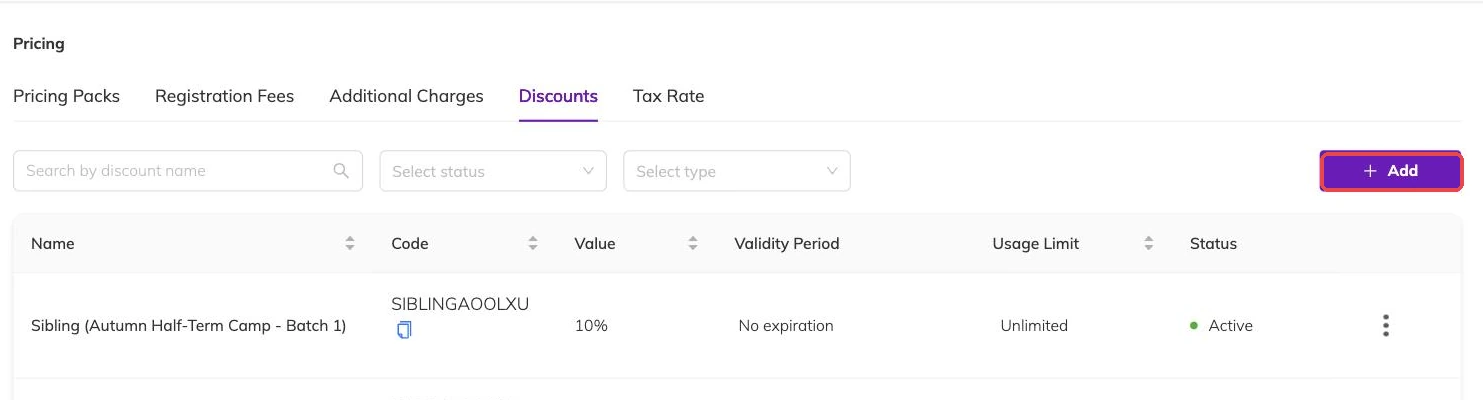
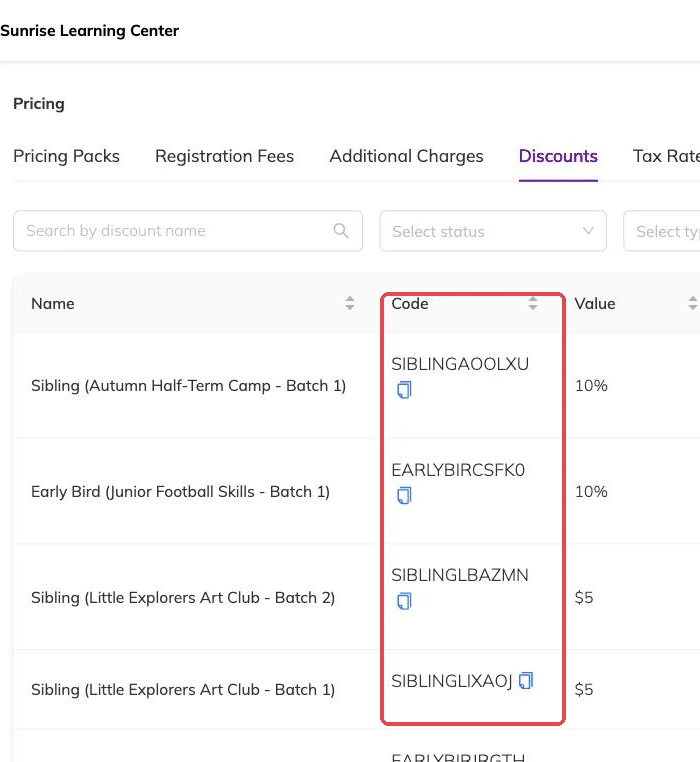
A discount either needs a code the family types in, or applies by itself when the conditions are met.
Codes suit campaigns you want to track and control — an email offer, a flyer, a referral. Automatic discounts suit rules that should always hold, like a sibling rate, because families shouldn't have to know a code exists to get a price they're entitled to.
New or returning families
A discount can be limited to families booking for the first time, or to families who have booked before. First-time pricing helps convert a trial; returning-customer pricing rewards the families who already trust you.
This is checked automatically against the family's booking history, so you don't have to maintain a list.
Minimum booking length
You can require a booking to reach a certain length before the discount applies — a term-long commitment gets the better rate, a single session doesn't. Set both the number and the unit.
Discounts that respond to what families tell you
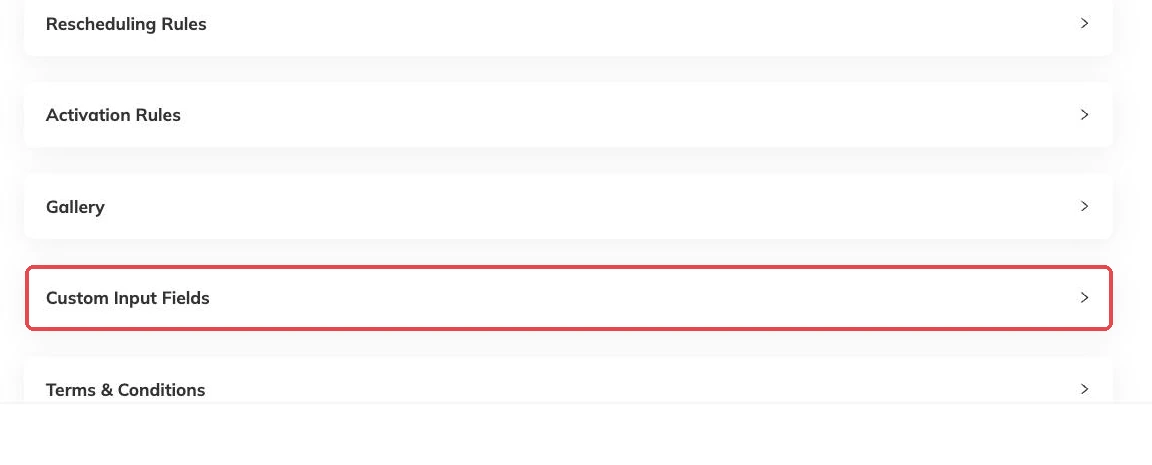
This is the least obvious option, and the one worth knowing about. If your booking form asks questions — a custom field for staff affiliation, a membership number, which school a child attends — a discount can be set to apply only when the answer matches.
So "staff children pay 20% less" becomes a rule the system enforces at checkout, rather than a promise someone has to remember to honour. The family answers the question they were going to answer anyway, and the price adjusts.
Usage limits, and getting them back
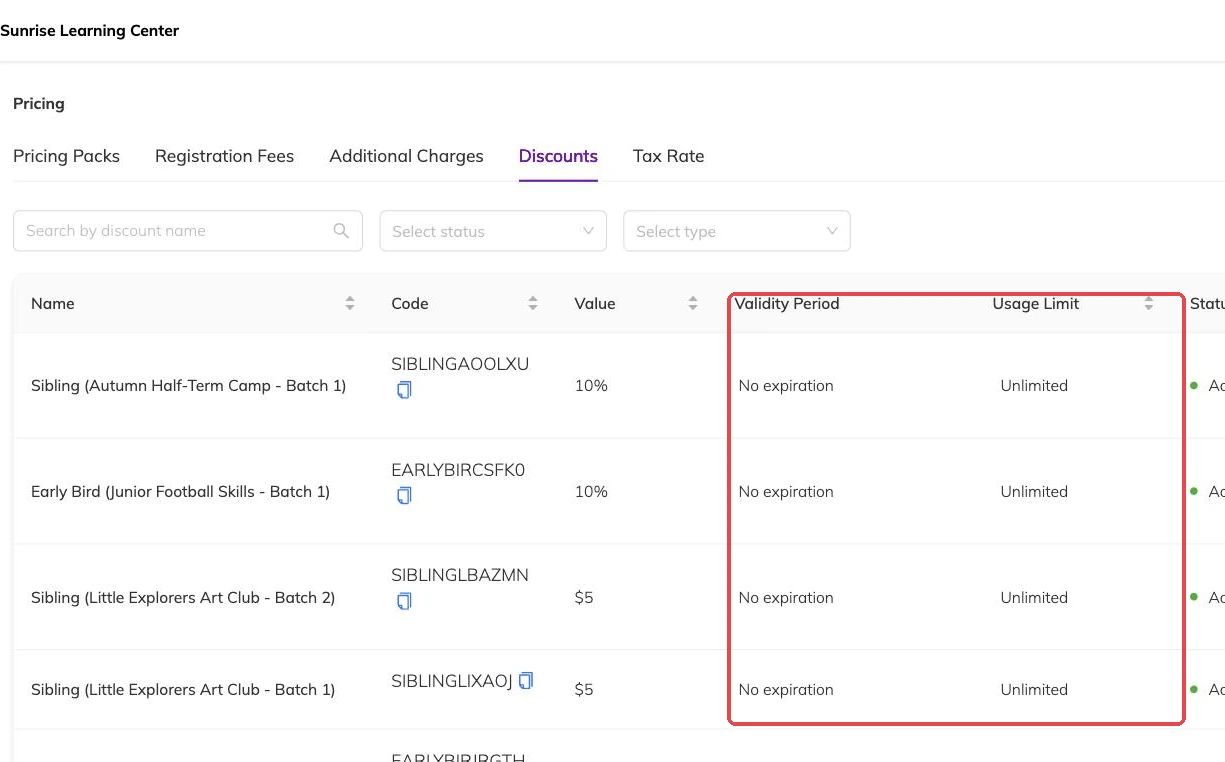
A discount can be limited to a number of uses — the first twenty families, and no more. When a booking that used one of those slots is cancelled, the use is returned to the pool, so a cancellation doesn't quietly burn one of your twenty.
Sibling discounts
Sibling rates apply across a family booking several children together rather than to one child in isolation. Because they're calculated on the group, they work whether the family books everyone at once or adds a second child later.
More on money
Automatic recurring payments
Collect monthly and weekly fees from a card the family has already saved, and know what to check when a collection fails.
Outstanding balances and reminders
See who owes what today, send a reminder that is logged against the invoice, and recognise the balances that should never be chased at all.
Registration fees, extra charges and tax
Add joining fees, materials charges, tax and late fees to the programmes they belong to, and know what changing a rate later does to invoices already raised.