Rewriting the emails Bookingo sends
Replace the subject line and wording of any Bookingo email, and set the footer and contact address that appear on all of them.
4 min read
The email families receive does not sound like you
Every notification ships with wording supplied by Bookingo. It is clear, it is neutral, and it reads as though a system wrote it, because one did. The subject line and the body of any of them can be replaced with your own.
Templates and notification settings work in that order. Rewriting a message that is switched off in Choosing which notifications go out changes nothing, because it is never sent. Decide what goes out first. Then decide how it reads.
The family version and the team version are edited separately
Most events produce two messages, one for the family and one for your team, held as separate templates. Rewriting the booking confirmation families receive leaves your team's version alone. That is usually what you want — the same event has to say different things to the two audiences, and the team's session reminder carries the list of who is booked in, which no parent should receive — but it does mean going through the list twice if you want one voice throughout.
Check-in and check-out carry an extra version for late arrivals and late collections, edited alongside the on-time version. The two can say quite different things.
Placeholders fill in the details
Anything in curly braces is replaced when the message is sent. {account_name} becomes the parent's name, {participant_name} the child's, {package_name} the programme they booked, {batch_name} the schedule within it, {booking_dates} and {booking_timing} the when, {center_name} the location, {invoice_number} and {invoice_amount} the money. Move them, repeat them, drop the ones you do not need. The wording around them is yours.
Custom fields you have added to family records and to children's records are available as placeholders too, prefixed account_ or participant_ so you can tell the two apart. Participants and family accounts covers how those fields are set up.
One is worth knowing about on its own. {participant_type} fills in whatever your centre calls the children you book in — Students, Members, Children. A template written with the placeholder rather than the word keeps working if you change that name later, and every email changes with it.
Read it with the sample values in
Each placeholder is listed with a sample value attached — a parent called John Smith, a child called Emma, a programme called Summer Camp, a date range in March. Read the message through with those in place at least once before you save.
Wording that looks fine around a placeholder often reads badly once real content lands in it. A long programme name in the middle of a sentence. A two-week range where you had pictured a single date. A field the family never filled in, which renders as nothing at all and leaves a hole in your sentence.
Assume it will be read on a phone, standing up, between two other things. A short subject line and a first sentence that says what has happened do more than any other change you can make.
The details that appear on every email
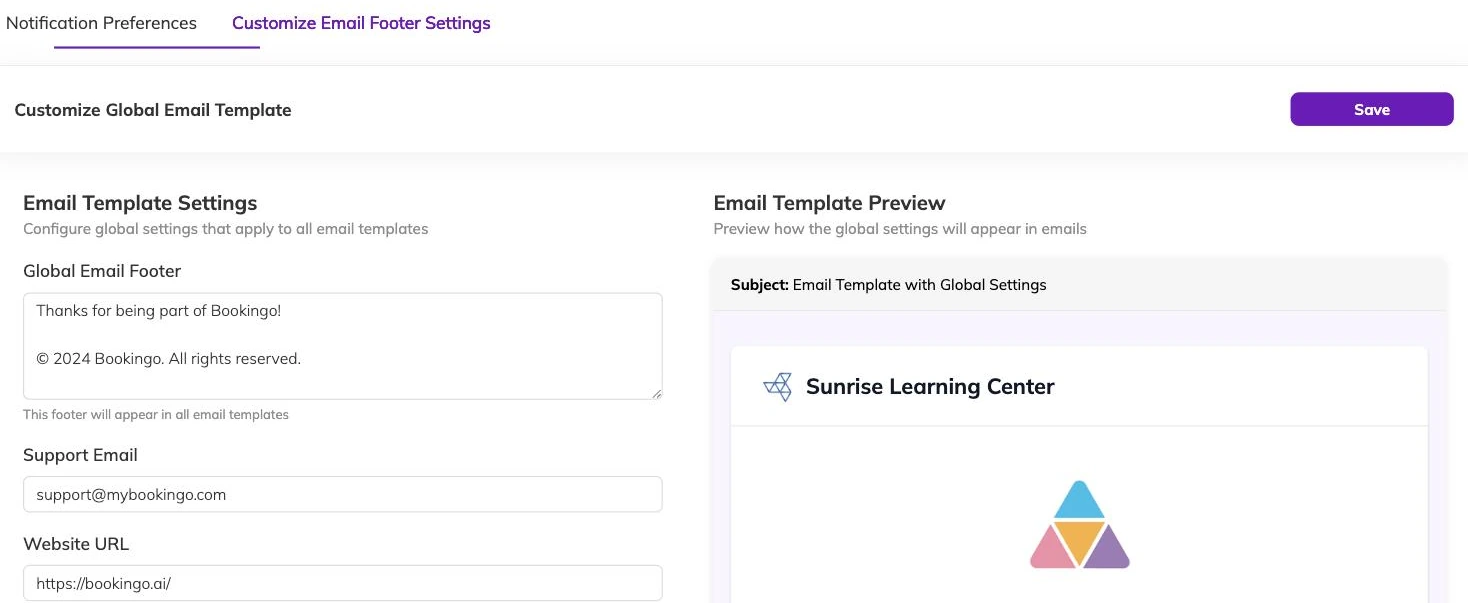
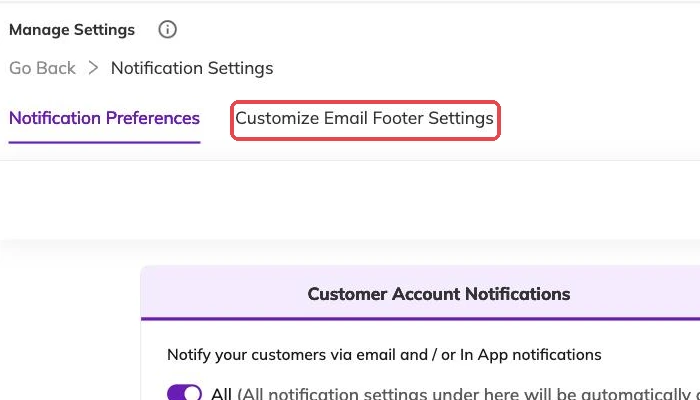
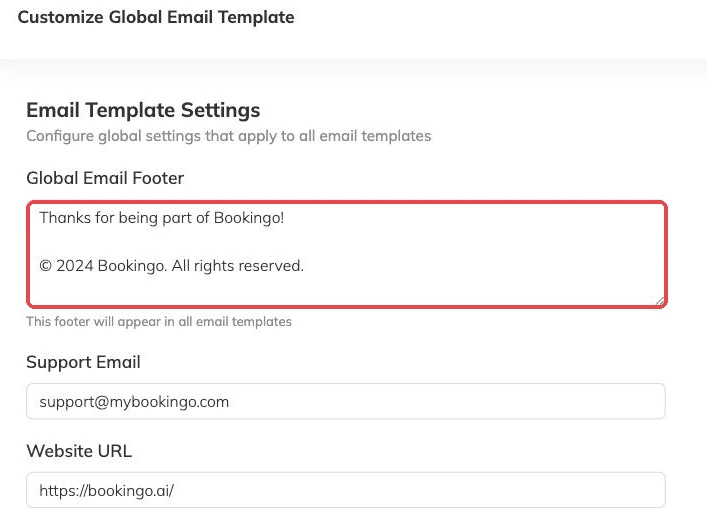
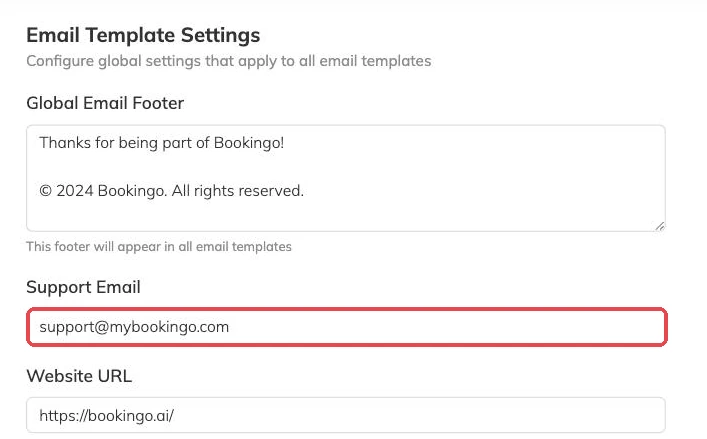
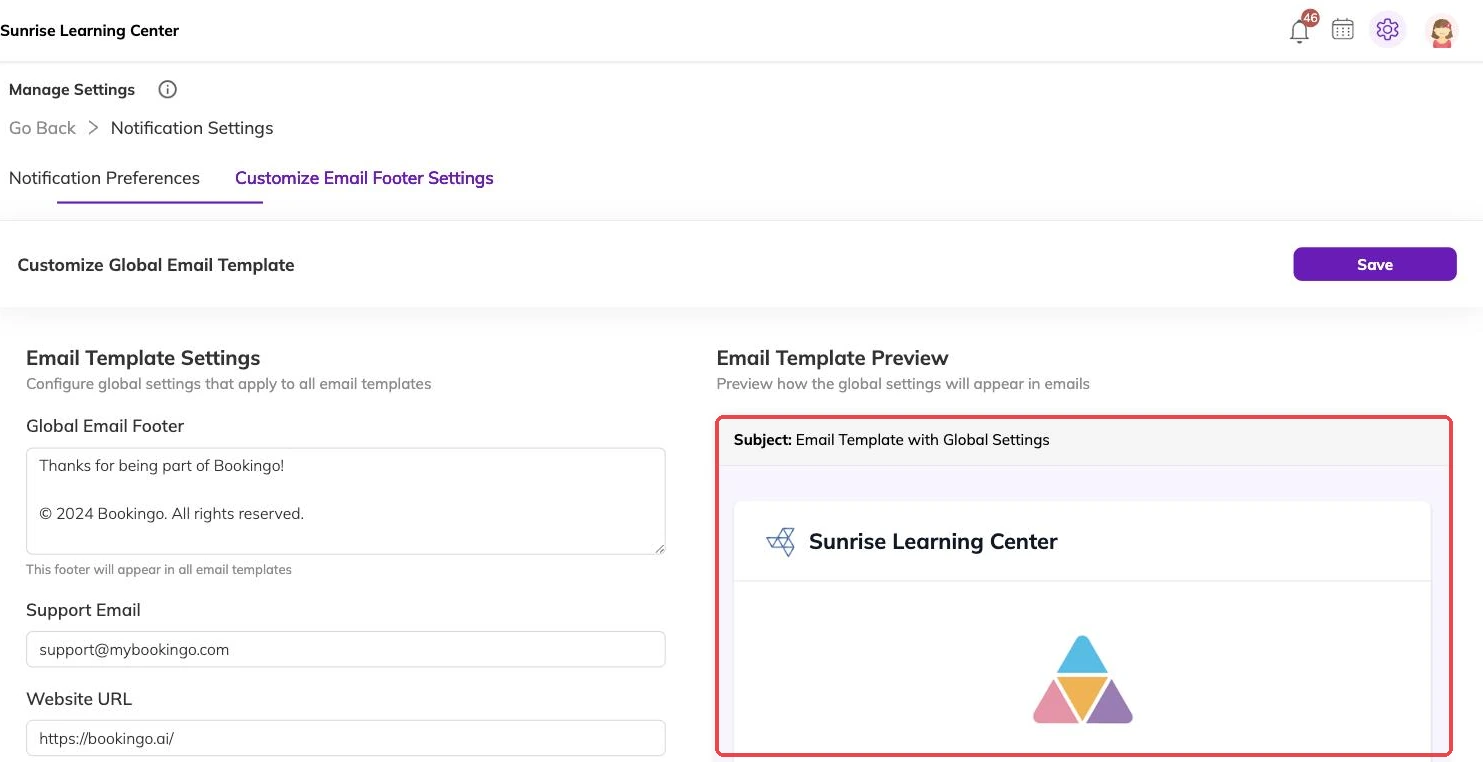
Separate from the individual templates is one set of details that appears on all of them: the footer text, the contact address shown to families, your website, and links to your social accounts. Social links appear only where you have supplied them.
Set these before you rewrite anything else. They reach every message you send, including the ones you never get round to editing.
The original stays available
The wording supplied with Bookingo sits alongside your version rather than being replaced by it, so you can compare the two, or go back, if an edit does not work out.
That makes editing safer than it feels. The real risk is not an awkward sentence. It is deleting a placeholder that was carrying something the family needed — the dates on a booking confirmation, the amount owing on an invoice. Invoices and payments describes what families expect to find in those messages.
Where to start
You do not need to rewrite everything. Four messages carry most of the weight.
- Booking confirmation — the one families keep and refer back to.
- Invoice generated and payment received — the two most likely to be forwarded to whoever actually pays.
- The session reminder — read on a phone, usually the night before.
- Cancellation — read when someone is already unhappy, so it deserves the most care.
More on integrations
Connecting Illumine to Bookingo
For centres already running Illumine: connect the two once and your students, parents and their details flow across automatically.
Choosing which notifications go out
Decide which events email your families, which reach your team, and switch off the ones you would rather not send in your name.