Registration fees, extra charges and tax
Add joining fees, materials charges, tax and late fees to the programmes they belong to, and know what changing a rate later does to invoices already raised.
3 min read
The programme price is rarely the whole of what you collect
A family joins in September and owes a joining fee on top of the term. A dance class needs shoes. A holiday club charges for the trip on the Thursday. None of that belongs in the price option, and none of it should be typed onto invoices one at a time.
Registration fees, extra charges and taxes are each set up once for the centre and then attached to the programmes they apply to. Every one of them lands on the invoice as its own line, under the name you gave it. A family can see what they are paying for, and you can account for it separately afterwards.
Registration fees
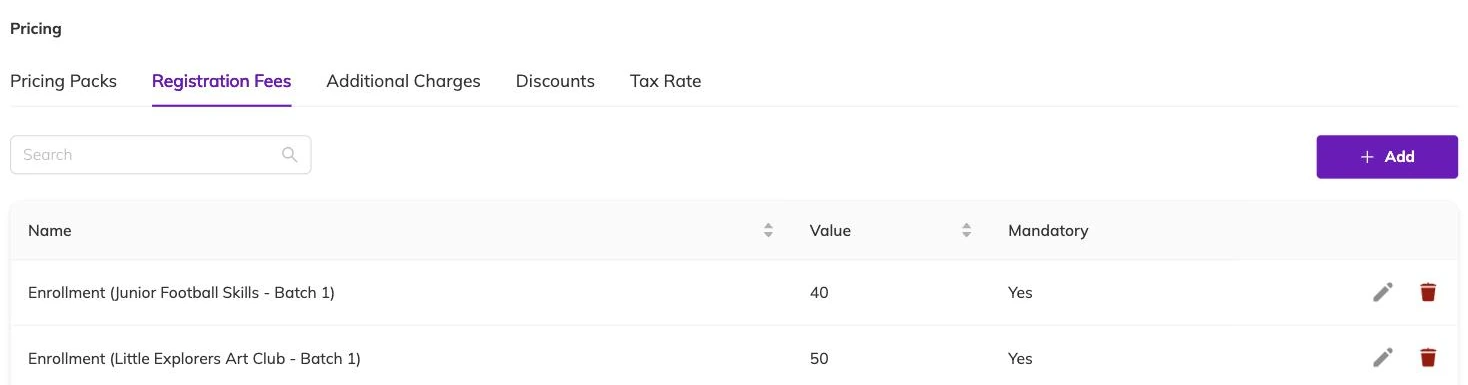
A registration fee is a fixed amount with a name — "Joining fee", "Annual membership" — attached to the programmes it applies to. Attach one to a single programme, to several, or to all of them.
Use it for the charge that goes on at the start, not for anything that repeats. The name you give it is the description the family reads on the invoice, so write it for them and not for your spreadsheet.
Extra charges, one-off or recurring
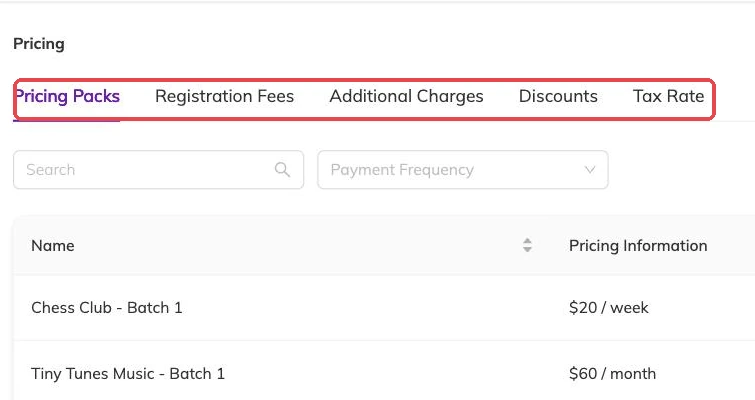
An extra charge has a name, an amount and an optional description. What separates it from a registration fee is that you decide how often it applies, and whether it is mandatory — a mandatory charge always applies rather than being a choice.
- One-off — added once, for a kit, a trip, a T-shirt.
- Recurring — added to each invoice the programme raises, for a cost that comes round every billing period.
Tax
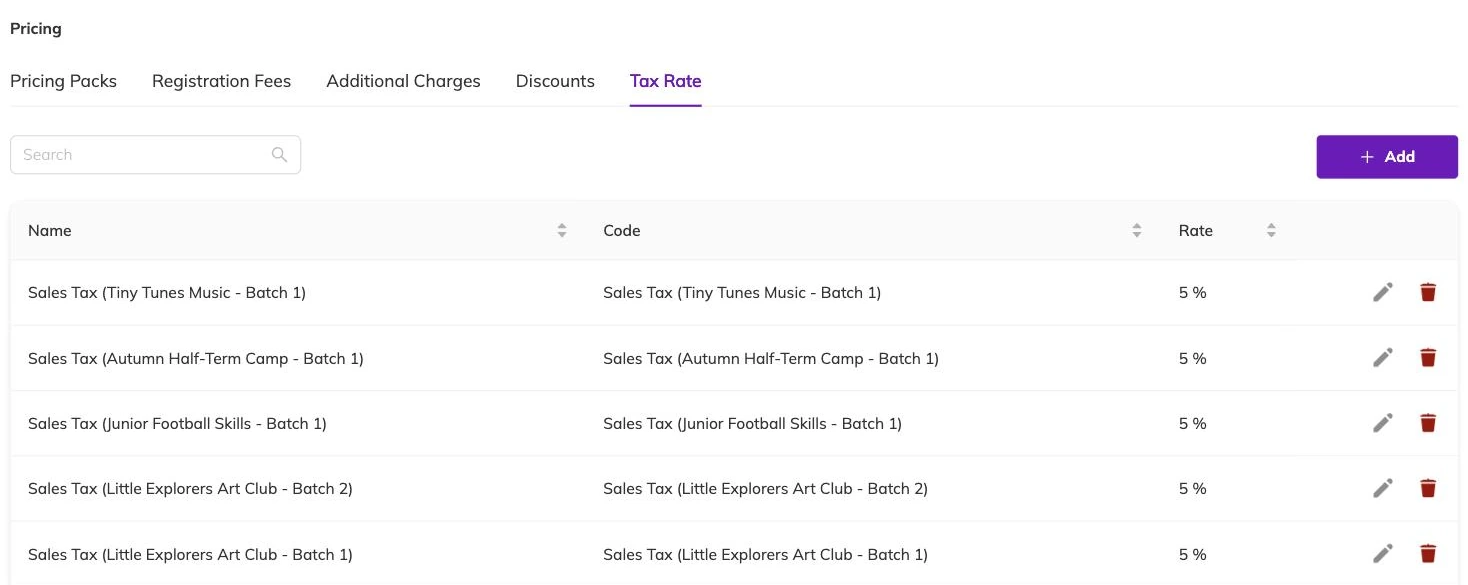
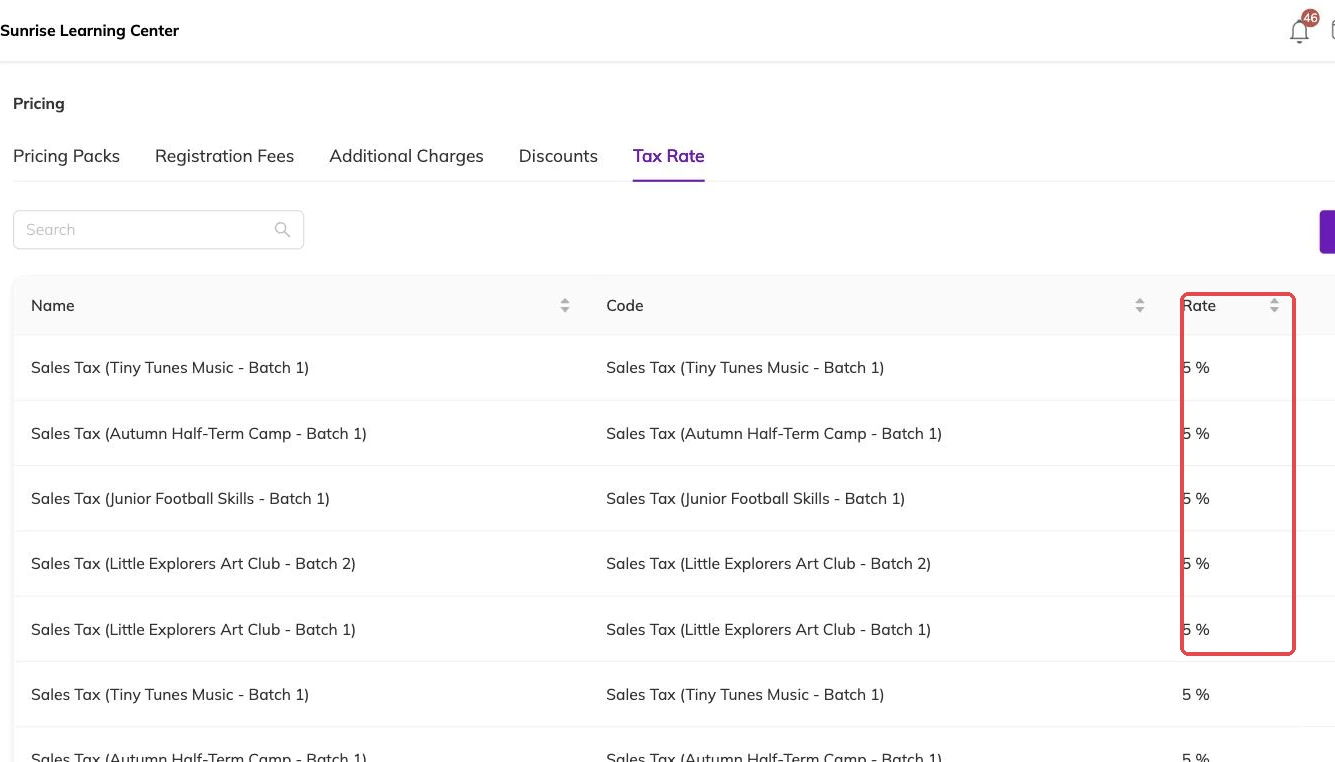
A tax is a named rate with a code, the code being whatever your jurisdiction expects to see on an invoice. Attach it to the programmes it applies to.
Tax is worked out on the lines it applies to, not as one figure at the foot of the invoice. The invoice carries the amount before tax and the tax broken out separately, so the total the family owes and the number you report are both on the document without arithmetic at your end. Where more than one rate applies, set each up separately and attach both.
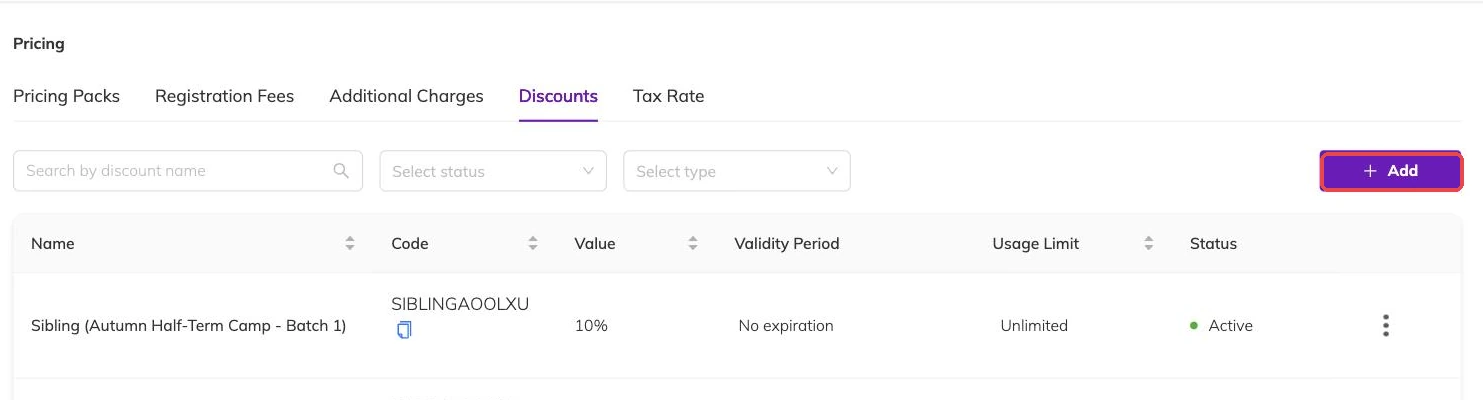
Discounts and tax meet on the same invoice. Discounts, codes and automatic offers covers how a discount is applied.
Late fees
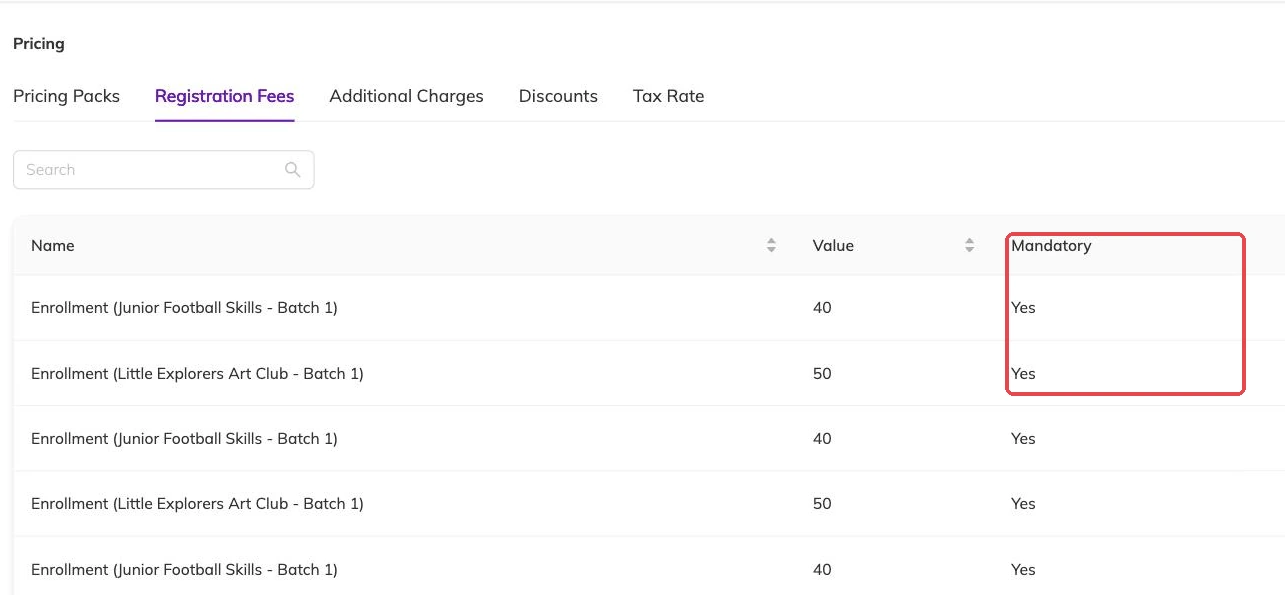
A late fee is set once for the centre, not per programme. Choose a fixed amount or a percentage of what is still outstanding. It applies to invoices that pass their due date with money still owing, which makes the due date you set on the programme the thing that decides when it bites — see Pricing, frequency and payment plans.
You can waive it on an individual invoice where the delay was not the family's doing. Outstanding balances and reminders covers the rest of chasing an unpaid invoice.
Changing a fee or a rate later
Fees and tax rates are copied onto an invoice at the moment it is raised. Change a rate today and every invoice already sitting with a family keeps the old figure; only invoices raised from now on carry the new one. That is usually what you want. It does mean a change made part-way through a billing month leaves two versions of the same charge in circulation, which is better known to you than discovered by your accountant.
Deleting a fee stops it applying in future. It does not strip it from invoices that already carry it — those are corrected one at a time, which is covered in Creating an invoice by hand.
More on money
Automatic recurring payments
Collect monthly and weekly fees from a card the family has already saved, and know what to check when a collection fails.
Outstanding balances and reminders
See who owes what today, send a reminder that is logged against the invoice, and recognise the balances that should never be chased at all.
Discounts, codes and automatic offers
Flat and percentage discounts, codes versus automatic offers, new-customer and returning-customer pricing, and discounts that apply themselves based on answers families give.