Take your first booking end to end
Book a child in yourself, take the payment and cancel it cleanly, so you meet your own booking process before a parent does.
3 min read
Be your own first customer
Whether a programme name reads two ways, whether the price a parent is asked for is the one you meant, whether the money gets recorded how your bookkeeping needs it — you find that out now, or you find it out from a parent's email.
One booking made by you answers all of it. This is safe to do on a live programme: cancelling a booking releases its places immediately, so the batch goes back to where it started and the same dates can be booked again afterwards.
You need a published programme with at least one batch to book into. Create and publish your first programme comes first if you do not have one.
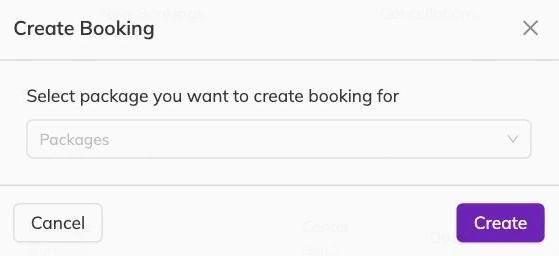
Set yourself up as a family
Create a family account with an email address you can open — your own is ideal — and add one child to it. That child is who you book in.
Give the child a name nobody could mistake for a real one on a register. Test Test does the job. The point is that you can find it later and no member of staff ever has to ask who it is.
Participants and family accounts covers family accounts, the children attached to them, and how your centre's own word for children appears in the interface.
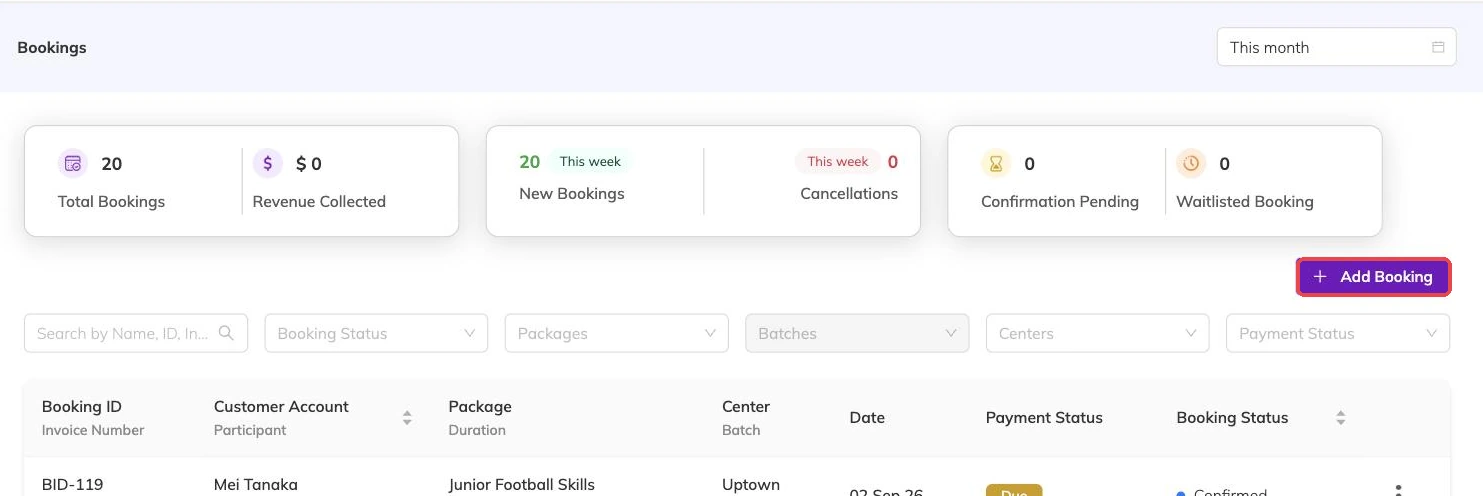
Make the booking
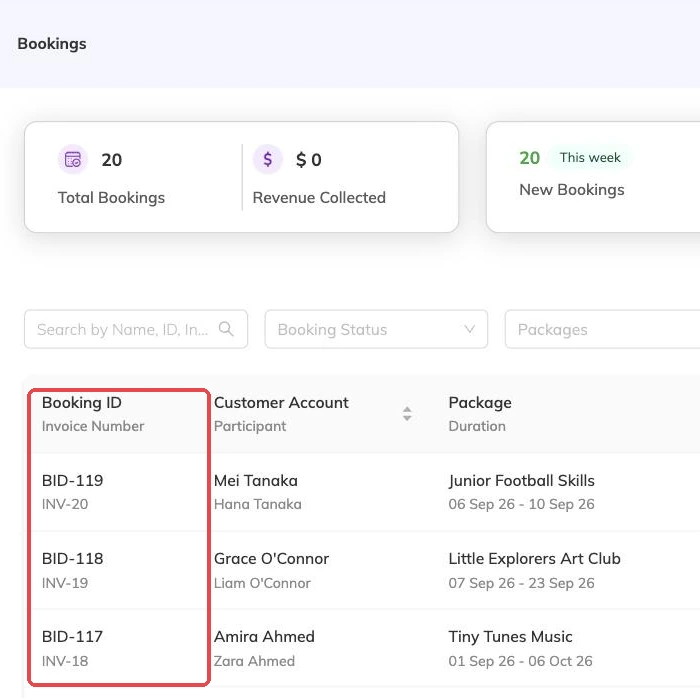
Choose the programme, then the batch, then the dates the child is joining. Watch the numbers as you go: a booking spanning eight sessions takes a place on all eight of them.
If one of those sessions is already full, this is where you learn how your programme behaves. With a waitlist enabled, the family joins the waitlist. Without one, the booking is refused. Waitlists covers the decision.
Taking bookings covers the variations that turn up later — joining mid-term, taking part of a batch, more than one child on the same account.
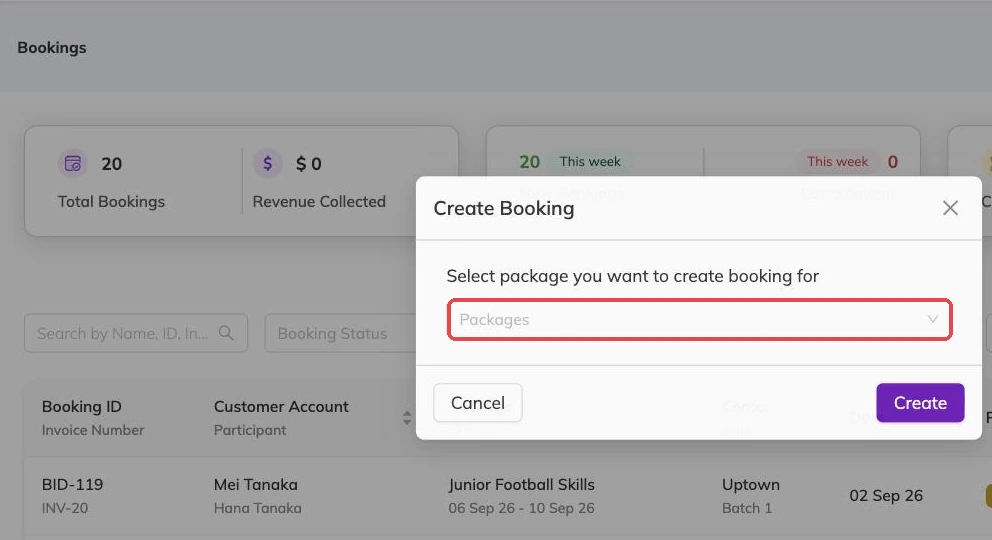
Take the money the way you mean to
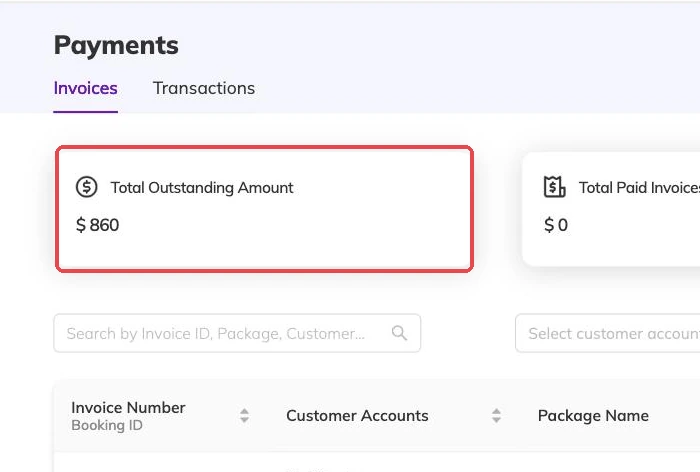
The booking raises an invoice. Record the payment the way you intend to record it for real rather than skipping past this part, because it is the half of the process your books depend on.
If you have set up a discount code, try it here and check the amount that comes out is the amount you expected. Discounts, codes and automatic offers covers how offers apply.
Invoices and payments covers what is outstanding, what is settled, and where to look when a parent says they have already paid.
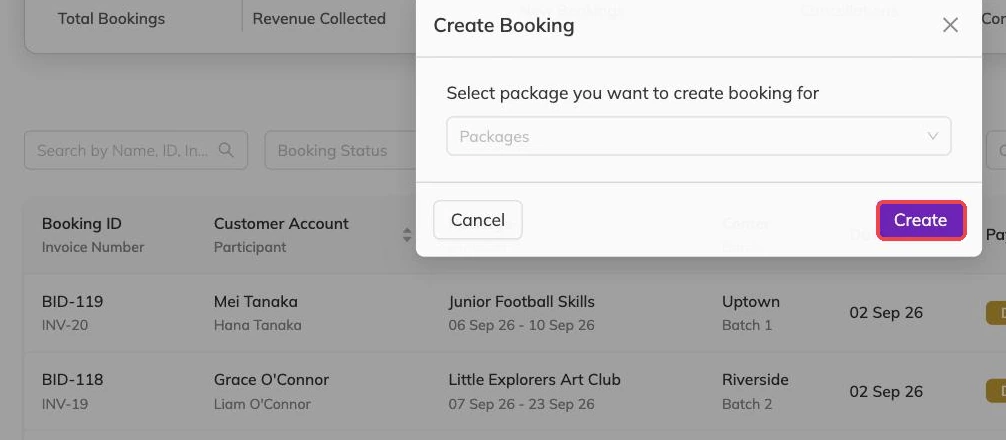
Read it as the family
Because the account sits on your own address, anything sent to that family arrives with you. Read it properly rather than glancing at it.
Then look at the programme the way a family meets it. An ambiguous name, or a date range that can be read two ways, is far cheaper to fix now than after a term's worth of families have booked on it.
Undo it
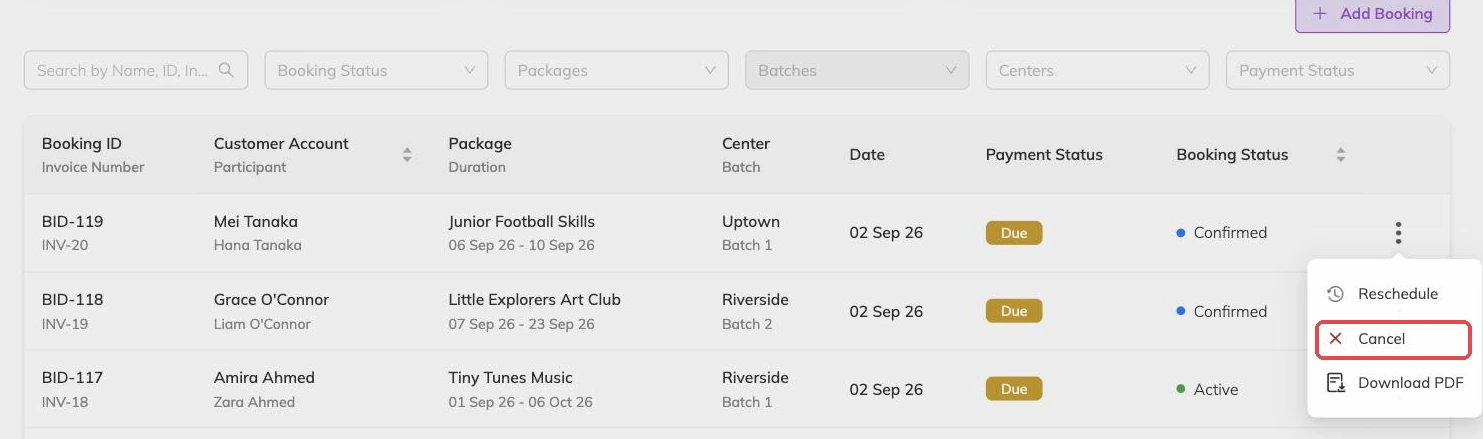
Cancel the booking. The places it was holding are released straight away, on every session it covered.
The invoice is cancelled with it, unless you part-paid it — see below. Any discount you used is returned to its usage count, so a code limited to a number of uses is not quietly one down. Cancellations and refunds covers the real version, with real families and real money.
If what you want is to move a booking rather than remove it, Rescheduling a booking is the other half of this.
What to do with what you found
Most of what this turns up is small: a price, a capacity number, a description that assumes knowledge, a name that reads two ways to a parent. Fix it now, while nobody is booked in.
Then work through What to check before families start booking. If something behaved in a way this article does not explain, write to support@mybookingo.com rather than guessing at it.
More on getting started
Create and publish your first programme
Take one class from nothing to bookable, and get the one setup decision you cannot undo right the first time.
Getting started with Bookingo
Set up your centre, create your first package and take your first booking. The five things to do on day one, in the order that avoids rework.
What to check before families start booking
The checks that are a small edit today and mean moved children, reissued invoices and a rebuilt batch if you leave them until after.