Create and publish your first programme
Take one class from nothing to bookable, and get the one setup decision you cannot undo right the first time.
3 min read
What you are actually making
You want one class families can book by the end of the week. It takes two things, and they only work in one order.
The programme is what families choose and where the price lives. The batch inside it is the schedule: days, times, centre, and how many places each session holds. A programme with no batch gives a family nothing to book.
None of it is visible to anyone until you publish, so you can get it wrong a few times first. If the words are new, they are in How Bookingo fits together: centres, programmes, batches and families.
The order that matters
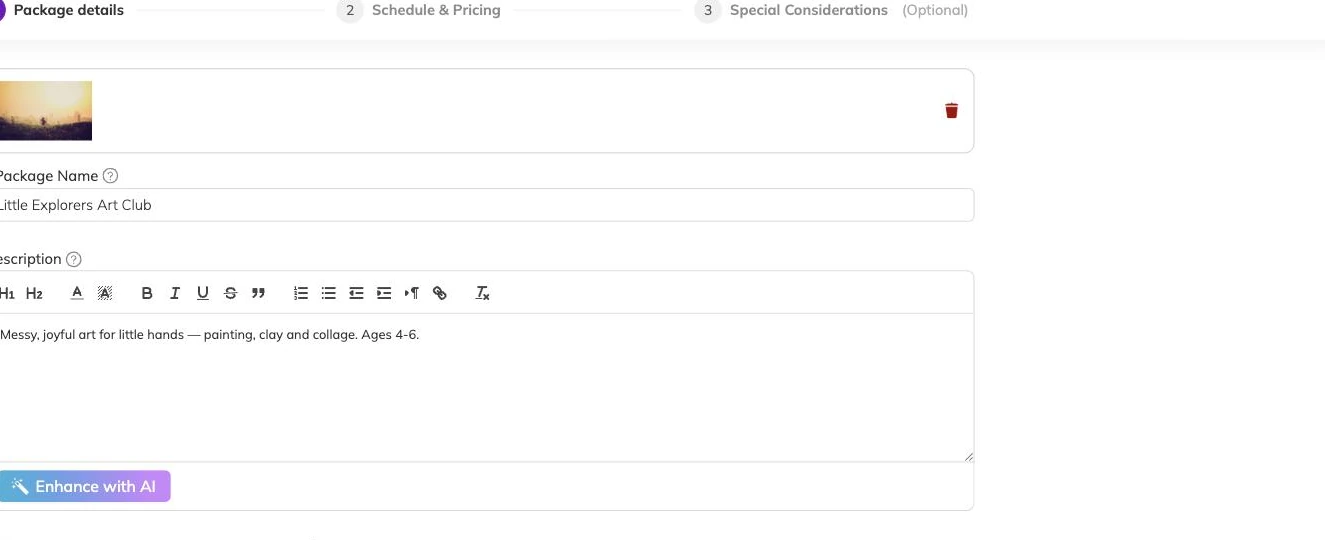
- Create the programme, with the name families will look for.
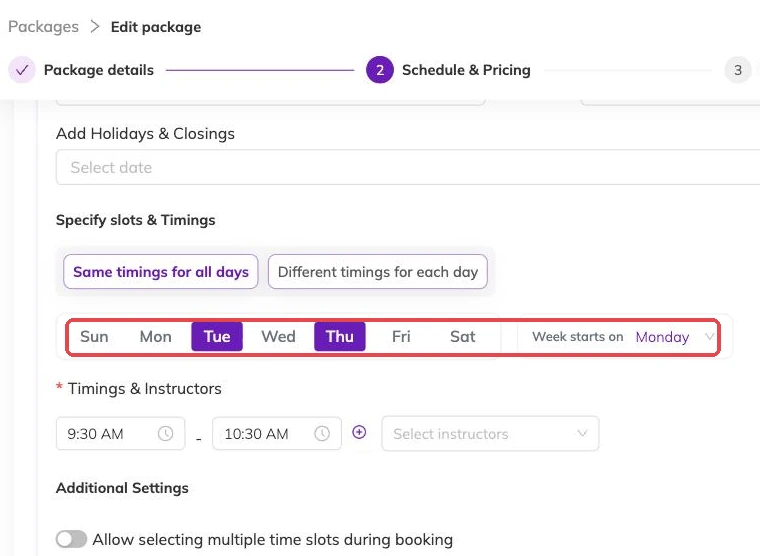
- Add a batch to it: the centre, whether it recurs or runs on fixed dates, the days and times, and how many places each session has.
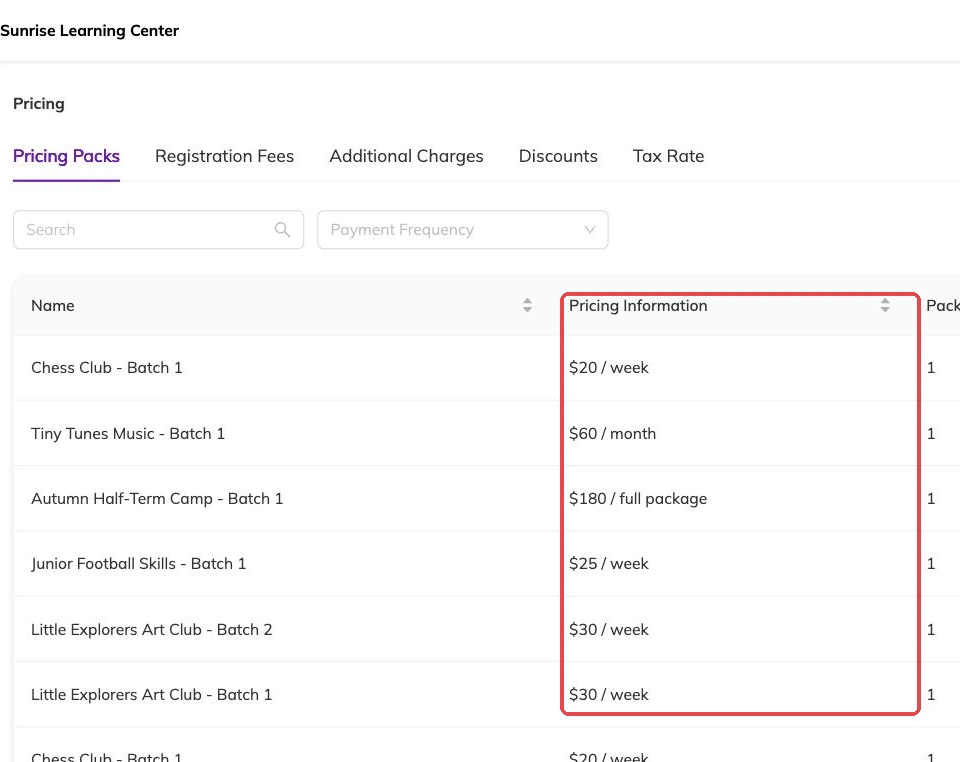
- Set the price on the programme.
- Decide whether a full session offers a waitlist.
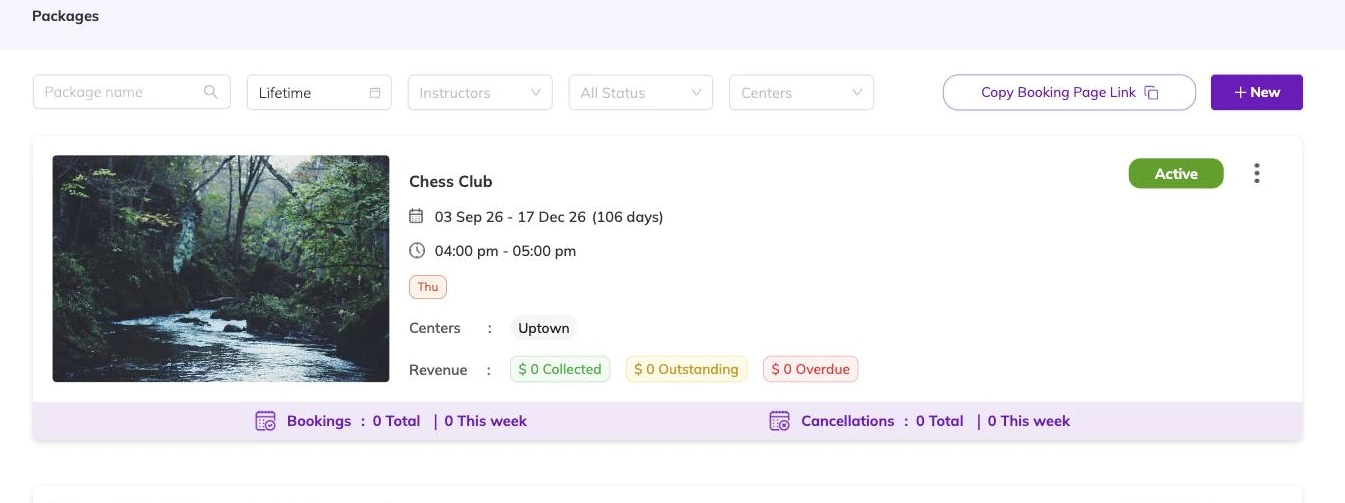
- Read the whole thing back as a parent would, then publish it — which moves it from draft to active.
Name it the way a parent scans it
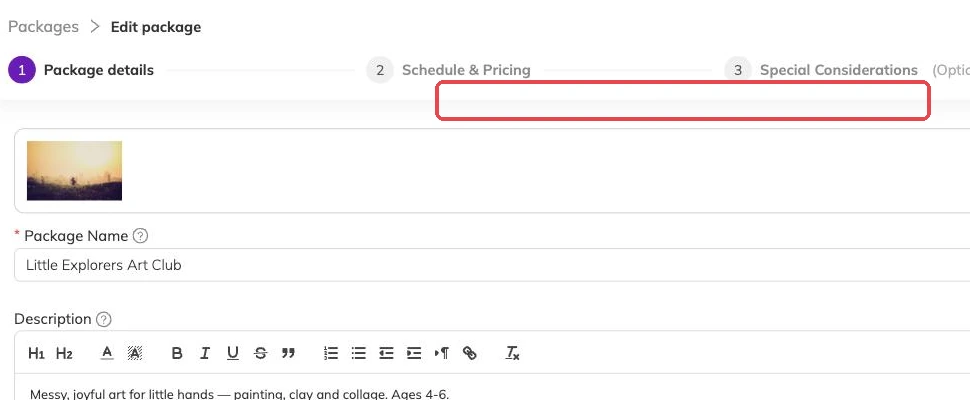
Parents skim. They are hunting for their child's age, their level and their day, and they will book the wrong thing when the name only makes sense from inside your office.
Football 5–7s. Piano Beginners. Ballet Grade 1. Put the distinguishing detail in the name rather than trusting the schedule underneath to explain it, and keep the internal shorthand where families never see it.
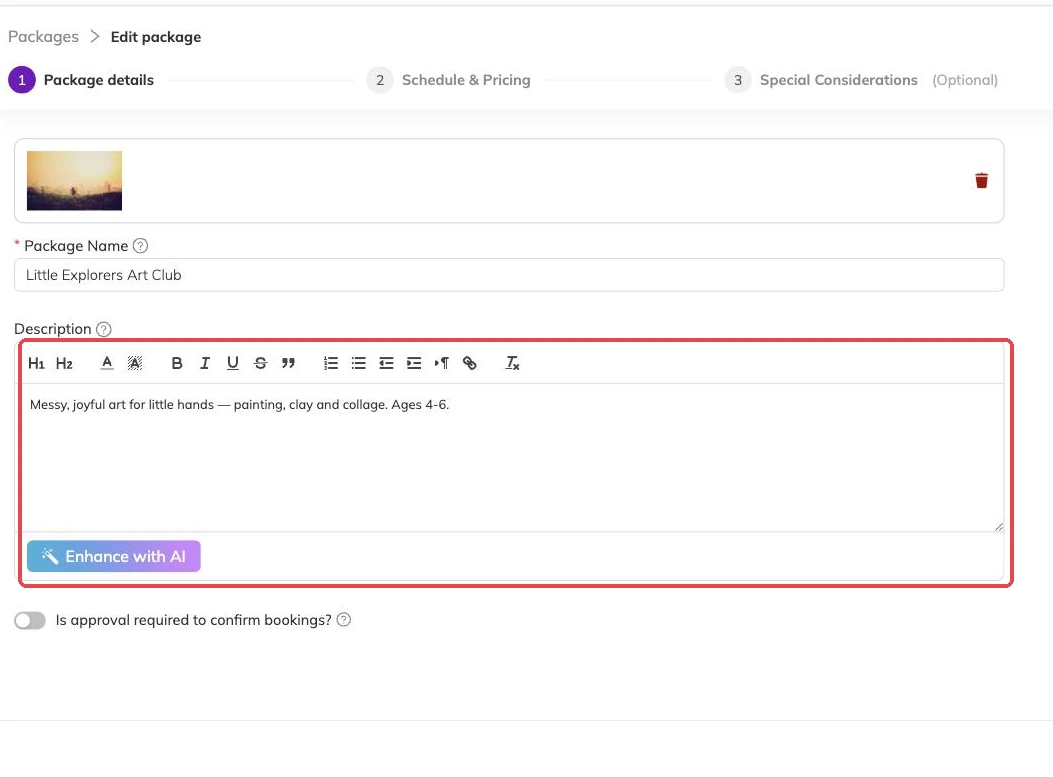
Whatever a parent needs before deciding — what to bring, what happens in the rain, whether they can watch — is worth writing down once with the programme instead of answering one message at a time.
The schedule is where the real decisions sit
A recurring batch repeats on chosen weekdays between a start and an end date. A fixed-date batch runs on the specific dates you list. Term-time classes are usually the first; camps and workshops the second.
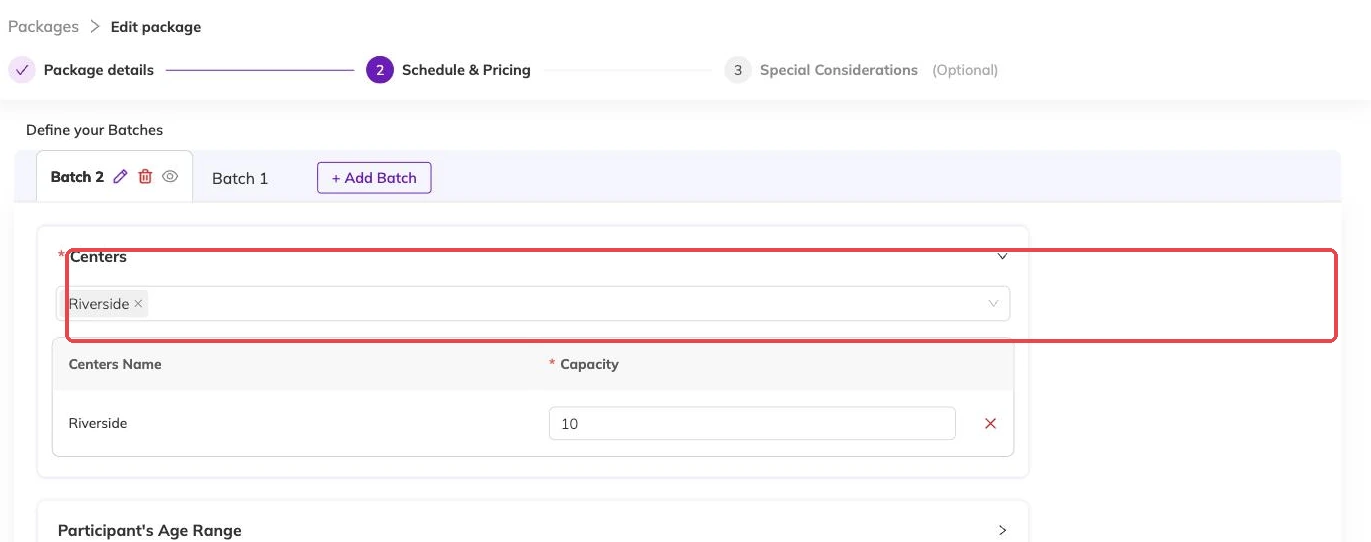
Capacity belongs to the batch and counts per session. If eight children fit in the room, the number is eight — and a booking spanning eight Tuesdays takes one of those places on every one of those Tuesdays.
If you work from more than one address, check the centre on the batch before you go any further. It decides where the session sits and which staff can see it.
Price sits on the programme
You set it once, on the programme, and it applies to the batches inside. When two schedules genuinely need different prices, that is a sign they are two programmes rather than two batches of one.
Keep offers out of the base price. Early-bird pricing, sibling reductions and codes are handled separately, which means an offer can end without you touching what the programme costs. Discounts, codes and automatic offers covers what is available.
What happens to the money after a family books is in Invoices and payments.
Publish when it reads properly
A draft is invisible to families. An active programme is not. Read it once more before you make the switch: the name, the dates, the times, the price, the number of places.
If you would rather watch the whole chain work before real families touch it, Take your first booking end to end walks through booking a child in and undoing it. After that, Taking bookings covers the day-to-day, and What to check before families start booking covers the rest of the pre-launch checks.
If your timetable is already in a spreadsheet
Build this first one by hand even with thirty more waiting. It shows you what each field does and what a parent ends up seeing. Then stop.
Importing your programmes from a spreadsheet covers bringing an existing timetable across in one go.
More on getting started
Take your first booking end to end
Book a child in yourself, take the payment and cancel it cleanly, so you meet your own booking process before a parent does.
Getting started with Bookingo
Set up your centre, create your first package and take your first booking. The five things to do on day one, in the order that avoids rework.
What to check before families start booking
The checks that are a small edit today and mean moved children, reissued invoices and a rebuilt batch if you leave them until after.