What to check before families start booking
The checks that are a small edit today and mean moved children, reissued invoices and a rebuilt batch if you leave them until after.
3 min read
The cheap window
You are close to telling families they can book. Right now a wrong capacity is a small edit and a badly shaped batch is a rebuild nobody sees.
Afterwards, the same two things mean moving real children, reissuing invoices and writing explanations. Work down this list while it is still free.
What families can and cannot see
- Every programme you want families to book is active. Drafts are invisible to them — if a parent says they cannot find something, check this before anything else.
- Everything not ready is still a draft: next term, the half-built idea, the programme you made while learning. Publishing one of those by accident is the worse of the two mistakes.
- Every active programme has at least one batch. A programme with no schedule gives a family nothing to book.
The schedule and the places
Open each batch and read the dates back as a parent would. The start and the end, the weekdays, the times, and the centre it sits at.
Check the shape while you are in there. Recurring repeats on chosen weekdays between two dates; fixed-date runs on the dates you listed. Term-time classes are usually recurring, camps and workshops fixed-date. This is the one item on this list you cannot tidy up afterwards, because a batch with bookings on it cannot be switched cleanly between the two.
Then the capacity. It is per session, not per booking, so set it to what the room holds on the day — and remember that a booking spanning eight sessions takes a place on all eight, and one full session is enough to block it.
Prices and offers
- The price on each programme is the one you are charging this term, and it is set on the programme rather than hidden inside a batch.
- Any codes or automatic offers start and end on the dates you intend, and produce the amount you expect. Test one against a real programme rather than assuming. Discounts, codes and automatic offers covers them.
- You know where outstanding money will appear once families start booking. Invoices and payments covers it.
What happens when a session fills
Decide this per programme, deliberately. With a waitlist, a family who wanted a full session joins a queue and you have a record of the demand. Without one, the booking is refused and you never hear about it.
For anything you expect to fill, a waitlist is usually worth having even if you never work through it. Waitlists covers how it behaves, including the optional limit on how long the queue gets.
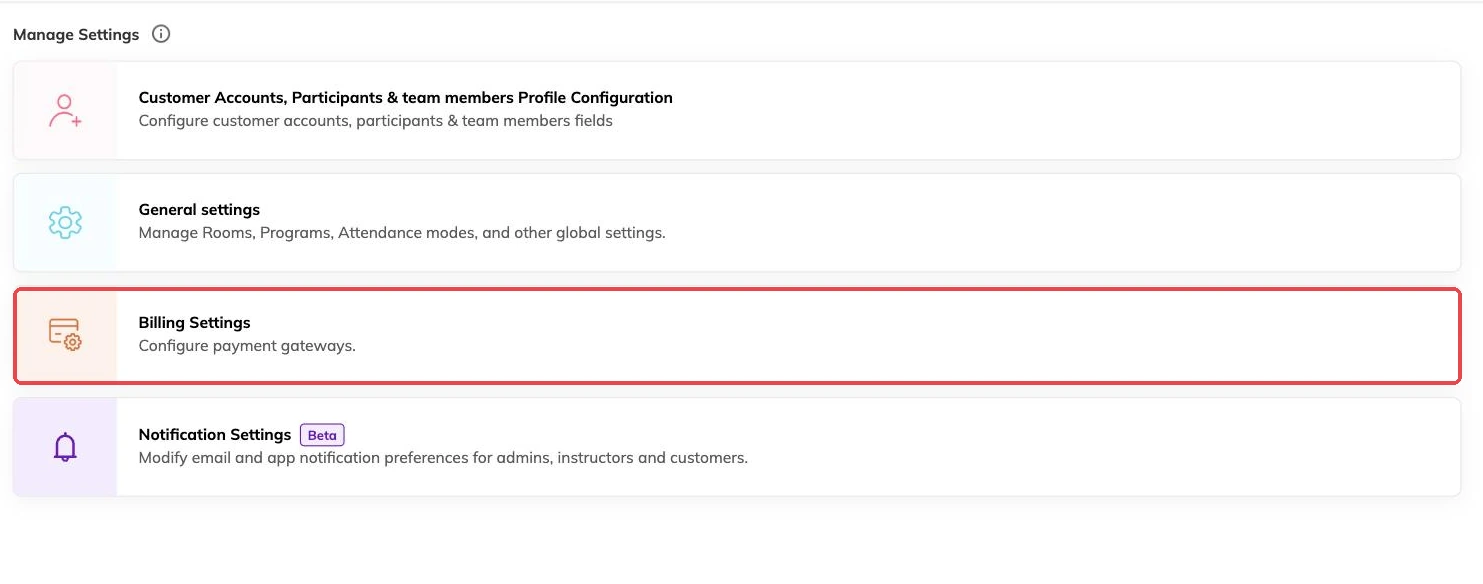
Who can see and change what
If you run from more than one location, confirm each batch is attached to the right centre and that staff are restricted to the centres they actually work at. Running multiple locations covers both.
Some things are deliberately out of reach of ordinary staff accounts, including the connection to Illumine if your centre uses it. Connecting Illumine to Bookingo has the detail.
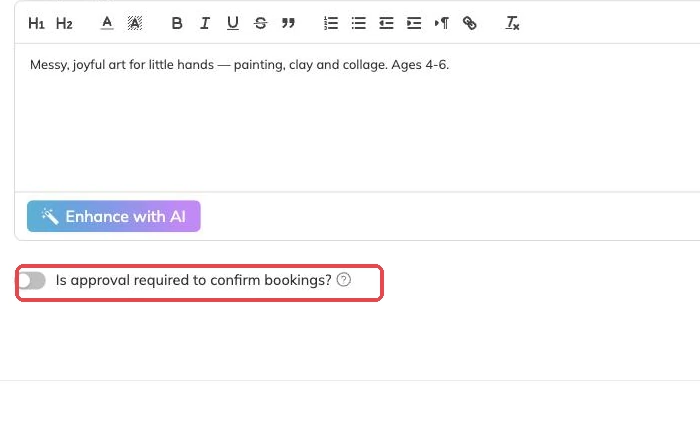
One booking, made and cancelled
The last check catches what the other six miss. Book a child in yourself, take the payment, read what reaches the family, then cancel it. The places come back immediately, so nothing is left stranded.
Take your first booking end to end walks through it, including the one part that does not fully undo: a part-paid invoice.
When that booking has worked and been cleaned up, open your programmes to families. If anything on this list did not behave the way this article describes, write to support@mybookingo.com before families arrive rather than after.
More on getting started
Take your first booking end to end
Book a child in yourself, take the payment and cancel it cleanly, so you meet your own booking process before a parent does.
Create and publish your first programme
Take one class from nothing to bookable, and get the one setup decision you cannot undo right the first time.
Getting started with Bookingo
Set up your centre, create your first package and take your first booking. The five things to do on day one, in the order that avoids rework.