Bookings from families without an account
What happens when a family books without signing up first: which record the booking lands on, and why a good phone number can quietly get overwritten.
3 min read
A booking from someone who isn't on your list
Families can browse your active programmes, open a batch, choose dates and book without setting anything up first. They give a name, an email address or a phone number — at least one of the two — and details for the child. Draft programmes stay invisible to them throughout.
There is no separate pile of guest bookings to tidy up afterwards. By the time the booking exists, so do the family record and the child. The problem you are more likely to be untangling is the opposite one: a family you already had, now sitting on two records.
How Bookingo decides whose booking it is
Before anything is created, what they typed is checked against the families you already hold. Email first, then phone number.
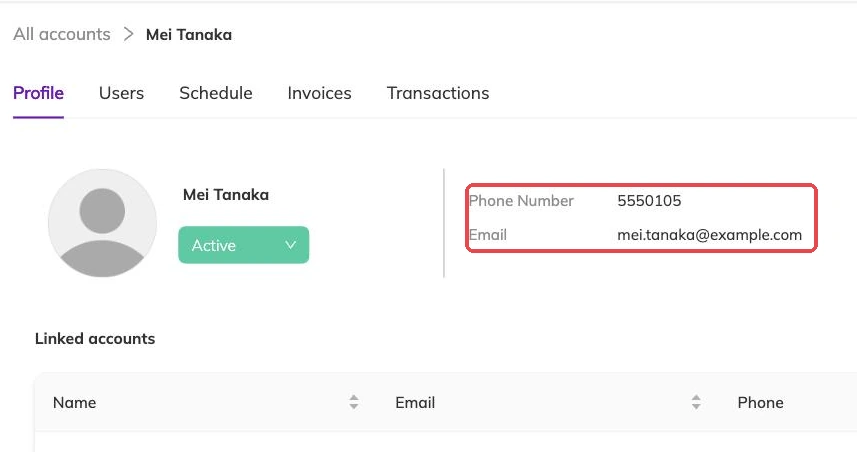
- The email matches a family you hold: that family is used, and the phone number they typed is saved onto it
- Only the phone number matches: that family is used, and the email address they typed is added as a way for them to sign in
- Neither matches: a new family record is created
- The child is matched by name against the children already on that family, capitalisation ignored, so a returning family does not end up with the same child listed twice
When payment comes first
Where the programme takes payment before booking, the family is sent off to pay and the booking is created only once that payment completes. Nothing is held while they are on the payment screen.
So an abandoned checkout leaves nothing behind: no booking, no invoice, no place taken. If the last place goes to somebody else while they are paying, the ordinary capacity rules apply — waitlisted where the programme allows it, refused where it does not.
What they end up with
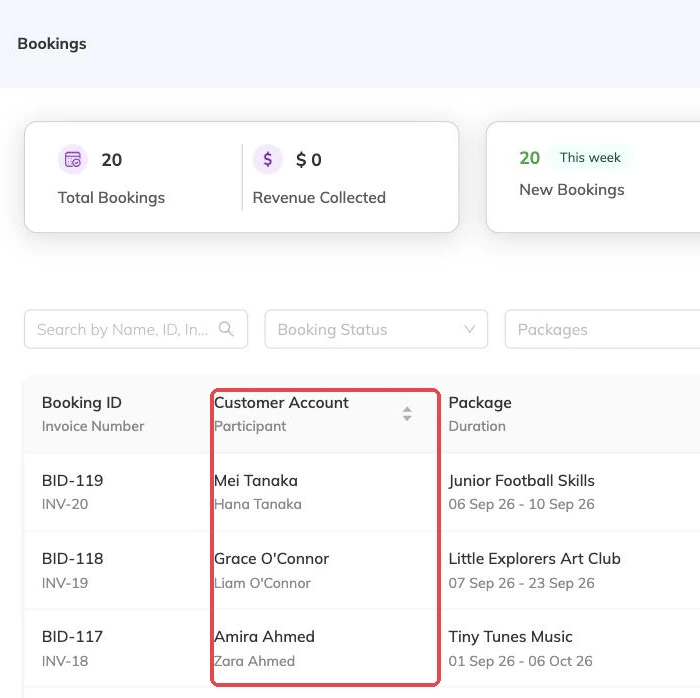
The result is an ordinary family account with children on it, the same as one you would have created yourself, and the booking sits against the child.
When they sign in later with that same email address or phone number, the booking is already there waiting for them. Participants and family accounts covers what else lives on the record.
When a booking like this is refused
- The email address or phone number they gave has been blocked, so no account can be created with it
- The family record it matched has been made inactive
- Every place on one of the chosen dates is taken and the programme has no waitlist
- The child already has a booking covering one of those dates on that batch

When you cannot find the booking
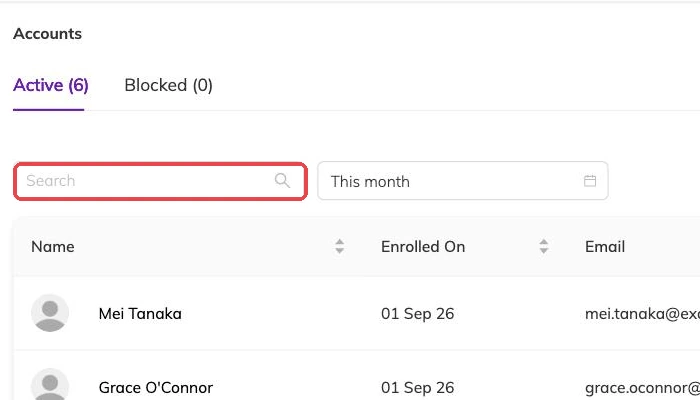
Nearly always they booked under a different email address or phone number from the one you hold, so the missing booking is really a second record for the same family. Search on both before assuming anything failed.
One case is worth knowing. If the email address and the phone number they typed belong to two different families you already hold, the email decides which family the booking lands on. To have two records combined, email support@mybookingo.com.
More on bookings
Booking confirmations and PDFs
What the family receives when they book, how to get hold of it again, and why it is not proof of what was agreed on the day.
Booking on a family's behalf
Take a booking at the desk or over the phone: what you need in front of you, what saving sets off straight away, and why a booking gets refused.
Cancellations and refunds
What happens to the schedule, the place and the invoice when a booking is cancelled, and what a family sees.