How Bookingo fits together: centres, programmes, batches and families
What centre, programme, batch and family each mean here, and the two rules — price on the programme, places on the batch — that decide how you build your term.
3 min read
Set it up once, not twice
You already know your timetable. The Tuesday beginners class, the October camp, the hall you rent on Saturdays. Getting it into Bookingo goes wrong in one predictable way: what a family chooses and when it actually runs are two separate things here, and treating them as one thing means building your term twice.
Four words carry most of it. They are worth reading before you create anything rather than after.
If you have not set your centre up at all yet, Getting started with Bookingo comes first.
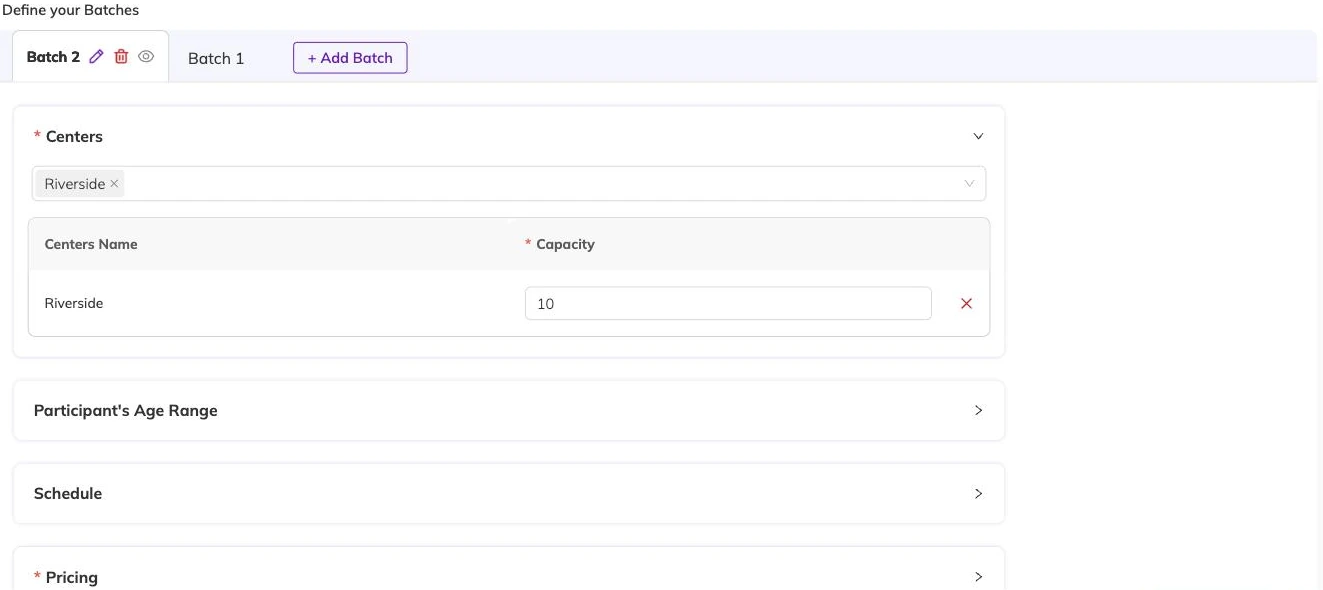
A centre is a place, not a class
A centre is a physical location. The church hall on Tuesdays, the studio on the high street, the nursery site. Not an age group, not a subject, not a term.
One address, one centre, and you can mostly forget the word. Several addresses and it starts doing real work: every schedule belongs to a specific centre, and staff can be restricted to the centres they actually work at. Running multiple locations covers how that plays out day to day.
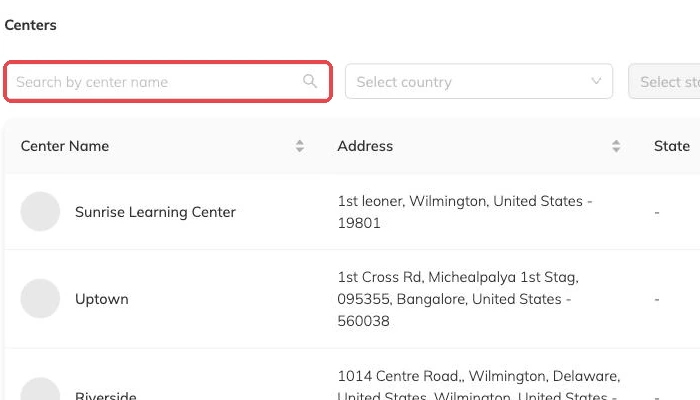
A programme is what a parent picks
Saturday Football. Grade 2 Piano. October Holiday Camp. That is a programme — the thing a parent recognises and chooses.
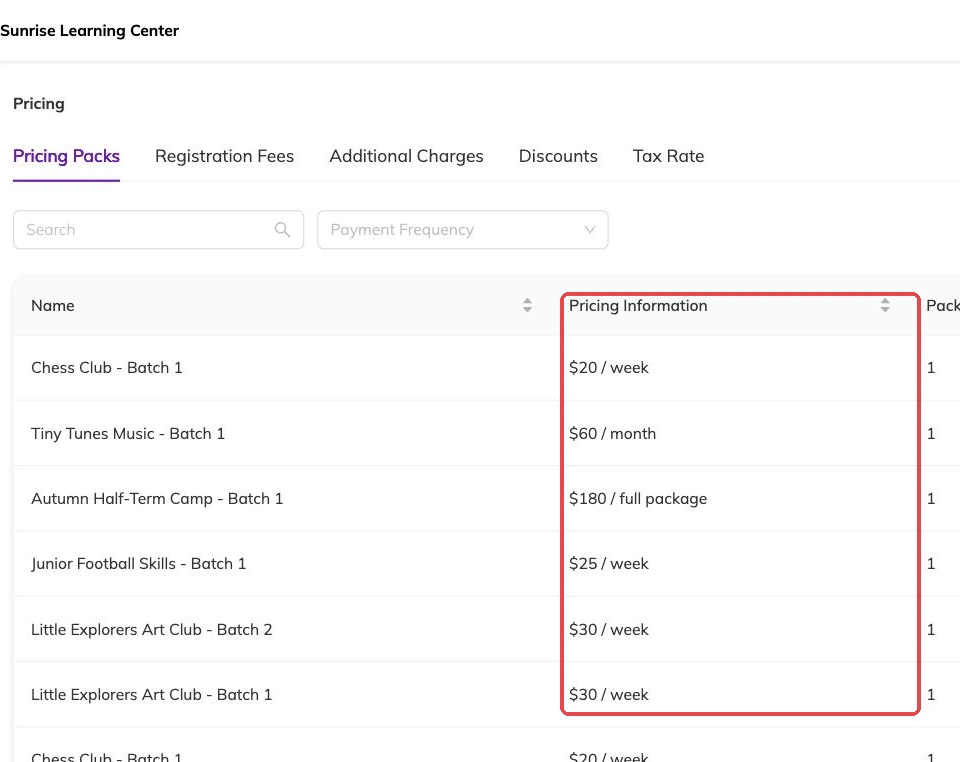
It is called a package in the admin console and shown to families as a programme, so you will meet both words. The programme holds the price, and it holds the decision about whether families can join a waitlist once places run out.
Every programme is either a draft or active. Drafts are invisible to families, so you can build one over several evenings and make it bookable only when it reads properly.
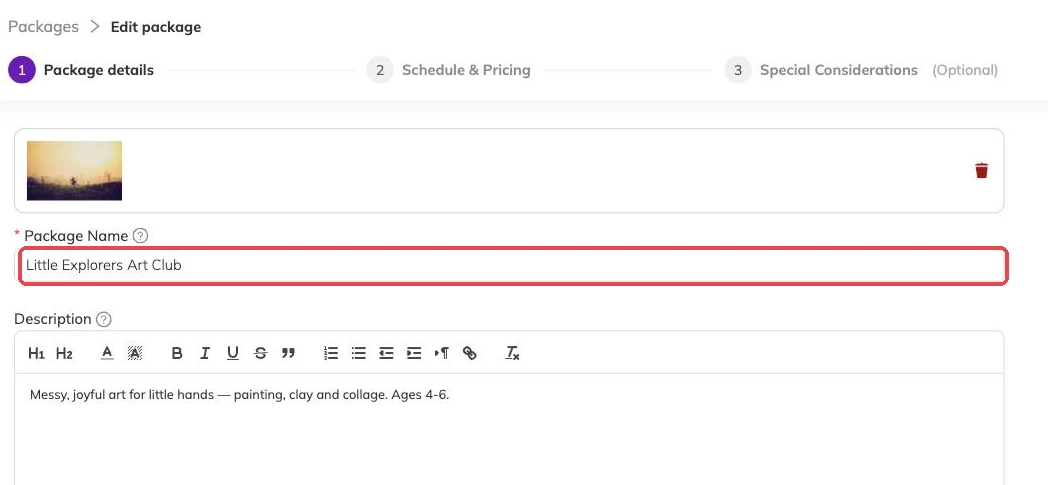
A batch is when and where it runs
A batch is one run of a programme: the dates it covers, the days and times it meets, the centre it happens at, and how many places each session has.
One programme can hold several batches. A Tuesday group and a Thursday group. Beginners and improvers. Autumn term and spring term. Families pick the programme first, then the batch that fits their week.
Price sits on the programme. Places sit on the batch. Hold on to that split and you will always know where to go: changing what something costs is the programme, changing when it runs or how many can come is the batch. Packages and batches explained goes further.
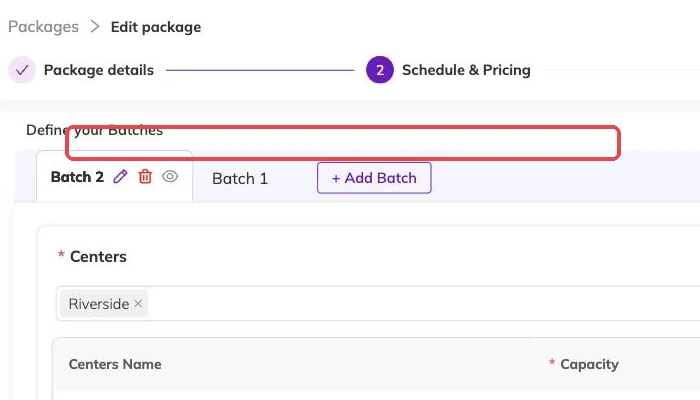
Batches come in two shapes
A recurring batch repeats on chosen weekdays between a start date and an end date — every Tuesday and Thursday, September to December. A fixed-date batch runs on the specific dates you list, which is how camps, workshops and one-offs work.
Pick the shape that matches how you sell the thing, not the one that is quicker to enter.
Places are counted per session
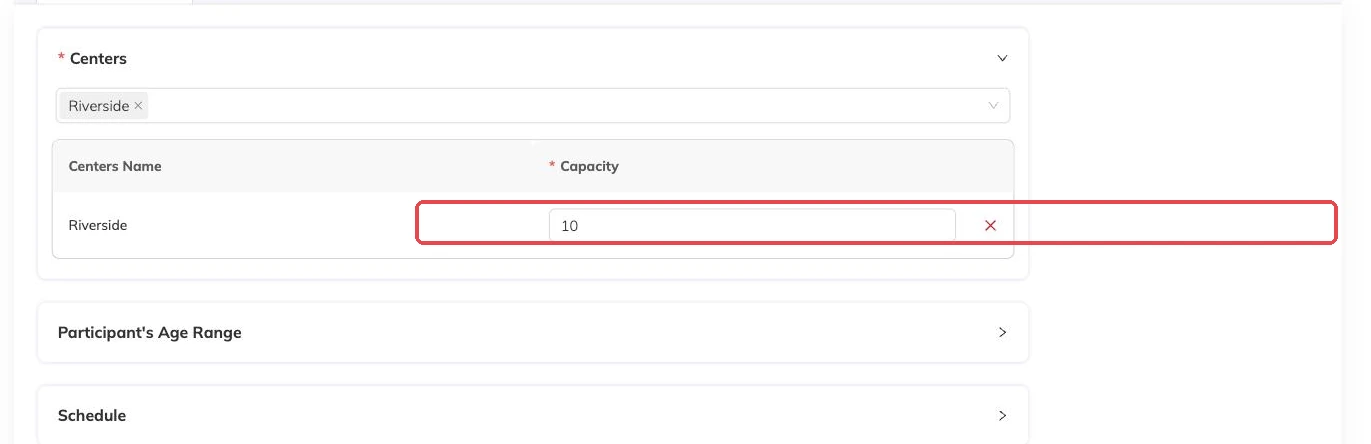
Capacity is not a limit on how many families join the programme overall. It is how many can be in the room on the day.
So a booking that covers eight Tuesdays takes a place on all eight of them. One full Tuesday blocks that booking even when the other seven are empty.
When a session is full, the family joins the waitlist if you have enabled one for that programme. If you have not, the booking is refused. Waitlists explains the choice.
Families, and the children on them
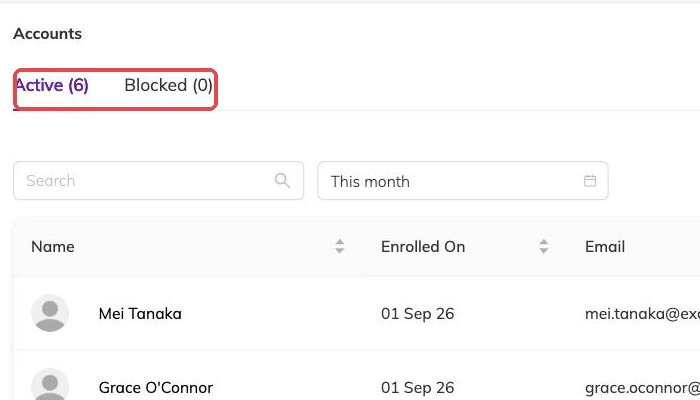
A family account is the household: the contact details, the invoices, and the children attached to it. You book in a child, not a household — two children from the same family in the same class are booked in separately.
Your centre chooses what those children are called in the interface. Students, Members, Children, whatever your families already say. The label changes; nothing underneath it does. Participants and family accounts has the rest.
That is the vocabulary. Create and publish your first programme is where you use it.
More on getting started
Take your first booking end to end
Book a child in yourself, take the payment and cancel it cleanly, so you meet your own booking process before a parent does.
Create and publish your first programme
Take one class from nothing to bookable, and get the one setup decision you cannot undo right the first time.
Getting started with Bookingo
Set up your centre, create your first package and take your first booking. The five things to do on day one, in the order that avoids rework.