Giving two households access to the same child
Link two family records so both adults can book for the same child, without the child existing twice and taking two places.
3 min read
Two adults, two homes, one child
A separated couple who both want to book. The grandparent who does Thursday pickups. A child who spends half the week at each parent's house. Each adult wants their own sign-in and their own notifications, and neither is going to share a password with the other.
The tempting fix is to enter the child twice, once under each adult. Do that and you have two children as far as Bookingo is concerned: two sets of bookings, two places taken in a session that needs one, attendance split across two names, and an unpleasant afternoon later putting it right. Linking the two family records is the way round it.
What linking changes
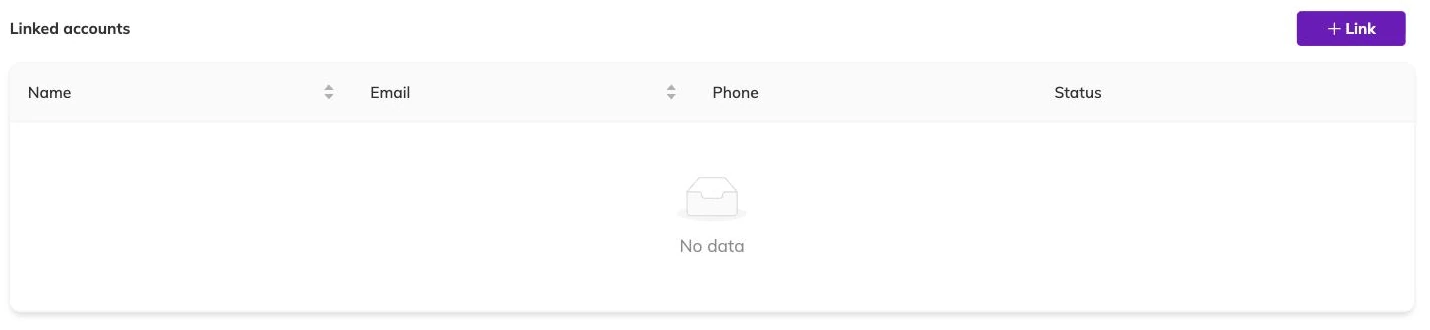
Linking joins two family records that both already exist. Neither one is absorbed into the other.
- Each family keeps its own email address, phone number and sign-in.
- The children from each side show on both families, so either adult can book any of them.
- A child added to either family after the link is made is carried across as well.
- Bookings, attendance and capacity all point at one child rather than two.
- Both families are told when the link is made, and again if it is undone.
Setting one up
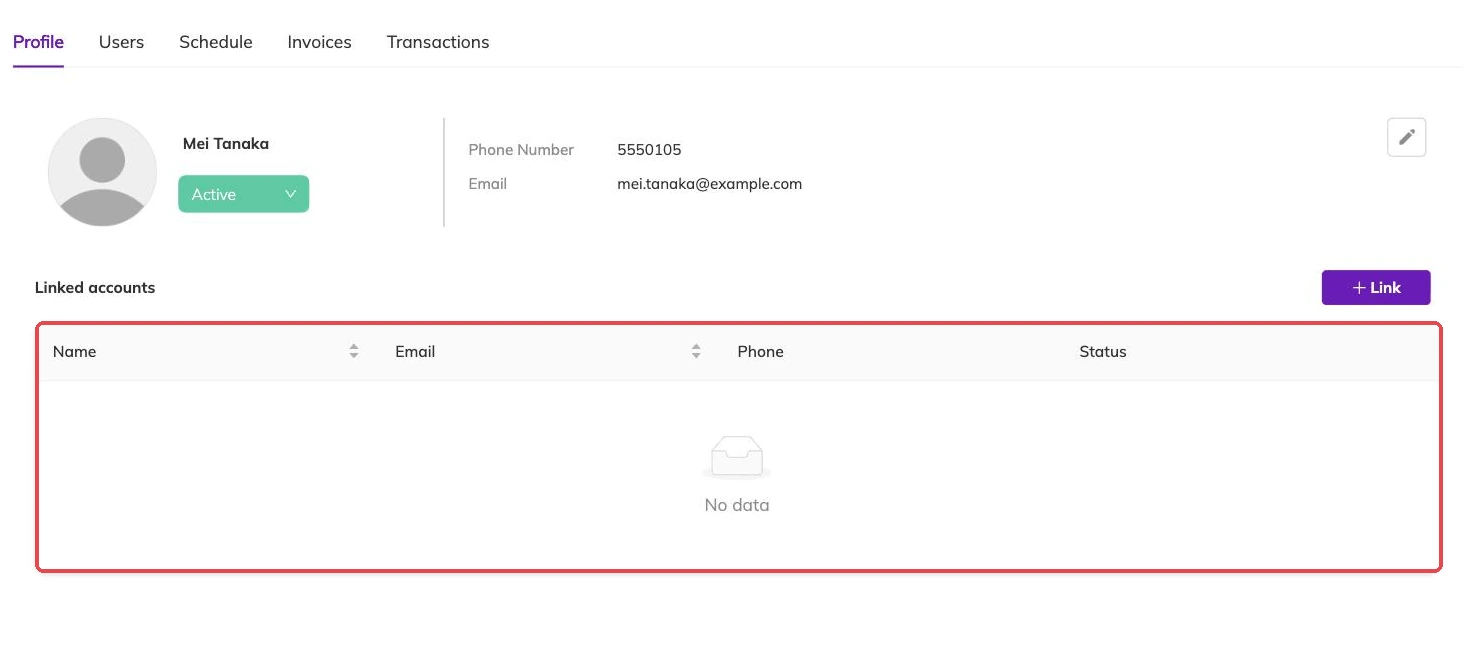
- Create the second family record if it does not exist yet, with its own email address or phone number. Adding a family without creating a duplicate covers what goes on it.
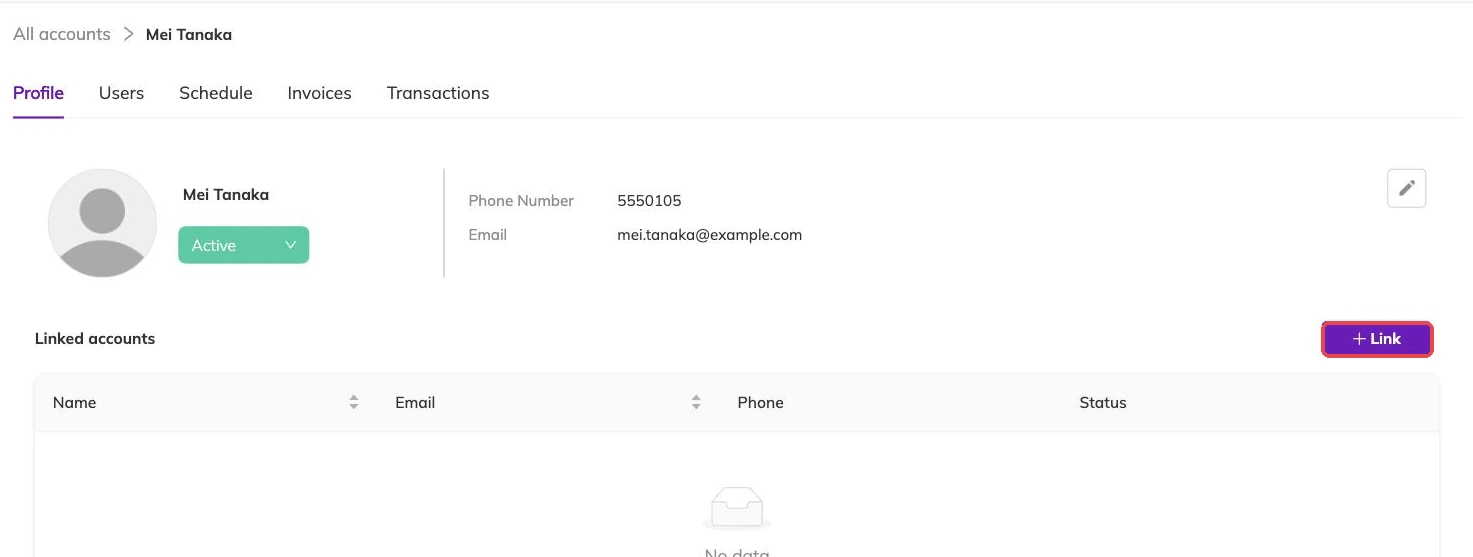
- Link the two families to each other.
- Check that the children now show on both sides.
What linking is not for
Linking is about access to children, not about money. A booking belongs to the family that made it. Linking does not split a bill between two households or move an invoice from one to the other, and Invoices and payments covers how charges are raised.
It is also not a repair for a duplicate. Where the same adult has ended up with two records by accident, linking them leaves you with two records that agree with each other rather than one record that is right.
Where the relationship is difficult
Keep the two families separate in that case, and book the child under the household that holds the arrangement. If the other adult should not be able to book with you at all, Blocking a contact so they can't book stops their email address and phone number being used.
Unlinking
Unlinking takes back the children that came in from the other side. Each family keeps the ones that were its own, so no child record is lost in the process.
Bookings made while the link was in place are not cancelled. The child keeps their place and the invoice stays with the family that raised it. If you want the place back for somebody else, cancel the booking as a separate step — Cancellations and refunds explains what cancelling returns.
More on families and children
Adding a family without creating a duplicate
What to put on a family record when you add one yourself, and what Bookingo does when the email address or phone number already belongs to someone.
Blocking a contact so they can't book
Stop an email address or phone number being used to book with you, and know exactly what a block leaves running.
Participants and family accounts
How children and families are structured, what parents can do themselves, and how to avoid duplicate records.