Creating an invoice by hand
Bill a family for something no booking produced, correct an invoice that is wrong, and know the one change an invoice will not accept.
3 min read
The charge exists but no booking produced it
Most invoices arrive on their own. Someone books a programme, the price option settles the amount, and the invoice appears. Then there is everything else: a replacement uniform, a trip, a damaged instrument, a session that never went through the booking flow, a balance you agreed with a family in the car park.
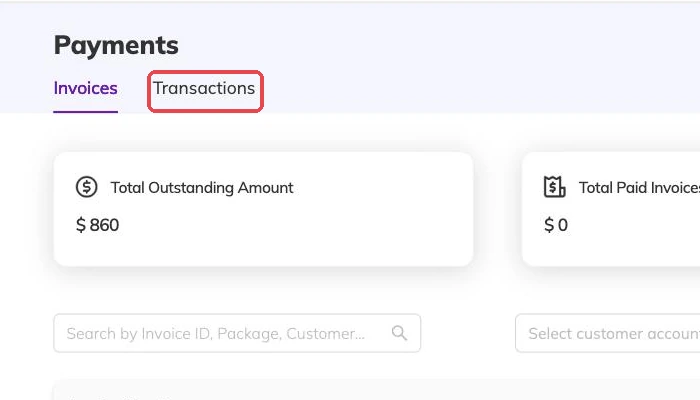
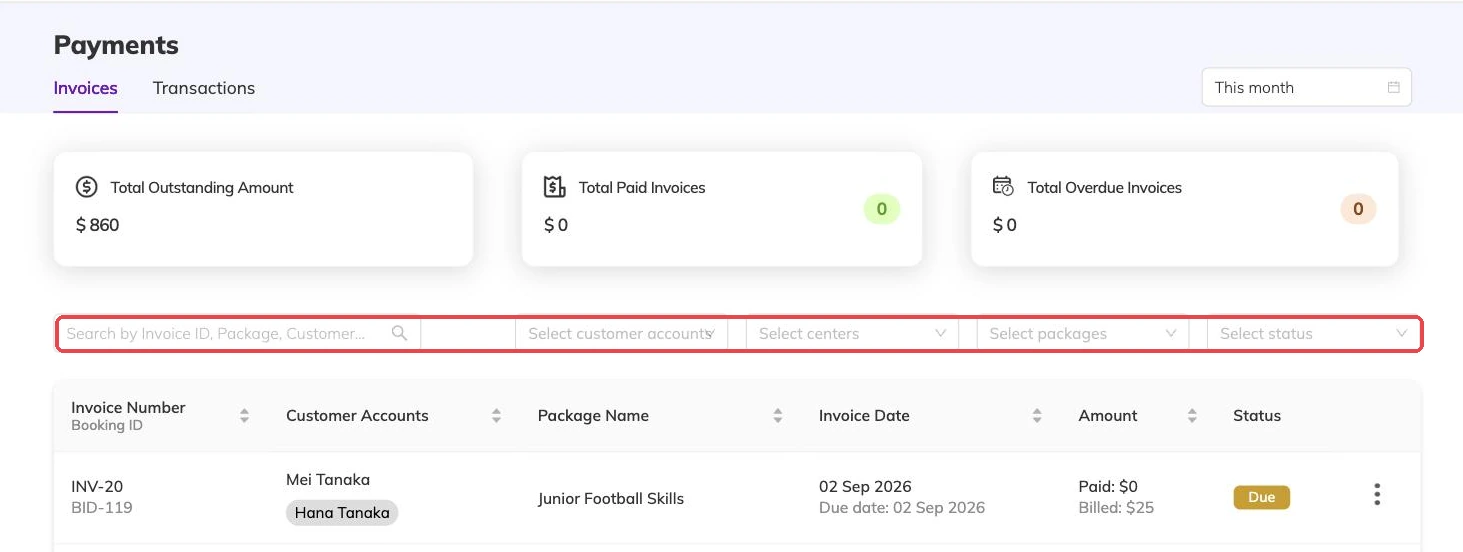
An invoice you raise by hand behaves like any other once it exists. It sits on your outstanding list, takes payments and part-payments, accepts a refund, produces a receipt when a payment is recorded against it, and appears in your ledger alongside everything else.

What an invoice is built from
An invoice is a set of lines. Each line has a description, a rate and a quantity, and the totals follow from those.
- Line items — what is being charged for, each with a rate and a quantity.
- A discount, on a single line or across the whole invoice.
- Tax, where it applies.
- A note the family reads on the invoice.
- A note for your own records that the family never sees.
Descriptions are the part worth care over
The description on a line is what a family reads when they are deciding whether to query it. It is also what you will be reading in a year, trying to remember what it was. "Replacement swim cap, March" saves a conversation. "Misc" starts one.
The two notes do different jobs. The one the family sees explains what the lines cannot — why a charge is being raised now, or what it replaces. The one only you see is where the reason lives for whoever picks this up after you.
Billing more than one child at once
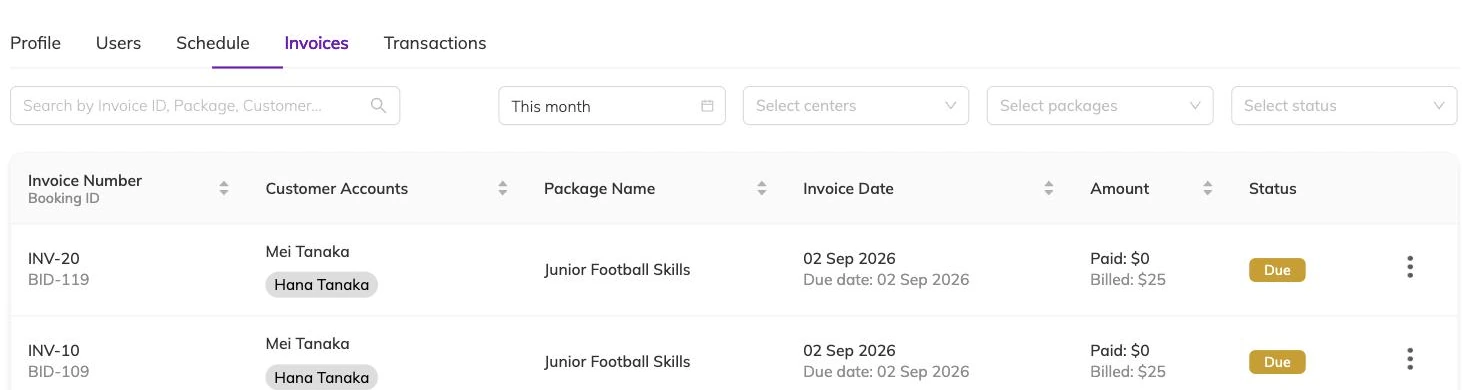
You can raise the same invoice against several children in one go. Each child gets their own invoice; nobody shares a single document.
That pays off later. Two children in the same family may be on different programmes at different prices, and one may leave while the other stays. Separate invoices keep both records straight and let you chase one without touching the other. Participants and family accounts covers how children sit under a family.
Correcting an invoice that is wrong
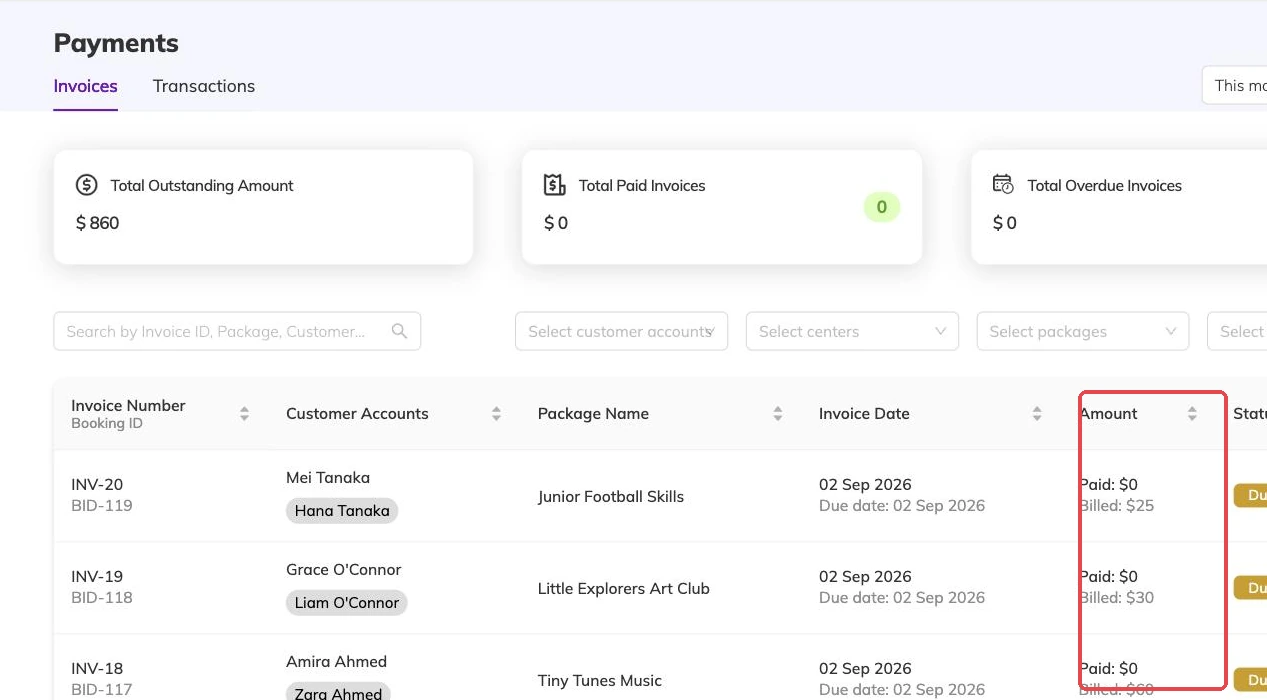
An invoice can be edited after it exists. Change a line, add one, take one away, adjust a discount, and the totals are worked out again from what is on the page.
What you cannot do is edit an invoice below what has already been paid against it. If a family paid in full and the invoice should have been half that, the fix is not an edit. It is a refund of the difference, or credit on the family's account to come off their next invoice. Cancellations and refunds covers both routes.
Editing an invoice that came from a booking is allowed, and sometimes right. Remember what is generating it, though. Correcting this month's invoice does nothing to next month's — for that, the booking or the price option has to change.
Sending it, and finding it again
An invoice can be produced as a PDF and emailed to the family. Where online payments are switched on, one you raised by hand can be paid the same way as any other — see Taking payment online.
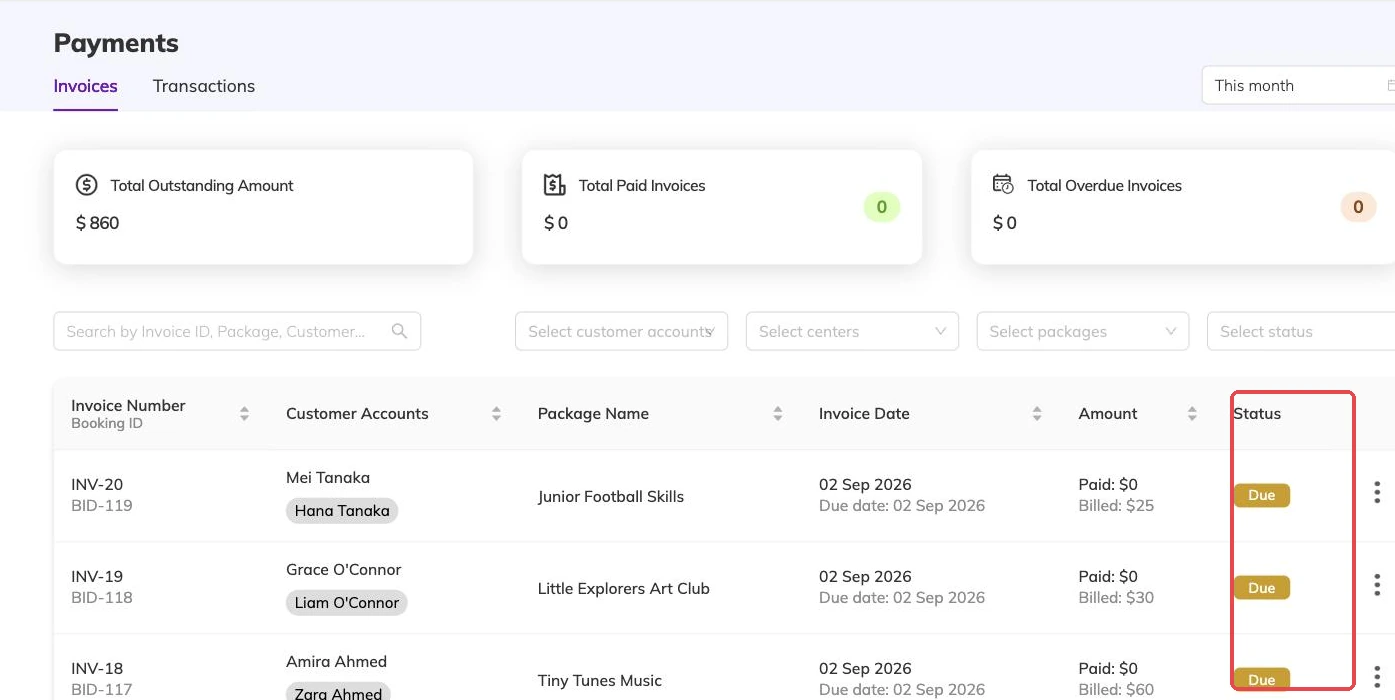
Invoices raised by hand are flagged in your transactions export, so at reconciliation you can separate money that came from bookings from money you billed yourself. Reconciling payments with the transactions ledger covers reading that back.
More on money
Automatic recurring payments
Collect monthly and weekly fees from a card the family has already saved, and know what to check when a collection fails.
Outstanding balances and reminders
See who owes what today, send a reminder that is logged against the invoice, and recognise the balances that should never be chased at all.
Discounts, codes and automatic offers
Flat and percentage discounts, codes versus automatic offers, new-customer and returning-customer pricing, and discounts that apply themselves based on answers families give.