Running multiple locations
Setting up several centres, restricting staff to their own site, and reporting across all of them.
4 min read
Centres
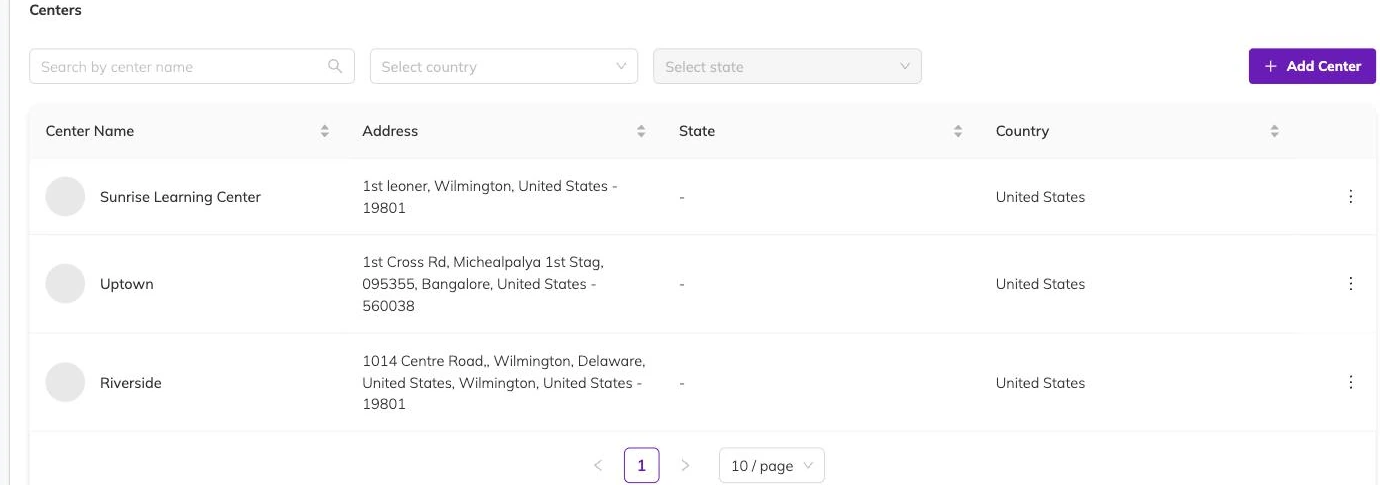
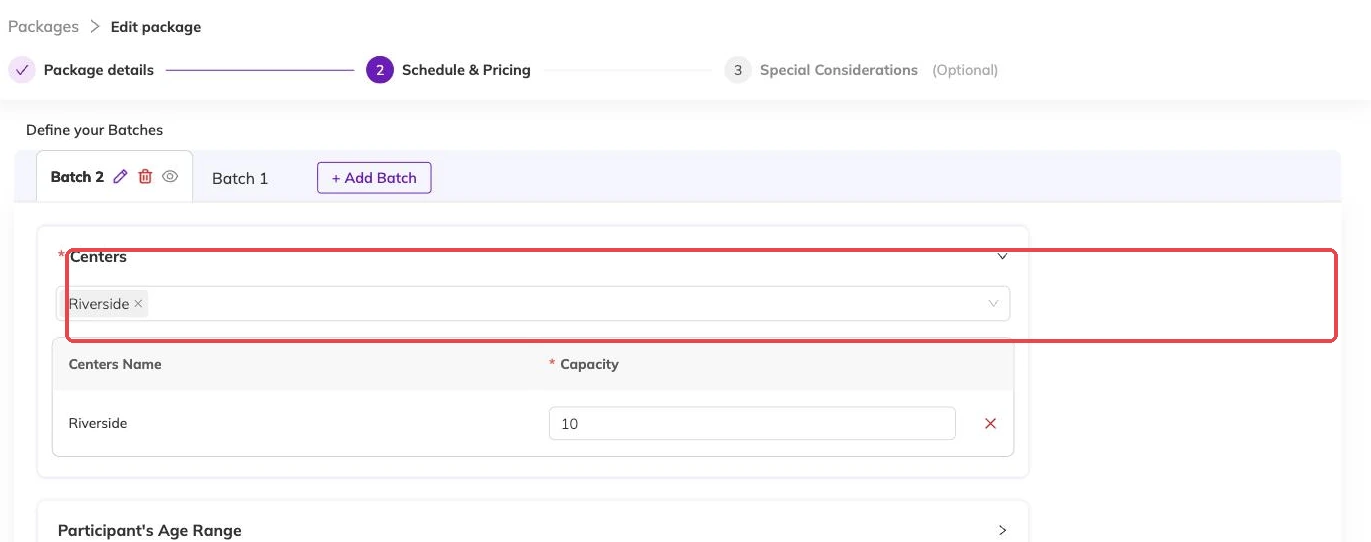
Each physical location is a centre. Batches belong to a centre, so the same package can run at several sites with separate schedules and separate capacity. A family books into a specific centre's batch, and their booking carries that centre with it.
Staff access
Staff can be assigned to particular centres, which limits what they see to their own location's participants, bookings and schedules. Super admins see everything across every centre.
This is worth setting up properly from the start. A coordinator who can see every site's data will find their daily lists cluttered with children they'll never meet.
Reporting across sites
Reports can be run for one centre or across all of them, which is how you compare enrolment between locations and spot a site that's filling more slowly than the others.
More on setup
Your logo, colours and booking page
Set what a family sees when they open your booking link, and what carries through to the emails Bookingo sends afterwards.
Adding centres and locations
Set up each site you run from, so every batch, register and report knows where the session happens — even if you only ever use one hall.
Currency, timezone and tax
Fix these three before your first invoice goes out, because sessions and invoices keep the times and figures they were created with.