What you owe, and how to pay it
When your centre takes payment, where to find your invoices, and who to ask when a charge looks wrong.
2 min read
When you pay is your centre's decision
You have booked, and you want to know whether money leaves your account today or an invoice lands next week. Centres set that themselves. Some take payment at the moment you book. Others raise an invoice afterwards and give you time to settle it, and your booking confirmation tells you which applies.
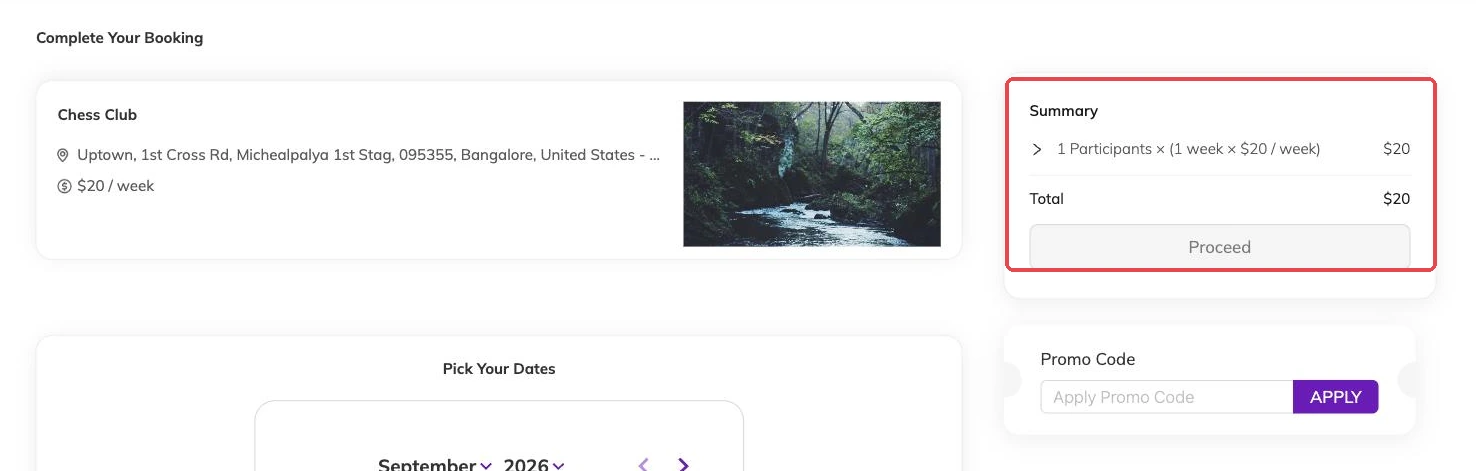
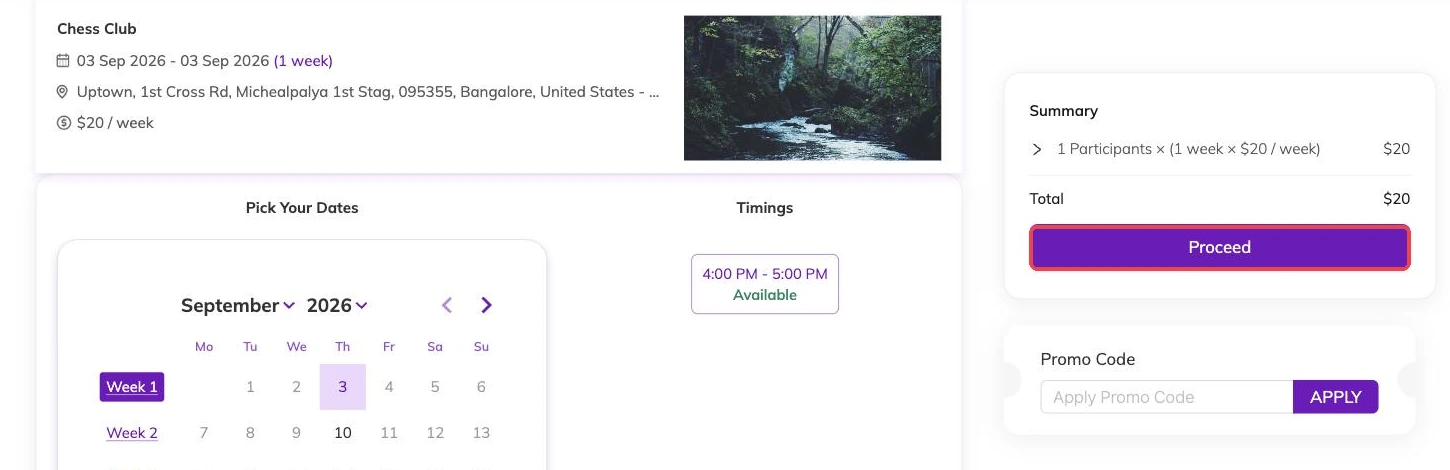
The amount comes from the programme, and it covers every date in the schedule you chose rather than one session at a time.
Where your invoices live
Invoices are raised against your family account rather than against each child, so one list covers everyone you have booked in: what is paid, what is still outstanding. Paid invoices stay there.
Your centre is looking at that same list. Ring them about a payment and you are both reading the same numbers off the same account.
Codes and automatic reductions
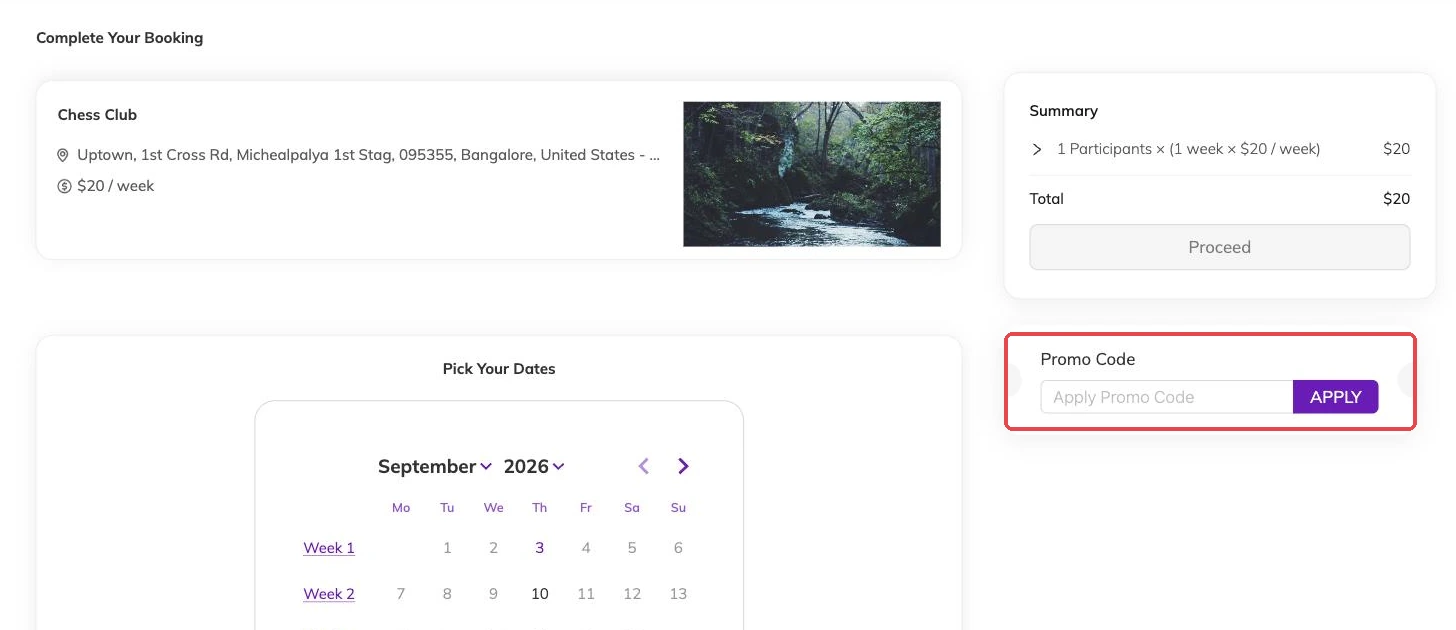
If your centre has given you a code — a sibling rate, an early-booking price — you enter it while booking and the total changes before you confirm. Some reductions apply on their own, with no code to type.
Expected a reduction and cannot see it? Ask before you pay. Your centre can see what was applied to your booking and put it right.
Part-paid invoices
Pay part of an invoice and it stays on your outstanding list showing what is left. Settle it in full and it drops off.
If you have paid and the invoice does not look like it has caught up, ask your centre to check whether the payment has reached them.
What cancelling does to your bill
Cancel a booking and an unpaid invoice is cancelled along with it, so there is nothing left to settle.
If you had already paid part of it, the invoice comes off your outstanding list and the balance is something you and your centre sort out between you — money back, credit against something else, or nothing, on their terms. A discount code you used goes back to being available.
Cancellations and refunds covers this in more detail.
If a charge looks wrong
Your centre can amend an invoice, apply a discount you should have had, or explain a line you do not recognise. They also hold the terms you agreed to when you booked.
More on for families
Keeping your family's details up to date
What your centre holds about you and your children, and why the phone number and allergy notes matter before the next session.
How to book your child into a class
Choose the right schedule, check the dates you are committing to, and get your child booked in.
Changing or cancelling your booking
Move a booking to different dates or cancel it, and see what each one does to your child's place and to your invoice.