Pricing, frequency and payment plans
Set what a programme costs, choose whether families pay once or every week, month or period you define, and know what changes for existing bookings when you edit a price.
4 min read
The schedule is built and nothing has a price on it
You have set up the batch — the days, the times, the centre, the number of places — and there is still no money attached to any of it. Price does not live on the schedule. It lives on the programme, the thing families actually choose. The batch decides when sessions run and how many children fit in them. The programme decides what those sessions cost. Packages and batches explained sets out that split in full.
One programme can carry several price options. Each has a name families will read, an amount, and a frequency — the stretch of time that amount covers. A family picks one option as they book. That choice stays with the booking and drives every invoice that comes out of it afterwards.
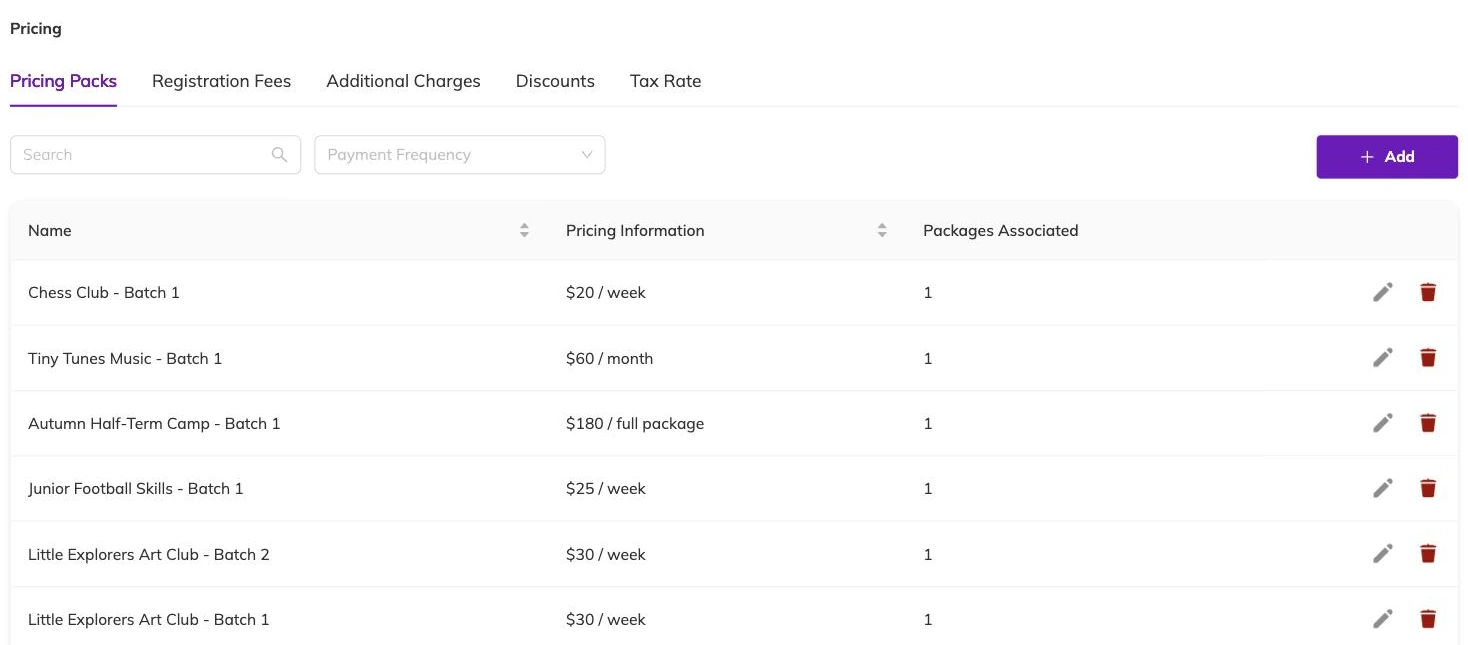
Choosing how often families pay
Frequency is the decision that shapes everything downstream, because it settles whether you bill once or keep billing.
- Entire package — one amount covering the full run. A six-week course, or a term.
- Monthly — a new invoice each month for as long as the booking lasts.
- Weekly — a new invoice each week.
- Daily — priced per day of attendance.
- Custom duration — a period you define yourself.
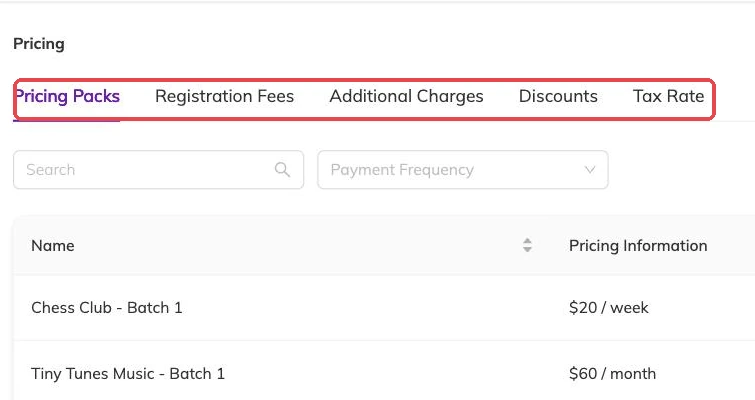
Recurring plans keep billing until the booking ends
On a monthly or weekly plan, the next invoice is raised each cycle without anyone asking for it, and it keeps happening until the booking ends or is cancelled. A one-off plan raises one invoice and stops.
A custom duration can be set two ways. Name a start and an end, and you have a fixed window — the shape of a holiday programme. Or set a length instead, counted from the booking: a number of days, weeks or months. A length suits something a family can join at any point and still get the same amount of time for their money.
You can also say how much attendance an amount buys. A plan can include a set number of sessions, or cover everything in its period without a cap. Where a monthly rate depends on how often a child comes — one rate for two days a week, a higher one for four — the attendance level belongs to the price option, so each level is a separate option on the same programme.
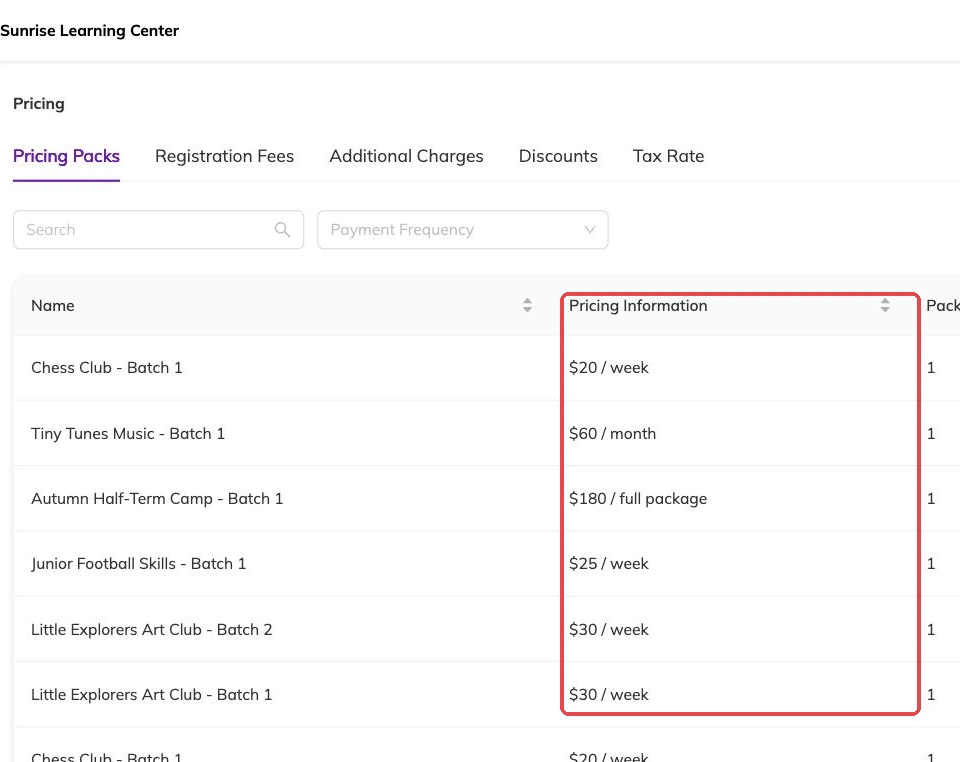
When the invoice is raised, and when it falls due
Two settings control timing, and they are separate. One is how many days before or after the start of each billing period the invoice is raised. The other is how many days before or after it falls due. Between them, a monthly plan can raise its invoice ahead of the month it covers and fall due on the first day of it.
These dates do more work than they look like they do. An invoice that has not been raised yet is not on your outstanding list at all, so a late raise date makes a month look quieter than it is. The due date is what turns an unpaid invoice overdue and brings a late fee into play. Invoices and payments covers what happens once an invoice exists.
Where a booking starts part-way through a period, the first invoice can carry a pro-rata adjustment reducing it. That adjustment appears as its own line, so the difference between the first invoice and every one after it is visible instead of something you reconstruct later.
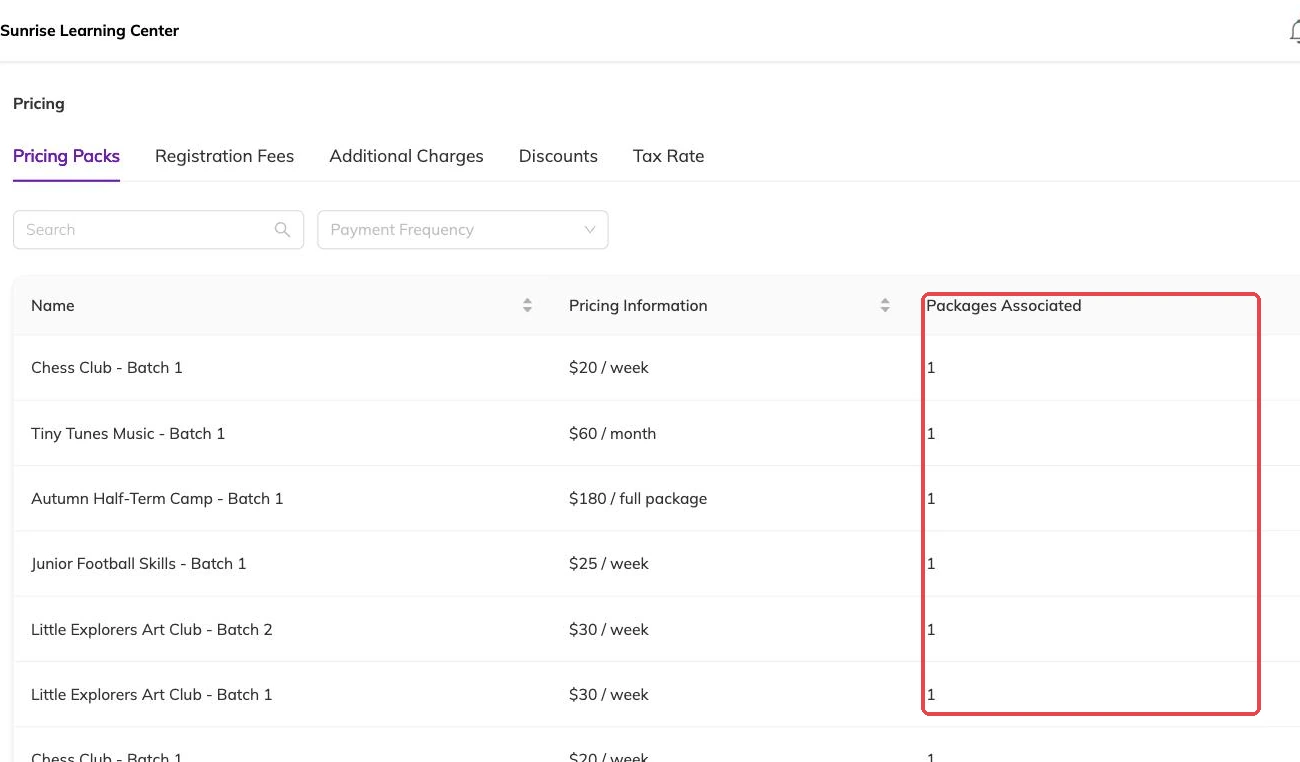
What families see when they choose
Families see the price options on the programme and pick one as they book. Where a programme carries several, the listing leads with the cheapest of them and its frequency — so a programme whose lowest option is a single day advertises itself at a day rate. Worth knowing before you add a cheap option to a programme you sell by the term.
Name the options for the parent reading them, not for your own records. "Monthly, two days a week" tells someone what they are buying. "Plan B" does not.
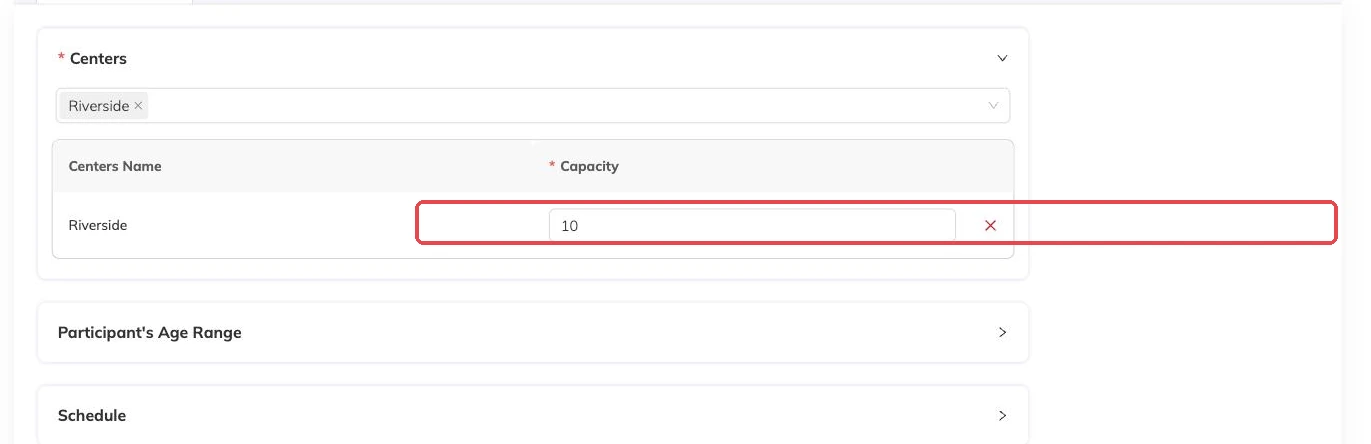
Frequency has nothing to do with capacity. Places are counted per session however the family pays, so a child booked across eight Tuesdays takes a place in all eight whether they pay weekly, monthly or once.
Changing a price once families have booked
Editing an option changes what it costs from that point on. Invoices already raised keep the amount they were raised with — nothing sitting with a family gets rewritten behind their back. But the next invoice on a recurring plan uses the new figure, and that includes families who booked at the old one.
So if a new rate is meant for new bookings only, add a second option instead of editing the first. Leave the old one in place for the families already on it and stop offering it to anyone else.
More on money
Automatic recurring payments
Collect monthly and weekly fees from a card the family has already saved, and know what to check when a collection fails.
Outstanding balances and reminders
See who owes what today, send a reminder that is logged against the invoice, and recognise the balances that should never be chased at all.
Discounts, codes and automatic offers
Flat and percentage discounts, codes versus automatic offers, new-customer and returning-customer pricing, and discounts that apply themselves based on answers families give.