Getting a programme live, out of view, or off sale
How a programme moves from draft to live, how to hide one so only your team can book it, how to stop it selling without disturbing the families already in it, and what a duplicate of last term actually copies.
4 min read
Draft is where everything is still cheap
Two things go wrong at opposite ends of a term. Something goes live before it was finished, and something stays on sale for weeks after it should have stopped. Both are settings.
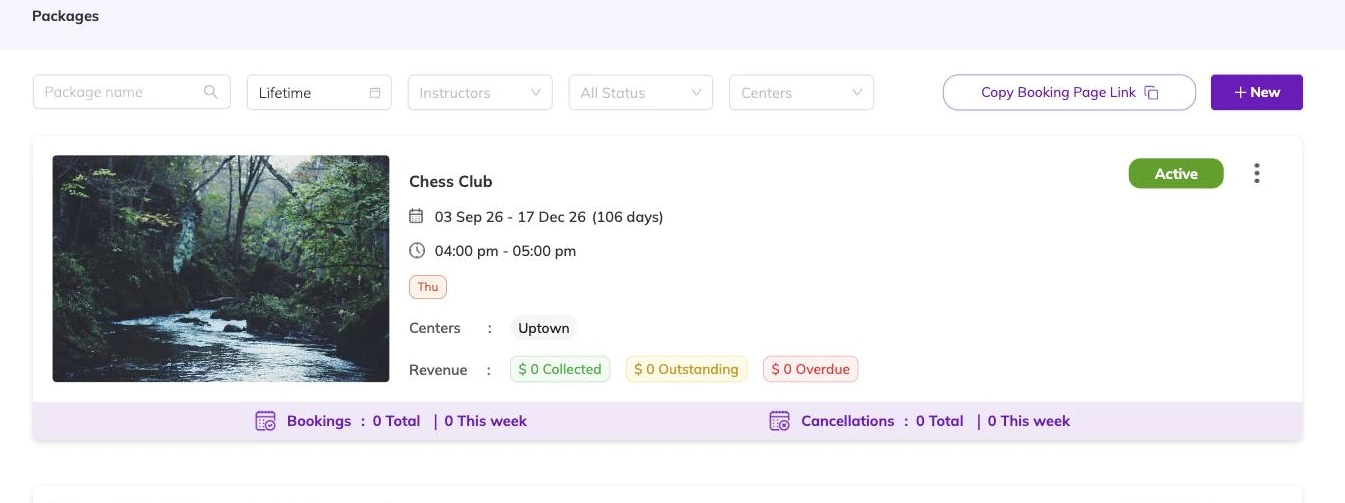
A programme in draft is invisible to families. It is not on your booking page and nobody can book it, so a half-finished draft costs you nothing overnight or over a fortnight.
Draft is also the state in which the expensive decisions are still free. Batch type, capacity, price structure and age ranges can all be reworked while no booking depends on them. Build in draft, check in draft, publish when the term is ready to sell.
Publishing, and what to look at first
Publishing makes the programme live at the centres its batches run at. Families can find it and book it from that moment.
An incomplete programme will not publish, so leave a working day between finishing and opening for booking rather than meeting the gaps at eight in the morning on launch day.
The last look before you publish is the parent's look: name, description, image, the price shown first, the dates. Those five decide whether anyone books.
Hiding: live, but not listed
Hiding takes a programme out of what families browse without sending it back to draft. It still exists, your team still sees it, and the bookings already in it are untouched.
Batches can be hidden individually too, so a listed programme can hold one group that is not advertised. Use it for a group you fill yourself: a school partnership, an invited cohort, a class you are quietly winding down.
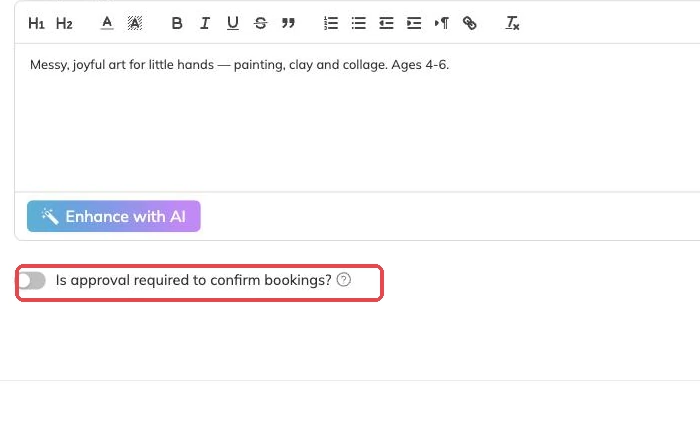
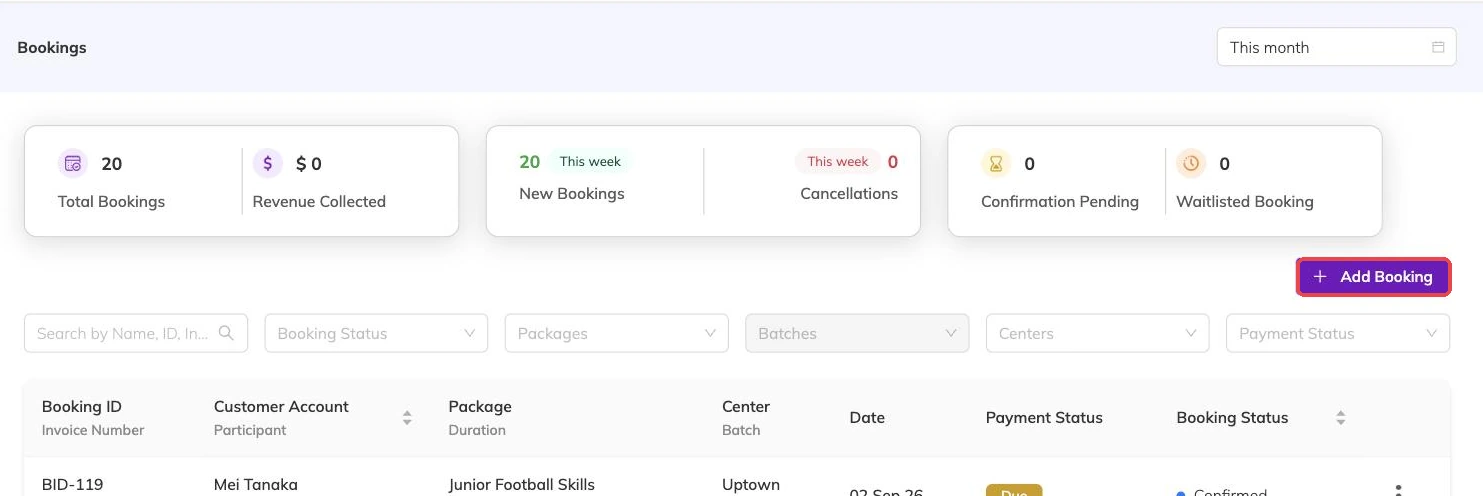
Hiding is also how you stop new bookings without disturbing families who are mid-term. Taking bookings covers adding a family to a hidden group yourself.
Taking a programme off sale
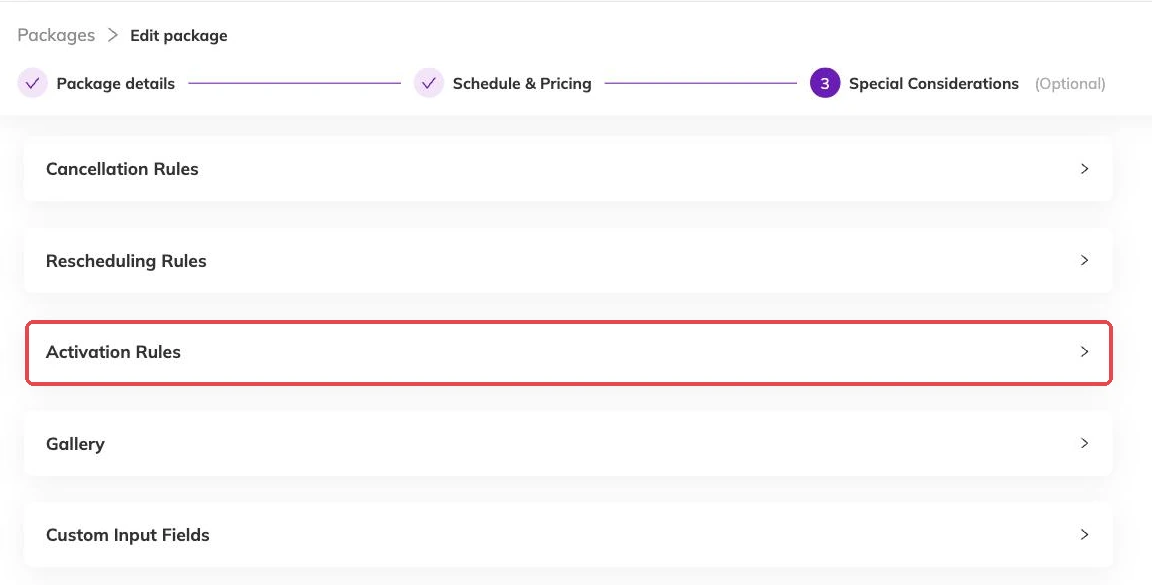
When a programme should stop being sold altogether, you make it inactive. At that point you choose whether the bookings still to come are cancelled with it.
The two outcomes are not close. Off sale with bookings kept means the term finishes as sold and nothing new can be bought. Off sale with bookings cancelled means every future booking in the programme goes at once.
What a duplicate of last term copies
A duplicate copies the shape: batches with their days and times, the price options attached to them, capacity, the questions you ask and your terms. It does not copy bookings or the families in them.
The copy arrives with (Copy) on the end of its name, and it has to be renamed before it can go live, because two programmes cannot share a name.
It also keeps the status of the programme you copied. Duplicate something live and the copy is live too, under that name and carrying last term's dates. Put it back to draft first, then fix the dates, then everything else.
A term rhythm that holds up
If you are standing up a whole term at once rather than a handful of programmes, Importing your programmes from a spreadsheet is faster than duplicating one at a time.
- Duplicate last term's programme rather than starting from blank.
- Set the copy back to draft and rename it so the term is obvious to families and to you.
- Move every batch's dates forward, and take out the closures you already know about.
- Check the price options are still what you want to sell, and that capacity matches the rooms you have this term.
- Publish, then open your own booking page and read it as a parent would.
Hiding a programme from families
Hiding is separate from drafting, and the difference matters. A draft is unfinished — it has never been live and nobody can book it. A hidden programme is fully live and bookable, it simply does not appear to families browsing your booking page.
That gives you a staff-only programme. It exists, it takes bookings, it invoices normally and it shows up in your reports like anything else — but the only way in is for someone on your team to book a family into it.
What staff-only programmes are for
Because a hidden programme is live rather than draft, nothing about it is second-class. The booking, the invoice and the payment all behave exactly as they would on a public programme.
- A private group or one-to-one sessions you arrange case by case rather than advertising.
- A make-up or catch-up class you open only to families who missed something.
- A negotiated rate for a particular family, kept off the public page.
- A programme still being trialled with a handful of families before you open it to everyone.
More on programmes
Activities and how they attach to programmes
Group what you run — ballet, swimming, guitar — so a parent can tell what a programme is and a report can total a subject rather than eleven programme names.
The page families book from
What families see on your booking page, what decides how a programme appears in the list, and the five reasons one is missing.
Checking what is actually running
How to see every session your batches produce across programmes, instructors and centres, and the checks worth doing there before a term opens.