Reminders and automatic messages
Set how long before a session families get reminded, and keep instructors' notifications down to the things that change their day.
3 min read
Only one automatic message can change what a family does
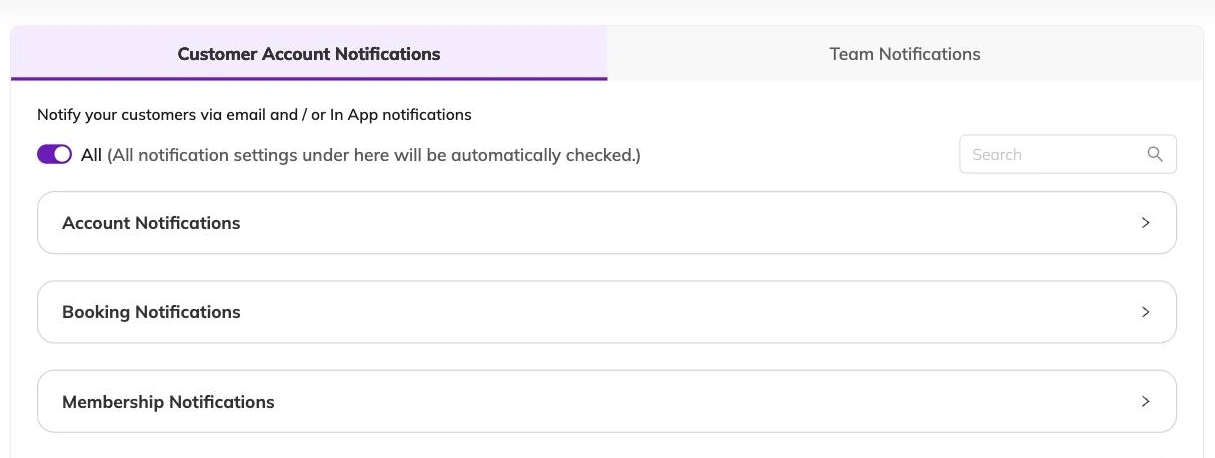
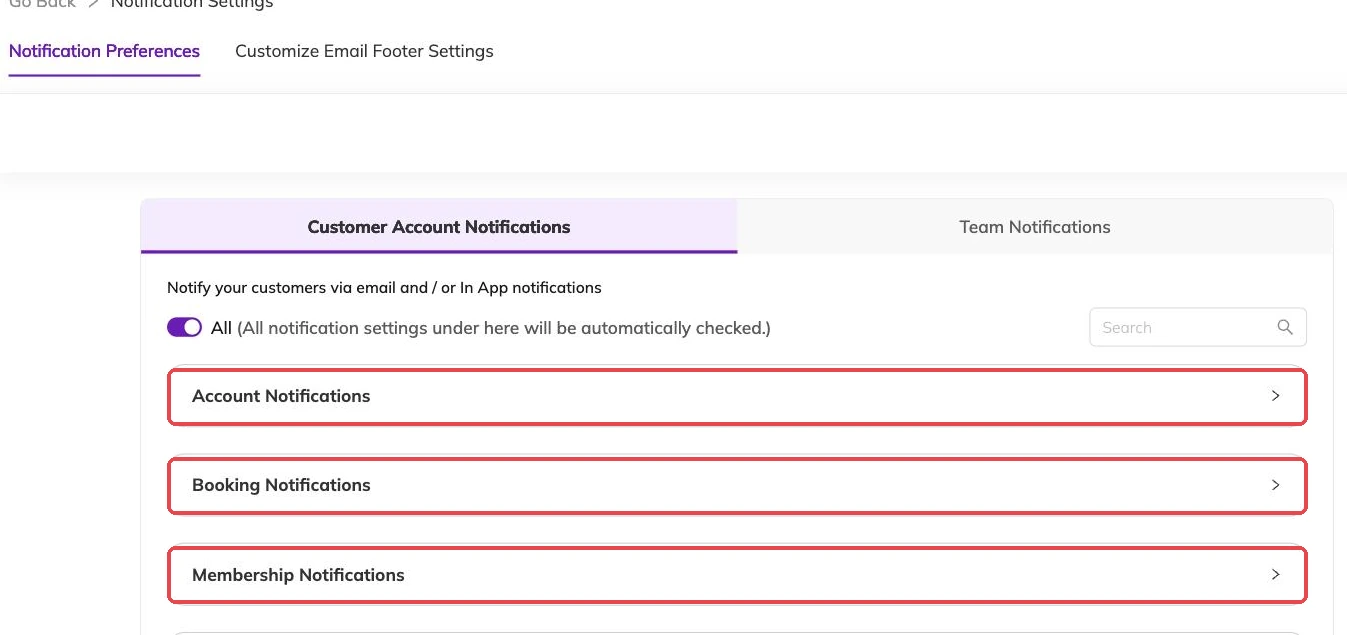
Most of what Bookingo sends reports something that has already happened: an account created, a booking requested, confirmed, cancelled, rescheduled or waitlisted, an invoice raised, a payment received, attendance marked, a post on the feed. Each of those is a switch you can turn on or off. None of them gets a child through the door.
The session reminder is the exception. It goes out before the session starts, which is the only point at which a parent can still act on it.
Choosing the lead time
You set how far ahead the reminder goes out, in hours or days. Choose it around what you want the parent to do with it.
The evening before gives them time to find the kit bag, and time to tell you they cannot make it — which gives you time to offer the place to someone waiting for it. Waitlists covers what happens when you do. An hour before catches the people already out of the house. By then the place is yours to lose.
Family settings and staff settings are separate lists
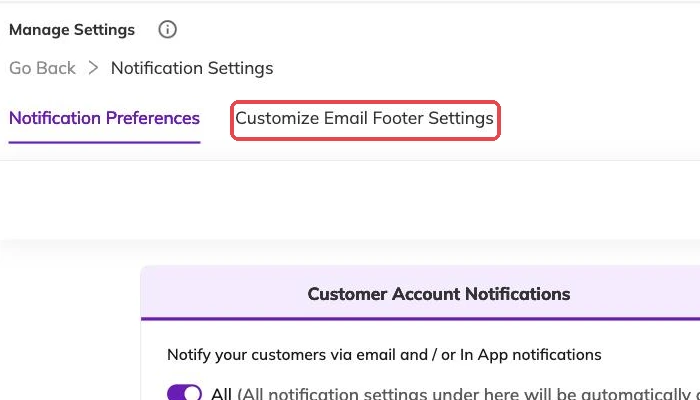
What families receive and what your staff receive are held apart and changed independently of each other.
- Switching booking notifications on for staff does nothing for families.
- The two lists do not mirror each other, so read the staff one on its own rather than assuming the categories match.
- A whole category can be switched off in one go rather than line by line.
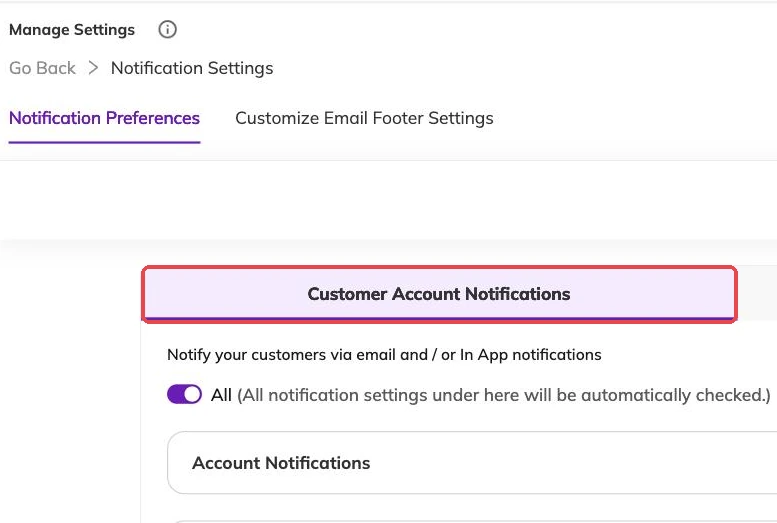
A switch covers everyone in that audience
What to send instructors
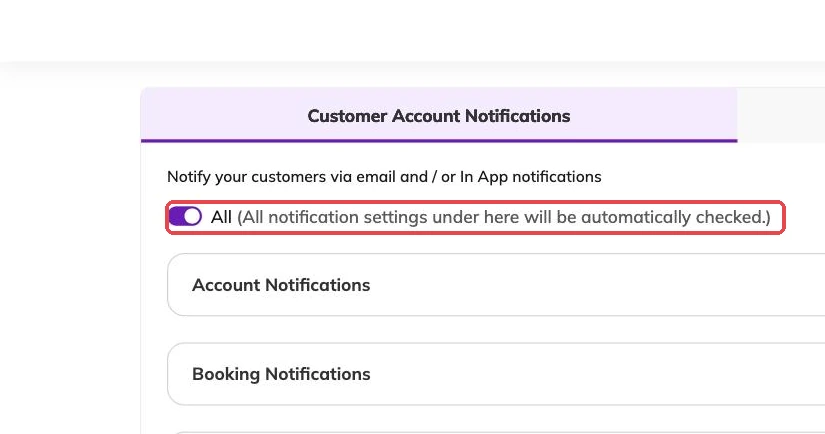
Keep staff notifications narrow. The ones worth having are the events that change somebody's day: a booking added to a batch they teach, a cancellation that frees a place, a reschedule that moves a child into a different session.
An instructor copied on every invoice stops reading any of it, including the cancellation that mattered.
Staff can be restricted to specific centres, so someone who works Tuesdays at one location is not told about the other. Running multiple locations covers how that restriction is set.
When a family says nothing arrived
Work down this list. Most cases stop at the first two.
- Check the email address and phone number on the family's account are the ones they actually use. Participants and family accounts covers editing them.
- Check the category is switched on for families, not only for staff.
- Check the booking is in the state you think it is. A waitlisted family gets a waitlist message rather than a confirmation, and Waitlists sets out what they should expect to see.
- Check the session is still scheduled for the date they have in mind.
A reminder tells you nothing back
An automatic message tells a family what is coming. It does not tell you whether they are coming.
If a batch is thinning out, no lead time fixes that. Look at the register, work out who has quietly stopped turning up, and ring them.
More on running your day
Sharing photos and updates with families
Post a photo and a line at the end of a class, and choose who sees it before you post rather than after.
Taking attendance
Mark a register from your phone mid-session, and know what an absence does to the place, the invoice and the parent's inbox.
What your dashboard numbers actually count
Why your revenue figure is not money in the bank, why bookings look quiet mid-term, and why your screen does not match a colleague's.