Taking bookings
How bookings are created by staff and by parents, what happens when a session is full, and why a booking might be refused.
6 min read
Two ways a booking starts
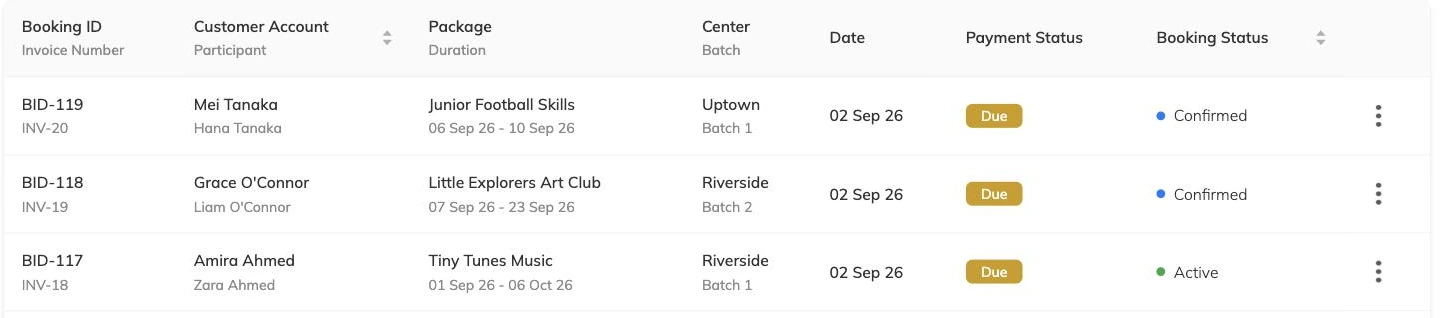
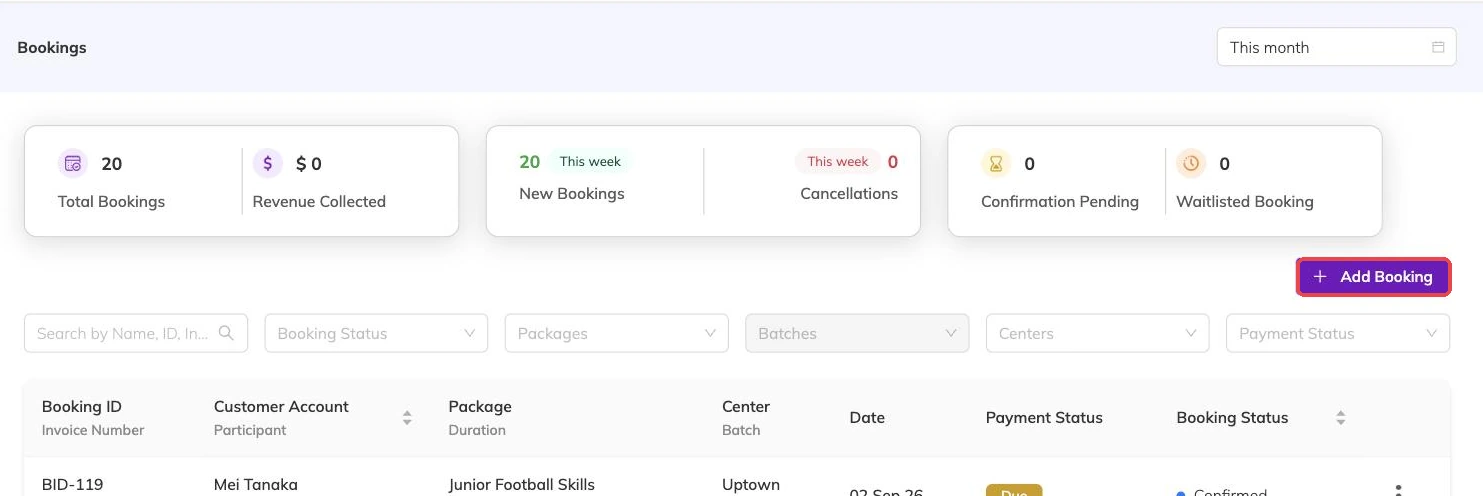
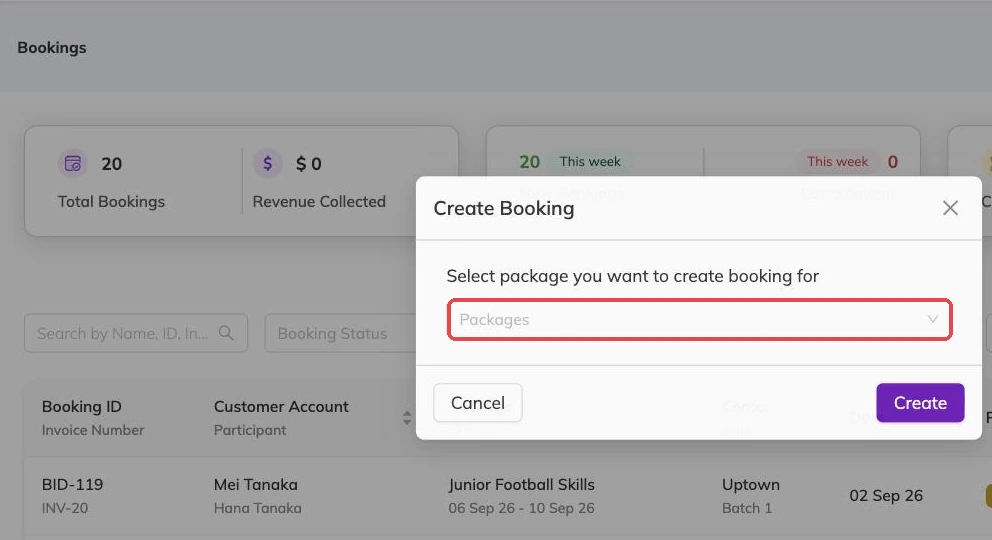
Staff can create a booking on a family's behalf from the admin console — useful for phone enquiries, walk-ins and families who don't want to use an app. Parents can also book themselves, choosing their child, the batch and the dates.
Both routes create the same kind of booking and both respect capacity and age limits. The difference is who's doing the clicking and how payment is collected.
When a session is full
If a batch has no places left on the dates requested, what happens next depends on how the package is configured. If waitlists are enabled, the booking is created with a waitlisted status and the family is told they're in the queue. If waitlists are off, the booking is refused and the family is told the centre is full on that date.
Why a booking might be refused
- The batch is full on one or more of the requested dates, and waitlists aren't enabled.
- The child already has a live booking that overlaps those dates in the same batch — Bookingo won't book the same child twice into the same session.
- The child falls outside the batch's age range.
- The requested dates aren't days the batch actually runs.
Bookings spanning multiple children
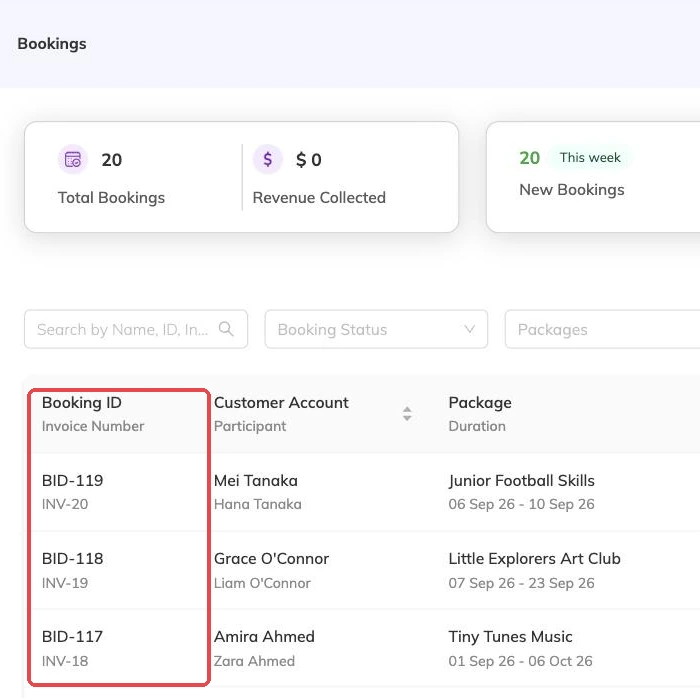
A family booking several children onto the same programme creates a booking per child, grouped together so they're invoiced and managed as one. Sibling discounts, where configured, apply across the group.
More on bookings
Booking confirmations and PDFs
What the family receives when they book, how to get hold of it again, and why it is not proof of what was agreed on the day.
Booking on a family's behalf
Take a booking at the desk or over the phone: what you need in front of you, what saving sets off straight away, and why a booking gets refused.
Cancellations and refunds
What happens to the schedule, the place and the invoice when a booking is cancelled, and what a family sees.