Taking payment online
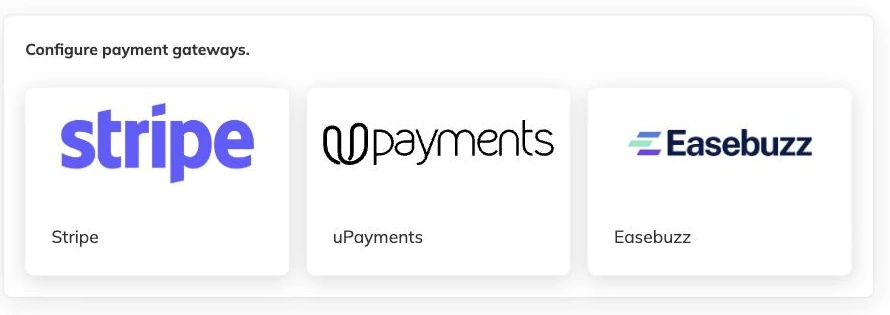
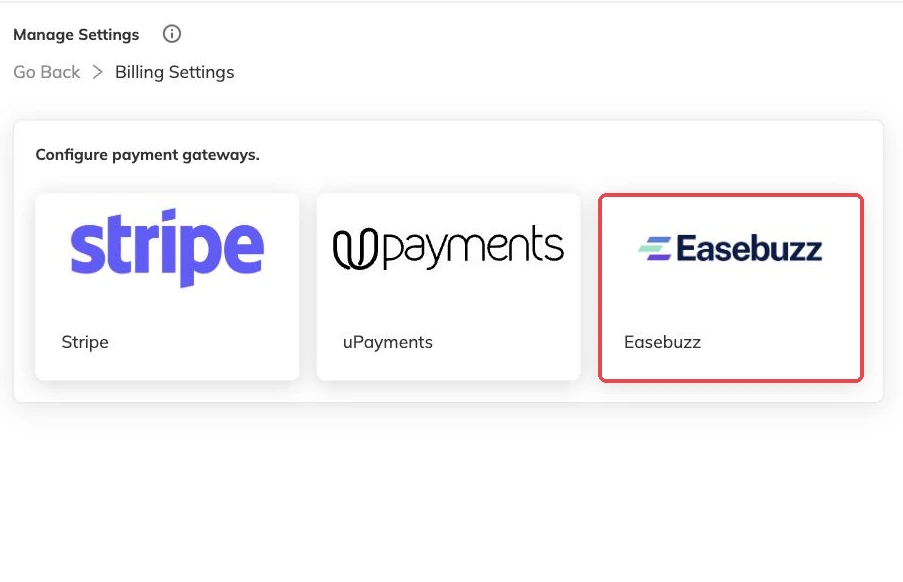
Connect Stripe, Easebuzz or UPayments so families pay as they book, and know what reaches your bank, what the provider keeps and what happens when a payment fails.
3 min read
Until a provider is connected, you are the payment system
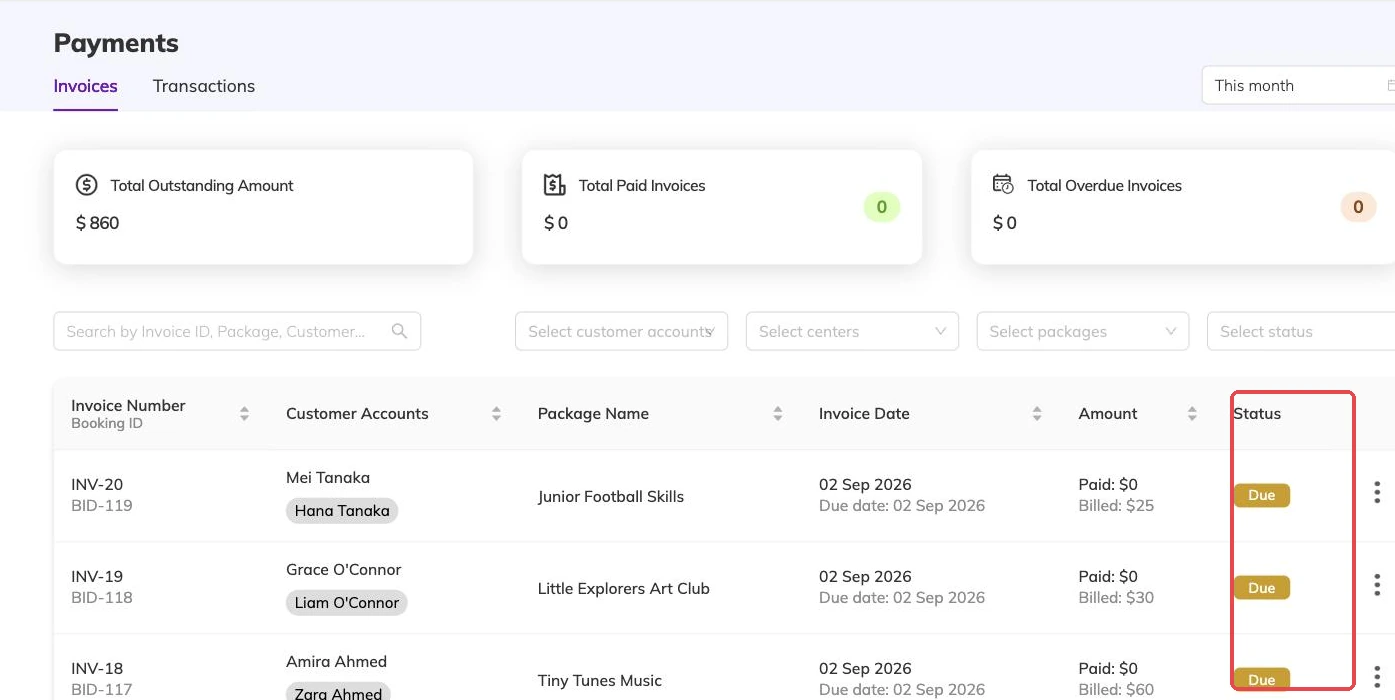
Bookingo tracks what every family owes whether or not you can take money through it. The cash at the desk, the bank transfer, the card machine by the door — you record each one against the invoice and the balance updates. Nothing is missing except the collecting.
Connect a provider and families can pay from the booking flow or from their own account, with the payment recorded against the invoice without anyone touching it. It also opens the door to collecting recurring fees automatically, which is covered in Automatic recurring payments.
Connecting one
- Have the provider account ready first. Payments settle into your own account with the provider, not into Bookingo, so that account has to exist and be able to receive money before anything is connected.
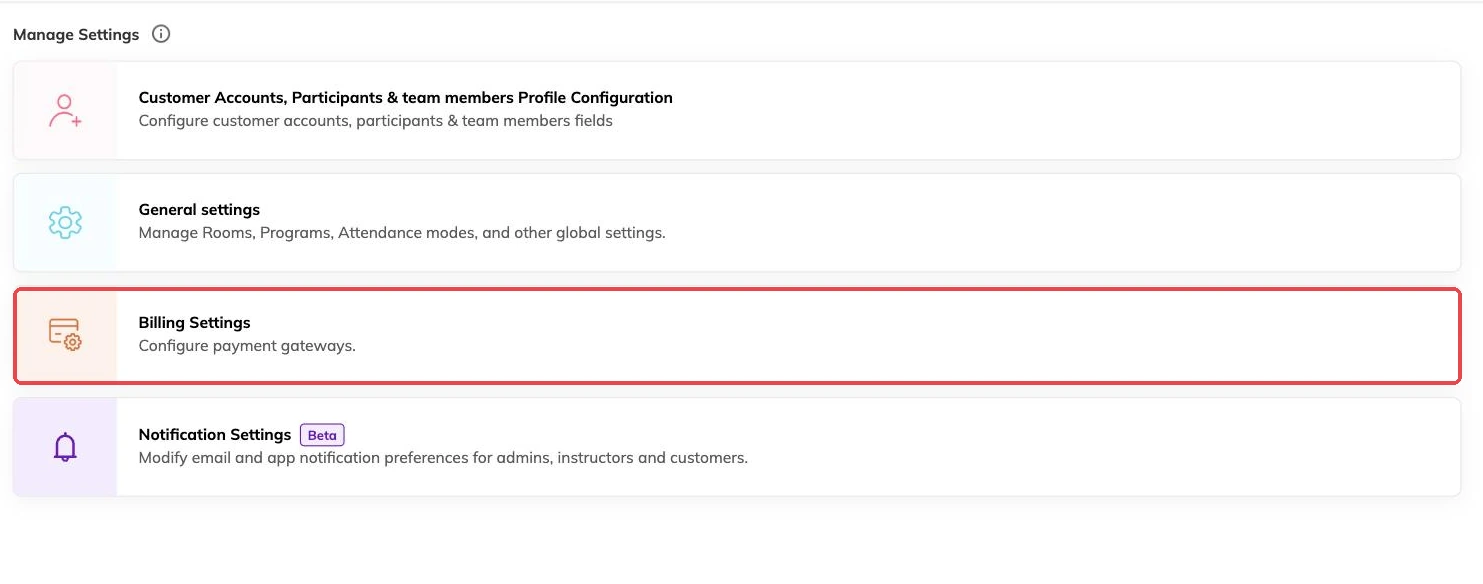
- Ask a super admin to make the connection — connecting an external system is restricted to super admins.
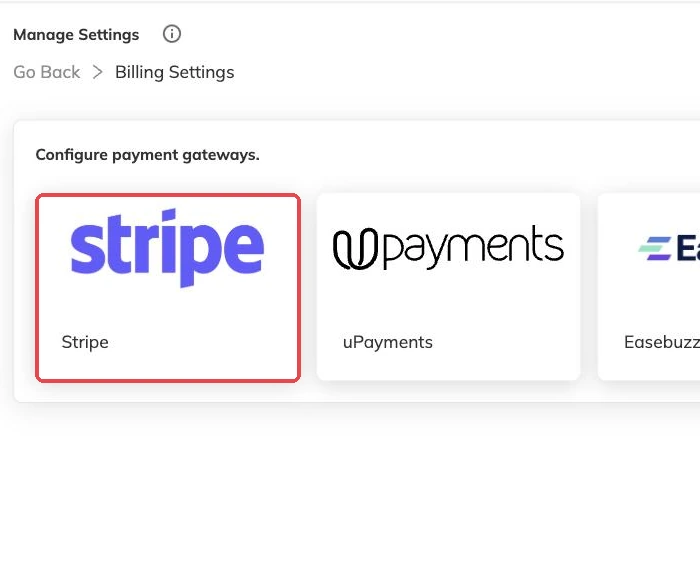
- Authorise Bookingo from the provider's side, choosing the account the money should land in.
- Take one real payment for a small amount and check it appears against the right invoice before you open bookings.
One connection per centre
The connection belongs to the centre. Run two locations that bank separately and each connects its own provider account, keeping its payments apart from the other. Running multiple locations covers what else is set per centre instead of once for the whole business.
Which providers you can connect depends on where your centre is. Ask support@mybookingo.com before you plan around a particular one.
Holding a place until payment is made
A batch can be set so a booking is only confirmed once payment has been made. That is the setting for a batch where places are scarce and an unpaid hold costs you a real booking. Leave it off and the booking is confirmed either way, with the invoice sitting on your outstanding list like any other.
Weigh it against how places are counted. A booking takes a place in every session it spans, so an unpaid hold on a popular batch is blocking eight Tuesdays, not one. Taking bookings covers the rest of the flow, and Waitlists covers what happens when a session is already full.
Fees, and what actually reaches your bank
Online payments carry the provider's fee. What the provider charged is recorded alongside the payment, so you have the amount the family paid and the cost of taking it side by side instead of working backwards from a net deposit.
Payouts are your provider's business, not Bookingo's. A payment shows here the moment it succeeds; when the money reaches your bank is set by your provider's payout schedule. Expect the ledger and the bank statement to sit out of step by whatever that schedule is, instead of matching day for day.
When a payment does not complete
Cards get declined. People close the window half way through. An attempt that fails or is abandoned leaves the invoice exactly as it was, so nothing is ever marked paid that has not been.
When a family insists they have paid and the invoice disagrees, the ledger is where you look. Each payment is recorded with a reference, and that reference is what your provider will ask for when you query it with them — see Reconciling payments with the transactions ledger.
Which payment providers you can use
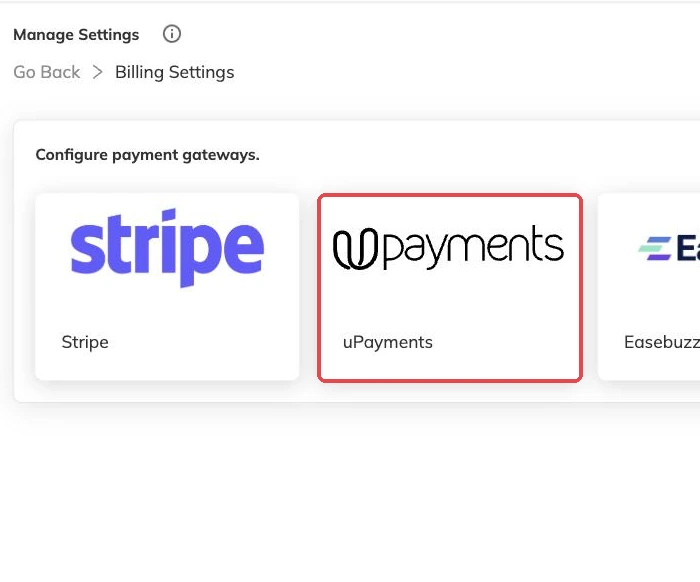
Bookingo works with Stripe, Easebuzz and UPayments. Which one suits you is mostly a question of where you are and which currencies you take — UPayments is the usual choice for centres in Kuwait and the wider Gulf, Easebuzz for India, Stripe for most other markets.
You connect one of them in your billing settings. Families never choose a provider; they just see a payment step at the end of booking.
More on money
Automatic recurring payments
Collect monthly and weekly fees from a card the family has already saved, and know what to check when a collection fails.
Outstanding balances and reminders
See who owes what today, send a reminder that is logged against the invoice, and recognise the balances that should never be chased at all.
Discounts, codes and automatic offers
Flat and percentage discounts, codes versus automatic offers, new-customer and returning-customer pricing, and discounts that apply themselves based on answers families give.