Waitlists
Turning on waitlists, how many places to hold, and how waitlisted families become confirmed.
4 min read
Enabling waitlists
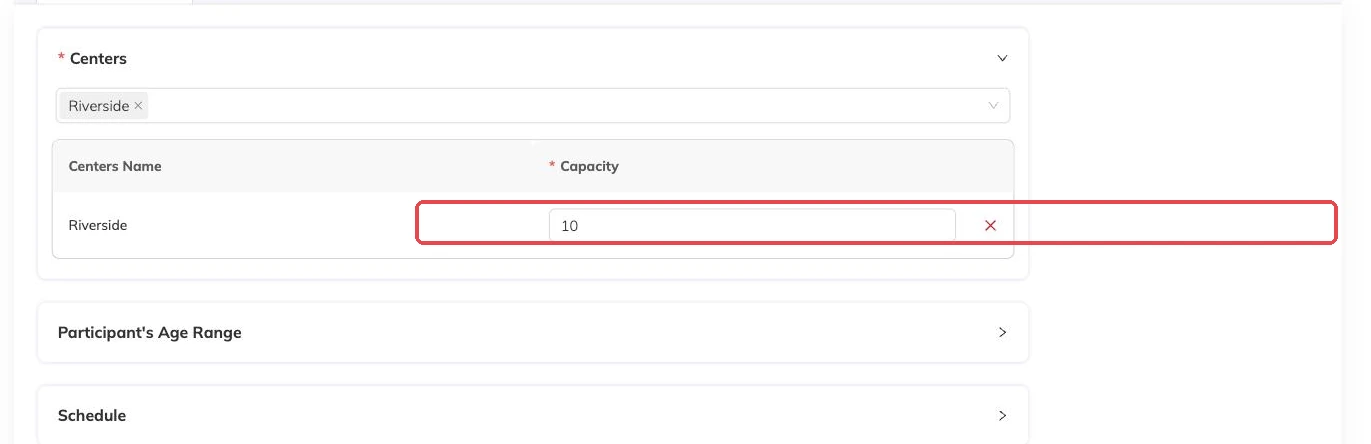
Waitlists are enabled per package. Once on, families who try to book a full session join a queue instead of being turned away. You can also set a waitlist capacity, which caps how long that queue gets — beyond it, bookings are refused as if waitlists were off.
Capping the waitlist is worth doing. An uncapped queue on a popular programme creates an expectation you can't meet.
Where a waitlist actually forms
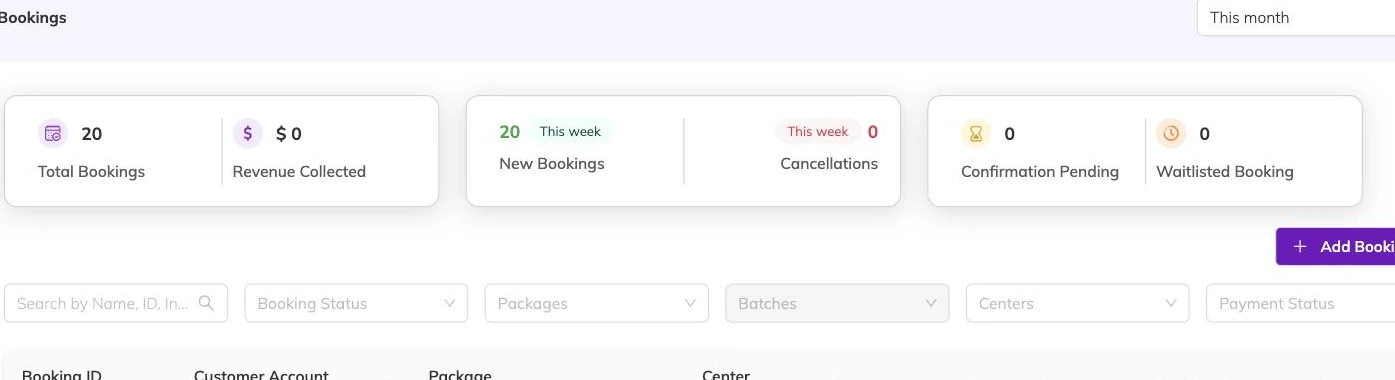
In practice the queue builds from the parent portal. A family tries to book a session that is already full, and rather than being turned away they join the waitlist — that is the path almost every waitlisted booking arrives by.
Booking someone in yourself is the deliberate exception. You usually have a reason: a sibling who has to be collected at the same time, a family you already promised a place to, a child moving up from a class you are closing.
How a waitlisted booking behaves
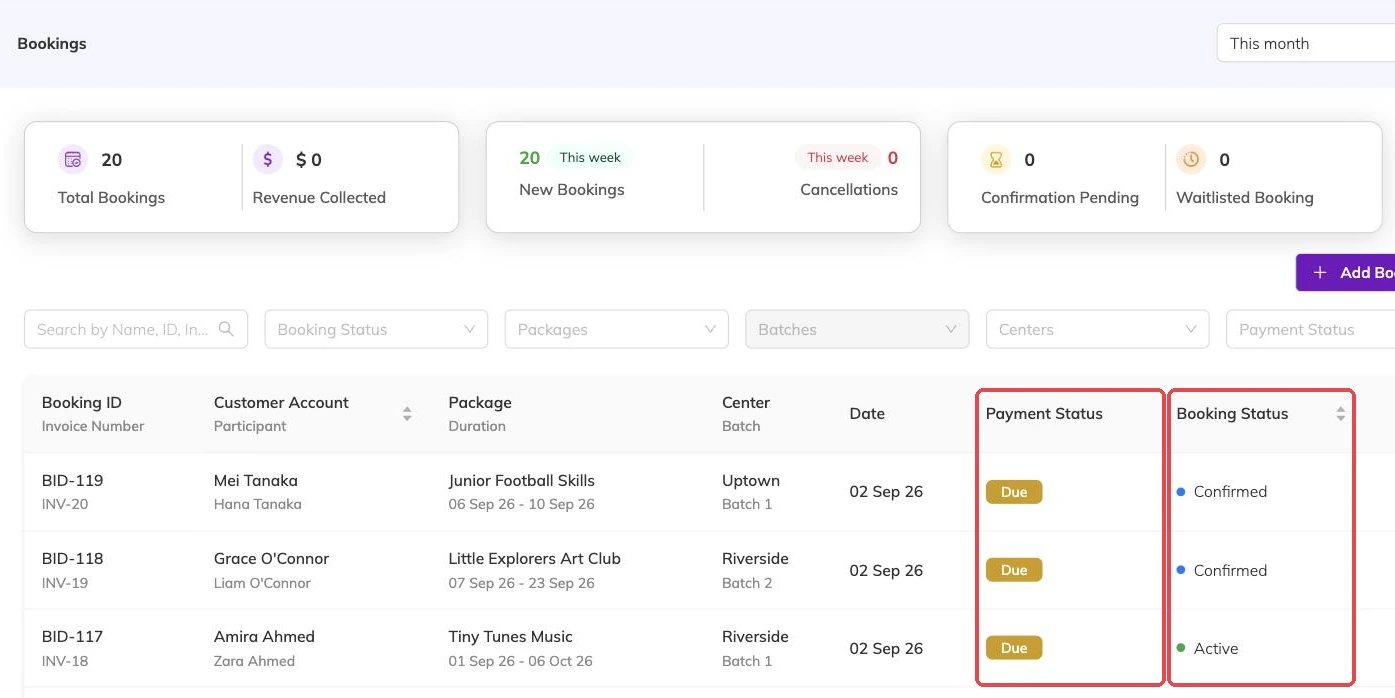
A waitlisted booking is a real booking with a waitlisted status. It shows in your lists, it belongs to the family, and it blocks that child from separately booking the same sessions — so nobody ends up both waitlisted and enrolled for the same class.
Moving families off the waitlist
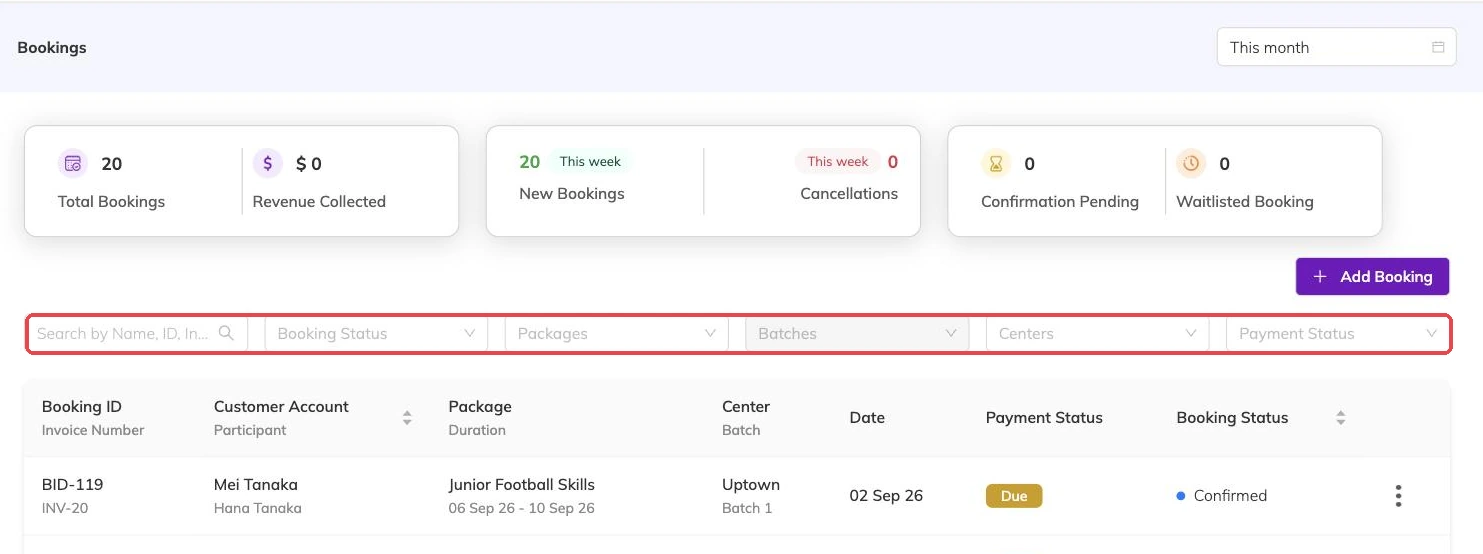
When a place frees up — usually because someone cancelled — you confirm a waitlisted booking to move it into the class. This is deliberately a decision you make rather than something automatic, so you can apply judgement about who gets the place.
More on bookings
Booking confirmations and PDFs
What the family receives when they book, how to get hold of it again, and why it is not proof of what was agreed on the day.
Booking on a family's behalf
Take a booking at the desk or over the phone: what you need in front of you, what saving sets off straight away, and why a booking gets refused.
Cancellations and refunds
What happens to the schedule, the place and the invoice when a booking is cancelled, and what a family sees.